
Market-research software compared
The DataLion alternative to SPSS
For deep, inferential statistics SPSS is genuinely strong — we are not taking that away. But market research does not end at the model: DataLion runs the analysis without syntax, builds dashboards that carry themselves forward, and reports in your own CI.
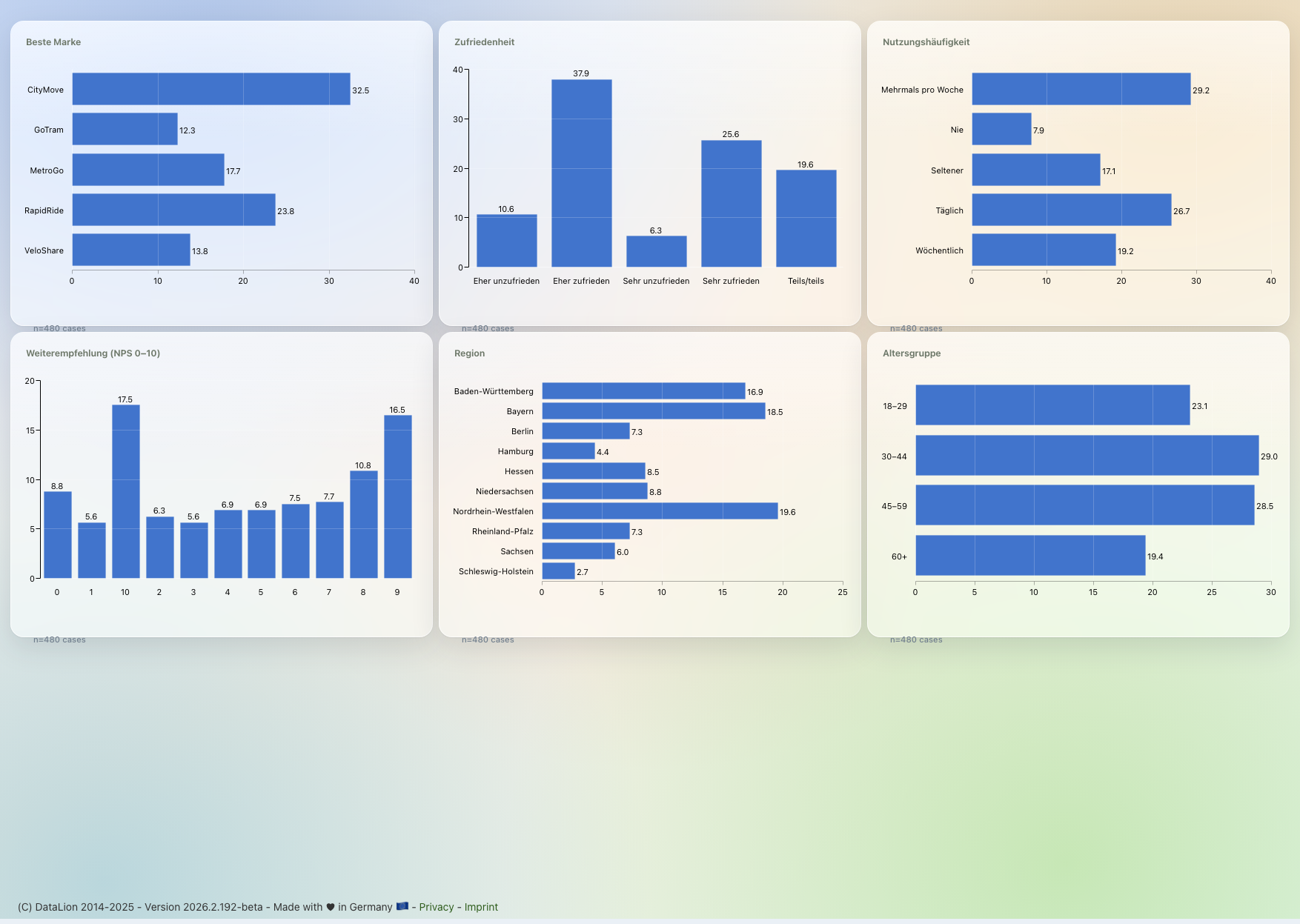
SPSS is a deep desktop statistics package with syntax and .sav files — DataLion is the web-based alternative for the market-research workflow. Instead of static output re-run each wave, DataLion runs the same MR analysis point-and-click without syntax, builds auto-updating dashboards and exports natively editable PowerPoint — hosted in ISO 27001-certified data centers in Germany.
DataLion vs SPSS at a glance
SPSS has been the default for decades — so let us be fair: for deep specialist statistics (cluster and correspondence analysis, GLM, SEM) SPSS wins. But everyday MR analysis — including regression, ANOVA, driver analysis, factor analysis/PCA and MaxDiff — DataLion runs point-and-click, and it carries you from raw data to ongoing reporting. That is exactly where the difference lies.
| DataLion | SPSS | |
|---|---|---|
| Statistical depth | Crosstabs, weighting, significance plus regression, ANOVA, driver analysis, factor analysis/PCA & MaxDiff — point-and-click, R-backed | Very strong: cluster and correspondence analysis, GLM, SEM, exact tests, conjoint |
| Operation | Point-and-click, no scripting language | Menus/dialogs plus SPSS Syntax (.sps) |
| Output | Live dashboards & reports, auto-updating | Static Output Viewer (.spv), re-run each wave |
| PowerPoint reports | Natively editable, in your own CI, automated | Exports fixed objects; no reporting automation |
| Platform & hosting | Web, ISO 27001 data centers in Germany, DPA, on-premise | Desktop (Windows/Mac), installed locally |
| Licensing model | Flexible & usage-based | IBM subscription per user/year + add-on modules (Base → Premium) |
Choose DataLion if …
- You want MR analysis (crosstabs, weighting, significance, net/top-box) without syntax
- You need auto-updating dashboards for tracking, not output re-run each wave
- Natively editable PowerPoint reports in your own CI and real sharing are mandatory
- Hosting in Germany (ISO 27001 data centers), a DPA and on-premise are required
Choose SPSS if …
- You need deep specialist statistics — cluster/latent-class analysis, correspondence analysis, GLM, SEM or exact tests
- You want to document analysis models as reproducible SPSS Syntax code
- Your team is fluent in SPSS and works mostly in individual analyses
- 🇩🇪 Made in Munich
- GDPR-compliant
- DPA included
- Hosted in Germany
- 🌐 Interface in EN, DE, FR, ES, IT & NL
For deep specialist models, SPSS stays the reference
Be fair: SPSS is mature and deep at inferential statistics. The procedure library spans descriptives and crosstabs, linear and logistic regression, cluster and correspondence analysis, GLM, and — depending on edition (Base, Standard, Professional, Premium) — complex samples, exact tests, conjoint and structural equation modelling (SEM). Via SPSS Syntax, any analysis can be captured reproducibly as a .sps script.
DataLion does not aim to be a full statistics engine like SPSS — but it covers more than you might think. Beyond the market-research core (crosstabs, weighting, significance tests, multi-response, net and top-box values) it also runs regression (linear, logistic, Poisson, stepwise, Lasso/Ridge), ANOVA, driver analysis (relative importance), factor analysis and PCA, and MaxDiff — point-and-click and R-backed. Factor analysis returns loadings, a scree plot, explained variance and KMO/Bartlett diagnostics, with optional varimax or promax rotation, and can write factor scores back into the dataset as new variables. For cluster and correspondence analysis, GLM or SEM you keep SPSS; DataLion complements it with fieldwork, live dashboards and reporting rather than fully replacing it.
- SPSS: cluster and correspondence analysis, GLM, SEM, exact tests
- SPSS: Syntax (.sps) for reproducible, documented models
- DataLion: regression, ANOVA, driver analysis, factor analysis/PCA & MaxDiff — point-and-click, R-backed, no syntax
- Honest: keep SPSS for deep inference — DataLion complements, not fully replaces
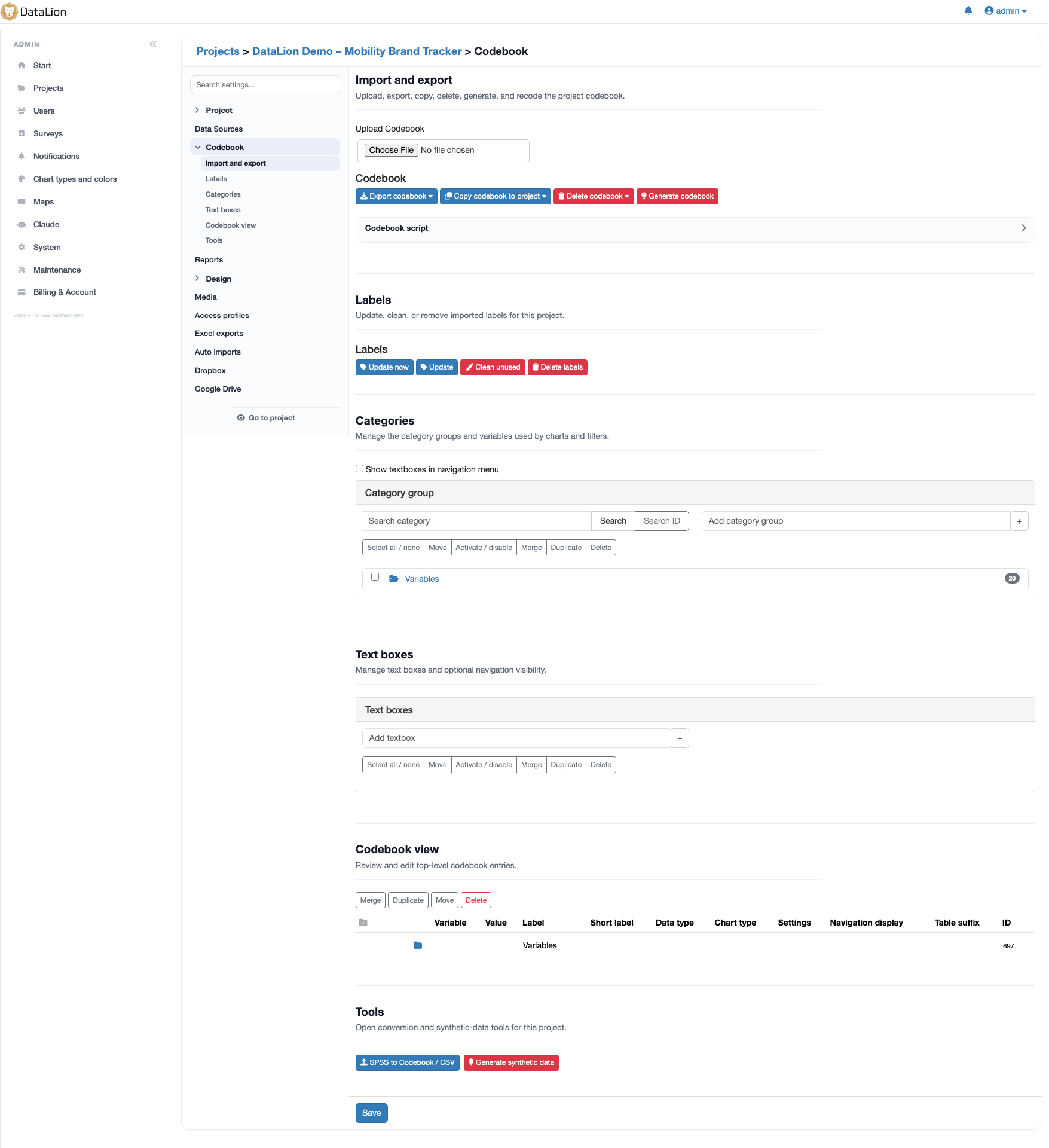
An MR workflow without syntax, not menus & commands
SPSS is built around individual analyses: you work through dialog boxes or write Syntax, and a procedure produces tables in the Output Viewer (.spv). For a tracking wave the same script is re-run by hand each wave, and banners with cell-level significance need the Custom Tables module. Powerful — but heavy for recurring reporting.
DataLion is built around the market-research workflow: multi-response, scales, net and top-box values and significance are all point-and-click — no syntax. On import DataLion reads .sav including variable and value labels, plus CSV, Excel and databases, and uses AI data recognition to map structures to the codebook automatically. Analysis flows straight into dashboards and reports — without rebuilding them each wave.
- Crosstabs, weighting, significance, multi-response, net/top-box by click
- .sav import incl. variable & value labels, plus CSV, Excel, databases
- AI data recognition maps structures to the codebook automatically
- 50+ chart types straight from the analysis — no .spv export detour
Auto-updating dashboards & native PowerPoint
SPSS output is static: the Output Viewer exports to Word, Excel, PDF and PowerPoint, but as fixed objects — a new wave means re-running everything and rebuilding the deck. SPSS is also a desktop application (Windows/Mac, installed locally); real sharing, live dashboards and client reporting are not its purpose, and collaboration is hard.
DataLion delivers auto-updating dashboards that carry forward wave over wave, and natively editable PowerPoint in your own CI — without rebuilding the template. It is hosted in ISO 27001-certified data centers in Germany (DPA, on-premise possible); AI runs via Claude over MCP. Instead of IBM's per-user, per-year licensing (Base plus add-on modules), DataLion uses flexible, usage-based licensing.
DataLion vs other MR tools
Common questions about DataLion and SPSS
Does DataLion replace SPSS for statistics?
Can DataLion read my .sav files from SPSS — including labels?
Why does DataLion not need syntax?
Do I need to run SPSS and DataLion side by side?
See DataLion next to SPSS
Try DataLion for free — or get a demo of how an SPSS .sav turns into dashboards and natively editable PowerPoint without syntax, refreshed wave over wave automatically.