
Survey software
Build surveys — and analyze them with no recoding
Build professional questionnaires with 32 question types plus description blocks, from single choice to IAT, Kano, PSM and A/B testing. Publishing automatically creates the dataset, codebook and a live dashboard. Collection, prep and analysis run in one platform, with no recodes.
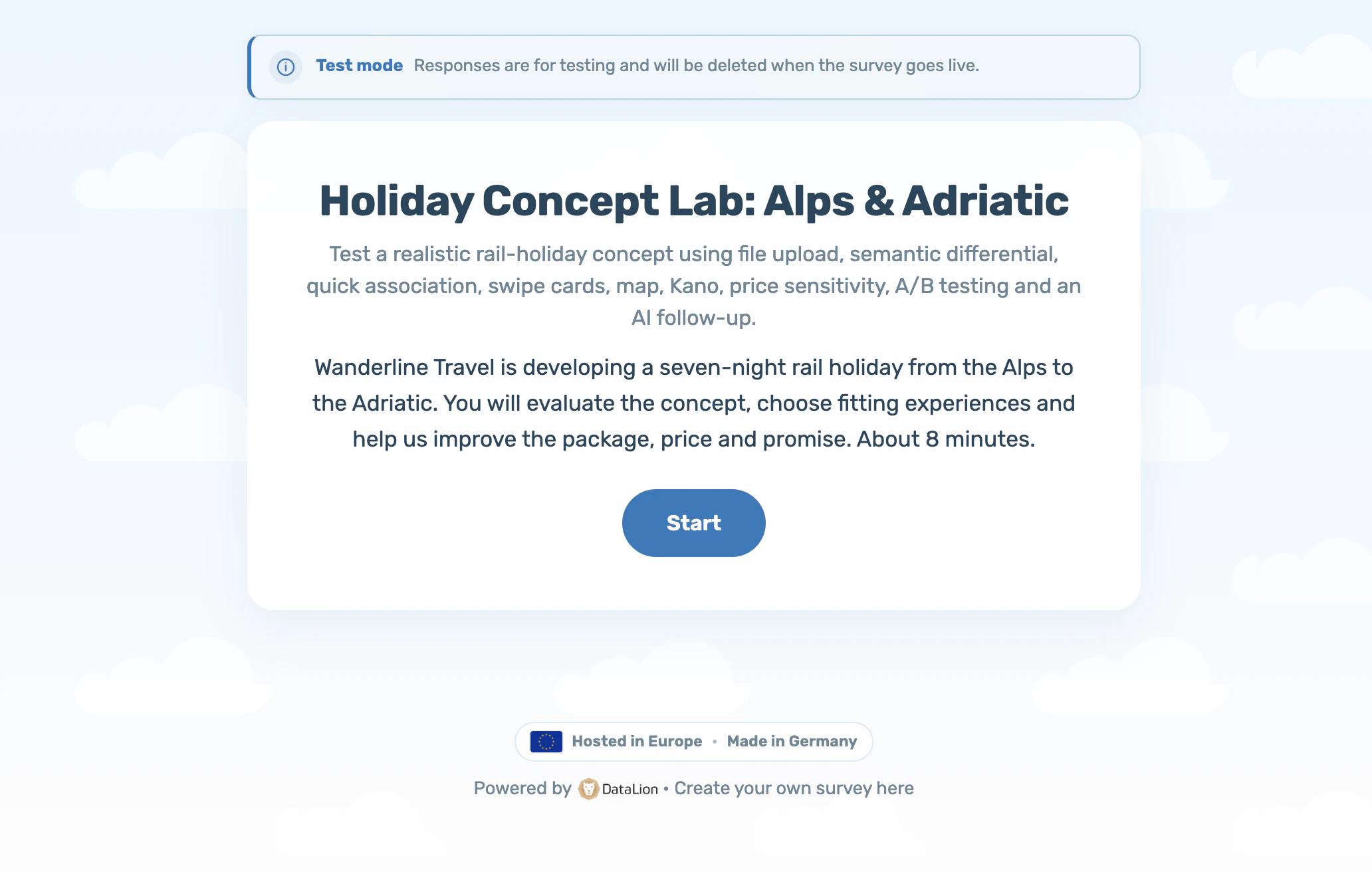
DataLion combines 32 question types plus description blocks with analysis in one platform, including IAT, Kano, Van Westendorp, A/B tests, file uploads and AI follow-ups. On publish, answers become labelled, analysis-ready variables automatically. You then weight, clean and analyze the data directly, with no recoding.
- 🇩🇪 Made in Munich
- GDPR-compliant
- DPA included
- Hosted in Germany
- 🌐 Interface in EN, DE, FR, ES, IT & NL
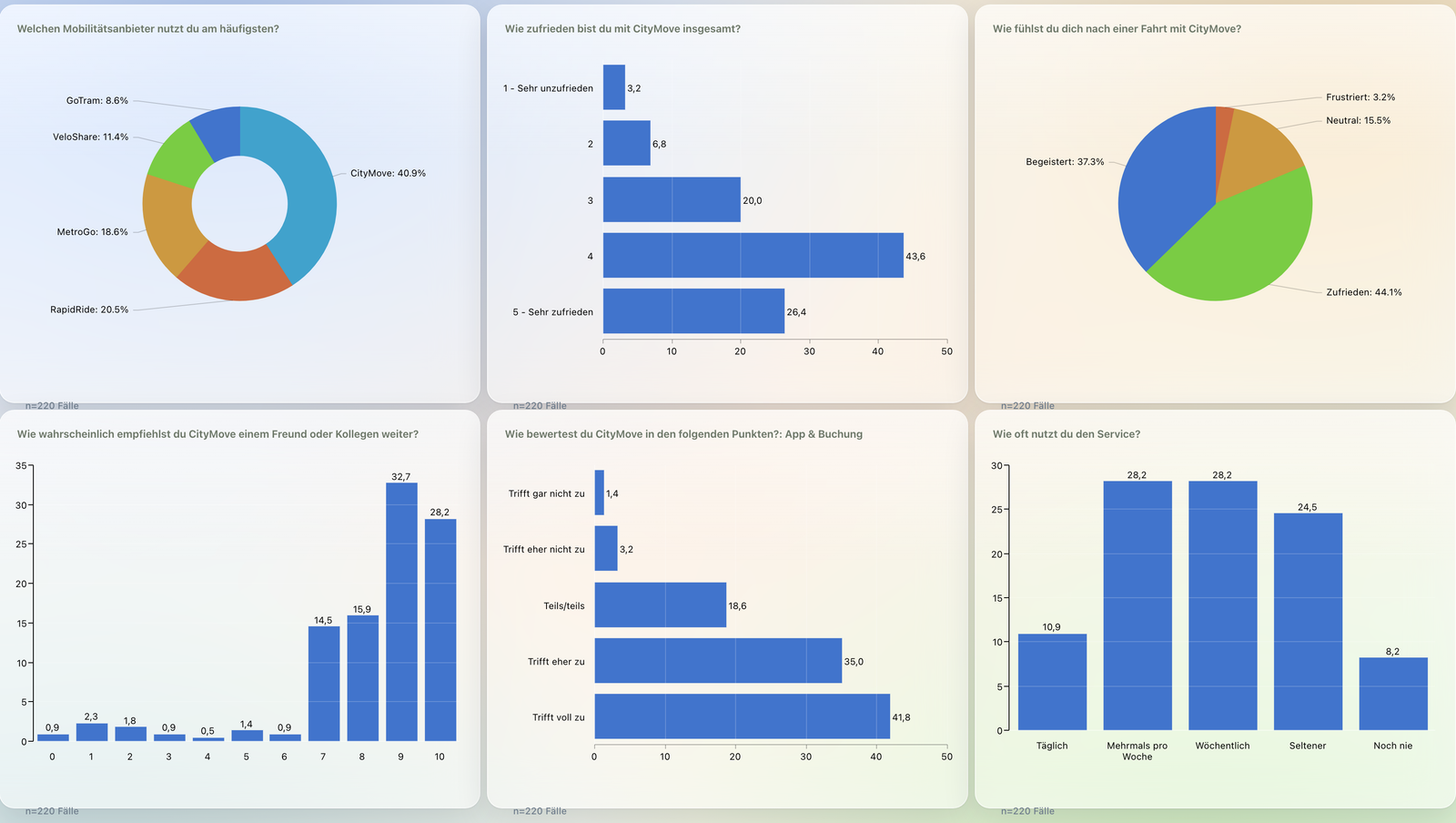
From answer straight to chart
When you publish a survey, DataLion creates a project with a response dataset and a complete codebook. Questions become SPSS-style variables including value labels at publish time.
Multiple choice expands into 0/1 columns per option and a Likert matrix into one column per row with the correct scale values. Crosstabs, weighting and visualization work without prior recoding.
- One categorical column per single-choice question
- One 0/1 column per multiple-choice option — no manual splitting
- One column per matrix/Likert row with scale value labels
- Variable and value labels generated automatically
- Auto-created results dashboard as the project start page
From single choice to IAT, Kano and A/B tests
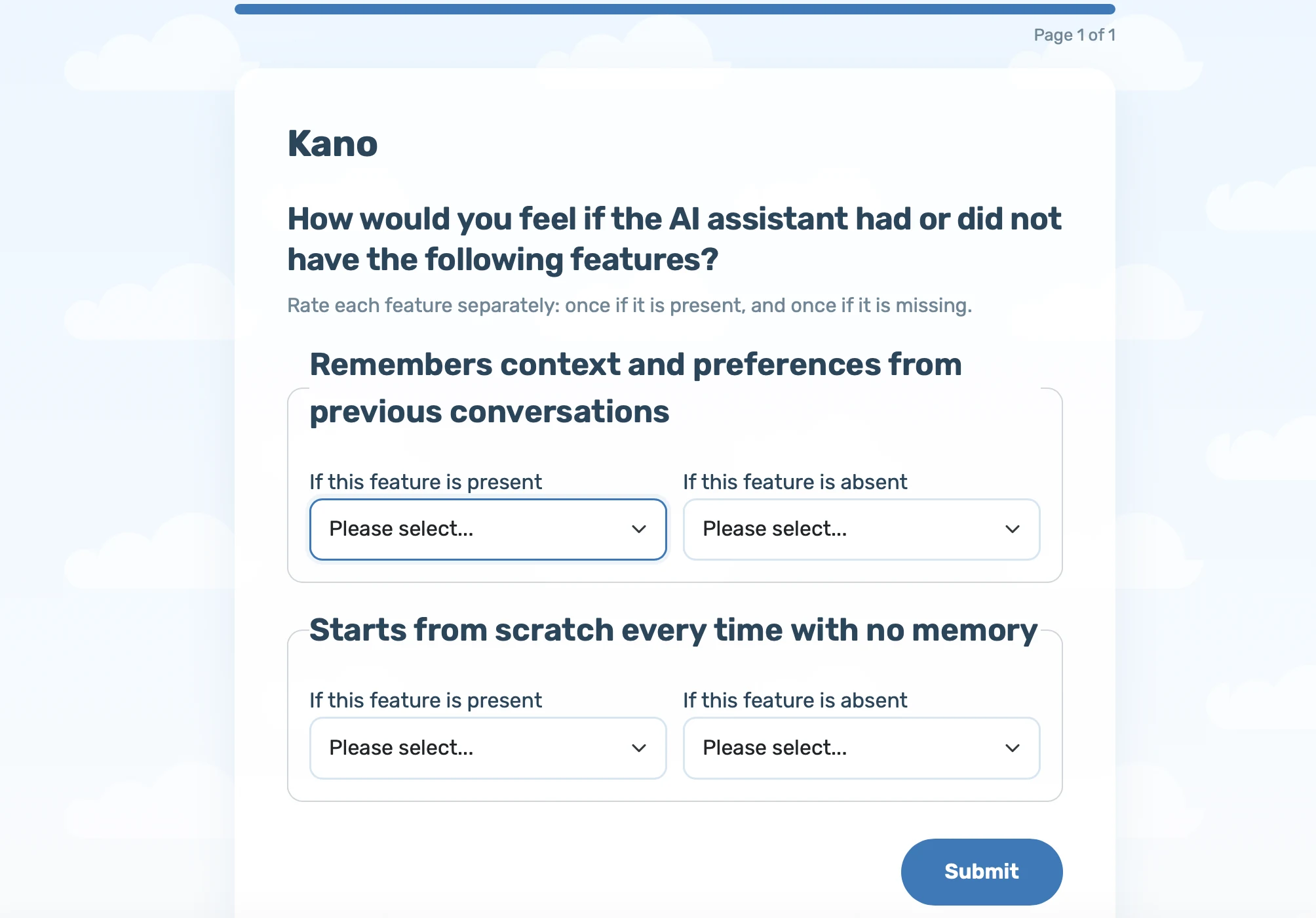
The three-pane editor covers classic questions and advanced market-research methods. Every type is validated in the mobile runner, persisted and expanded into the right analysis-ready variables.
The new catalog adds file upload, semantic differential, IAT, swipe cards, map, Kano, Van Westendorp, A/B test and an AI-generated follow-up. See the question-types page for the full catalog.
- Single choice, multiple choice, dropdown and picture choice
- Likert matrix (single- and multi-select) for scale batteries
- MaxDiff, conjoint, semantic differential and IAT
- Swipe cards, map markers, Kano, Van Westendorp and A/B tests
- Open text, AI follow-up, file upload, contact and consent
Skip logic, screen-out & display conditions
Control the flow with answer-based skip logic. Depending on the selected answer, it jumps to a follow-up question, the end or a screen-out with custom end text. Display logic shows questions based on earlier answers and supports AND/OR conditions.
Answer randomization, page breaks, response limits and automatic close dates are enforced server-side.
- Answer-based skip logic incl. screen-out with custom text
- Display logic (show-if) with AND/OR conditions
- Randomization of answer options
- Response limits and automatic close dates
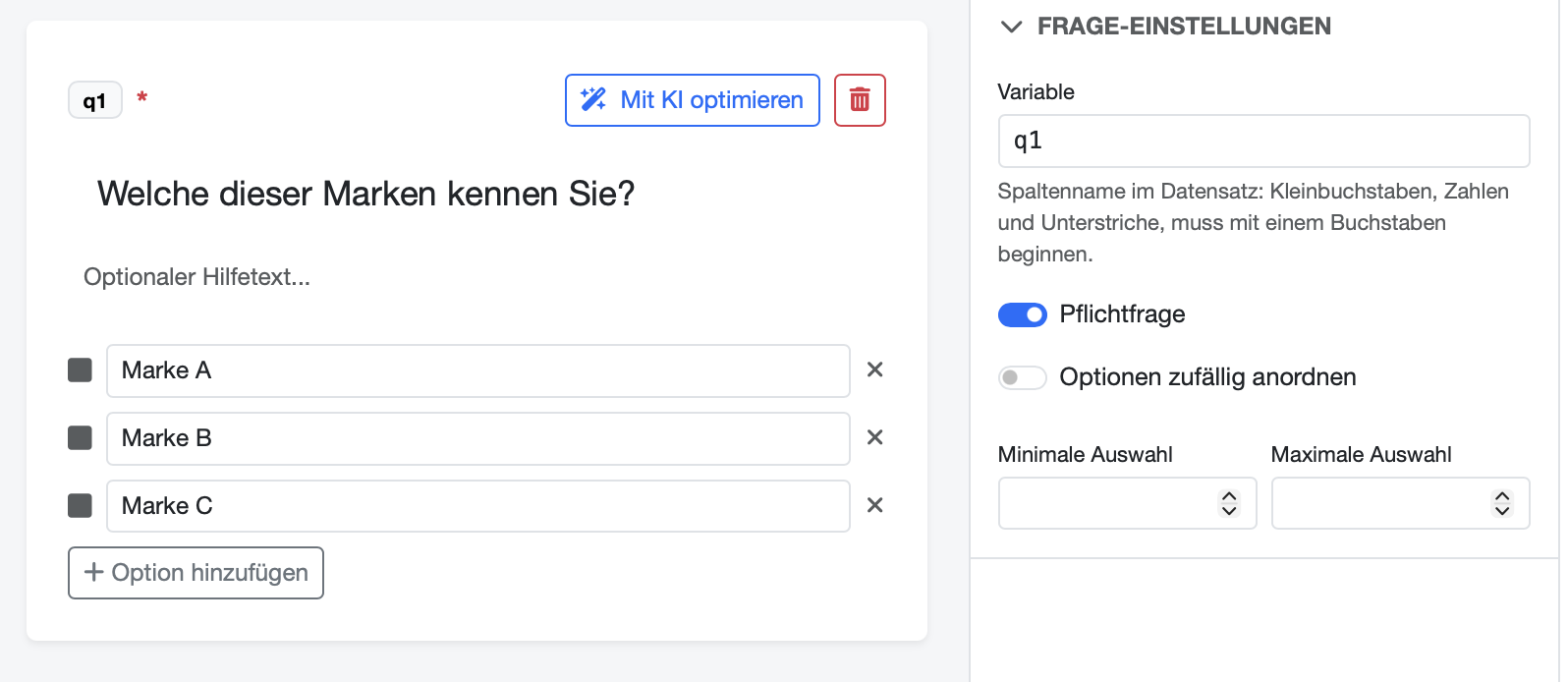
- Editable variable codes — e.g. gender or nps_score
Weight, clean, recode — without exporting
Need to adjust the raw data? In DataLion you weight samples, clean missing values, recode and reshape between long and wide format — directly on the dataset, with no detour through SPSS or Excel.
Everything on weighting, cleaning and recodes on the Data preparation page.
20+ statistical procedures — on an R engine
From significance tests to regressions, ANOVA and MaxDiff: DataLion's statistics engine runs on R and reports significance at confidence levels from 80% to 99% directly in tables and charts.
More on tests, crosstabs and timelines on the Analysis & statistics page.
Create and optimize surveys with AI
“Create survey with AI” generates a questionnaire from a topic description, including the title, welcome and thank-you texts, typed questions, scales and pages.
“Optimize with AI” revises wording, answer options and structure of a draft while preserving your variable codes. Learn more on our AI-powered market research page.
Share, embed and style
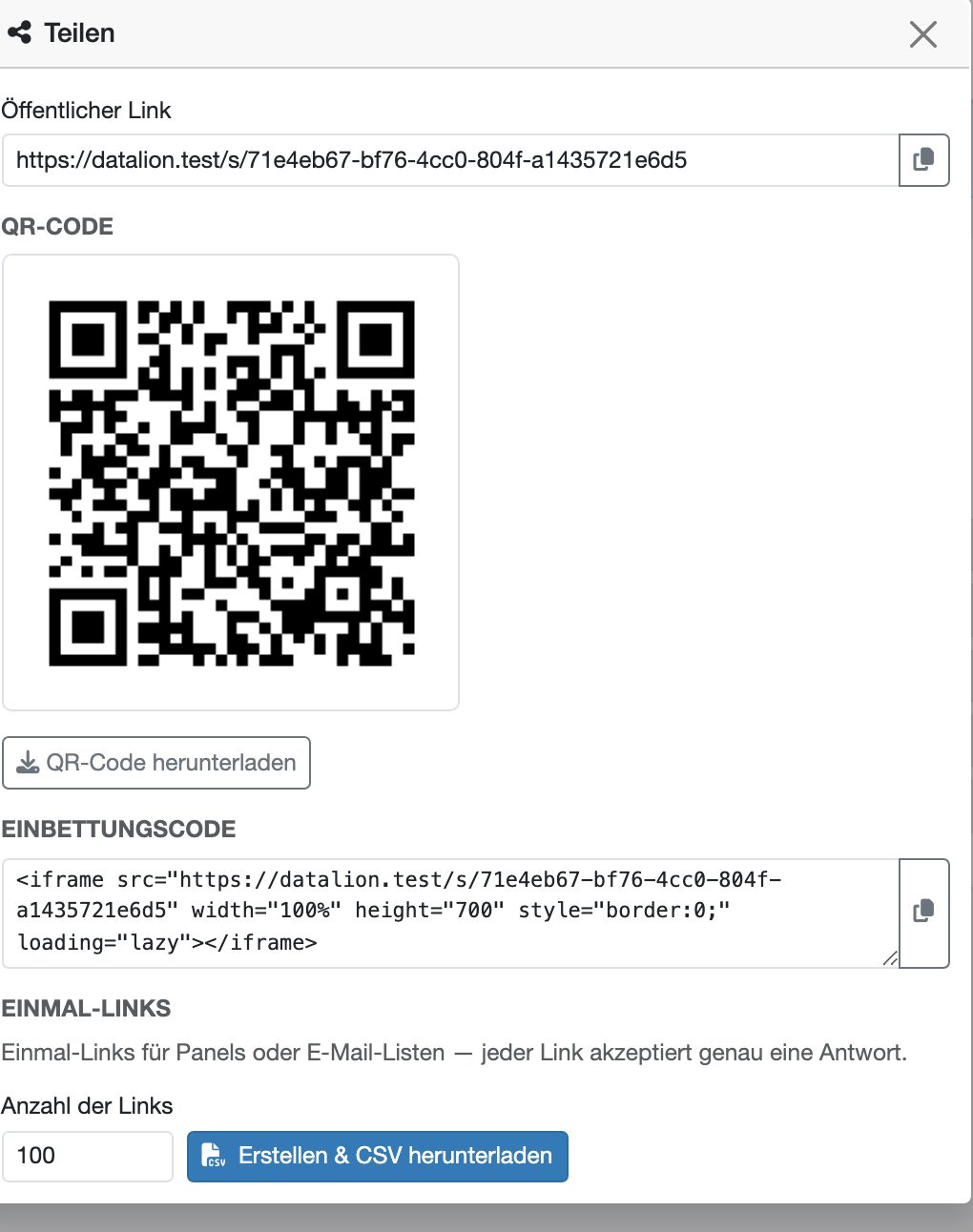
Publish via a public link, QR code or iframe embed. For panels and mailing lists, generate one-time invite links as a CSV. Each link accepts exactly one response. URL parameters such as source or panel are captured directly as variables.
The mobile-first survey runner offers animated transitions and auto-advance. Use 17 design templates and a builder for accent, background, card and text colors to match the survey to your brand. DataLion branding can be hidden.
- Public link, QR code and iframe embed
- One-time invite links (CSV) for panels & mailing lists
- URL-parameter capture into dataset variables
- 17 design templates plus a custom design builder
- Whitelabel: remove DataLion branding per survey
Further along the workflow
Common questions about the survey software
Which question types does DataLion survey software support?
Do I have to recode survey data before analysis?
How are multiple-choice and Likert questions analyzed?
Which survey tool has built-in analysis and dashboards?
Which survey software works with SPSS?
Can I export survey results to PowerPoint and Excel?
Is there a GDPR-compliant survey tool hosted in Europe?
Can I import existing data from Qualtrics, LamaPoll or SPSS?
What is the difference to SurveyMonkey?
What is the difference to LamaPoll?
What is the difference to Qualtrics?
Can I create surveys with AI?
Build your first survey — and analyze it instantly
Try DataLion free: build a questionnaire, publish it and watch the results dashboard go live — including weighting and statistics, with no recoding. Or book a personal demo.