
Data preparation
Weight survey data — with honest bases
Make your sample representative: DataLion computes with weighting variables, reports weighted bases and weights to target distributions — right on the dataset, with no detour through SPSS.
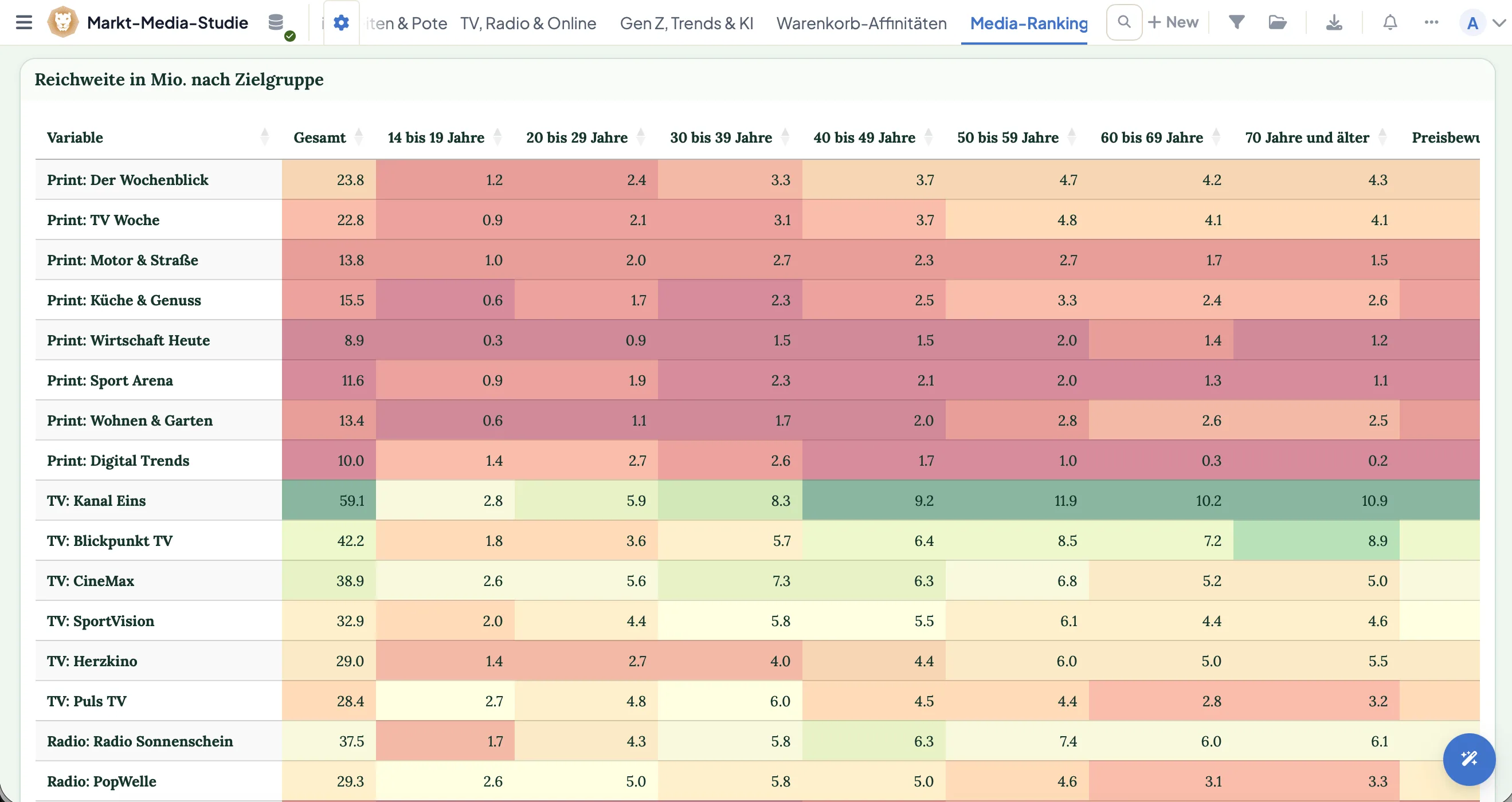
DataLion weights survey data right on the dataset: with weighting variables, weighted bases (weighted N) and cell weighting to target distributions. Weights come from the main dataset or a separate weight table, and weighting can optionally recalculate on every filter — with no export to SPSS.
Prefer to watch? The 2-minute tutorial
- 🇩🇪 Made in Munich
- GDPR-compliant
- DPA included
- Hosted in Germany
- 🌐 Interface in EN, DE, FR, ES, IT & NL
Trusted by research institutes, brands & insights teams






- 50+ interactive chart types
- 20+ statistical methods
- SPSS · Excel · CSV import without data loss
- ISO 27001 certified data centers (Germany)
Weighting too often ends up in SPSS
- You export to SPSS, weight there — and re-export on every correction.
- Weighted bases don’t show up cleanly in tables, so you recompute N by hand.
- Analyze a subgroup and the weighting no longer fits — the base tips over.
- Target distributions live in a separate file, away from the actual data.
Weighting variables and weighted N
DataLion computes with weighting variables and reports a weighted N everywhere — in crosstabs, charts and reports. You see at a glance which weighted base a value rests on.
Weights come from either the main dataset or a separate weight table joined by a key. No double prep, no parallel spreadsheet.
- Weighting variables and weighted N across all analyses
- Weights from the main dataset or a separate table
- Weight table joined by a key
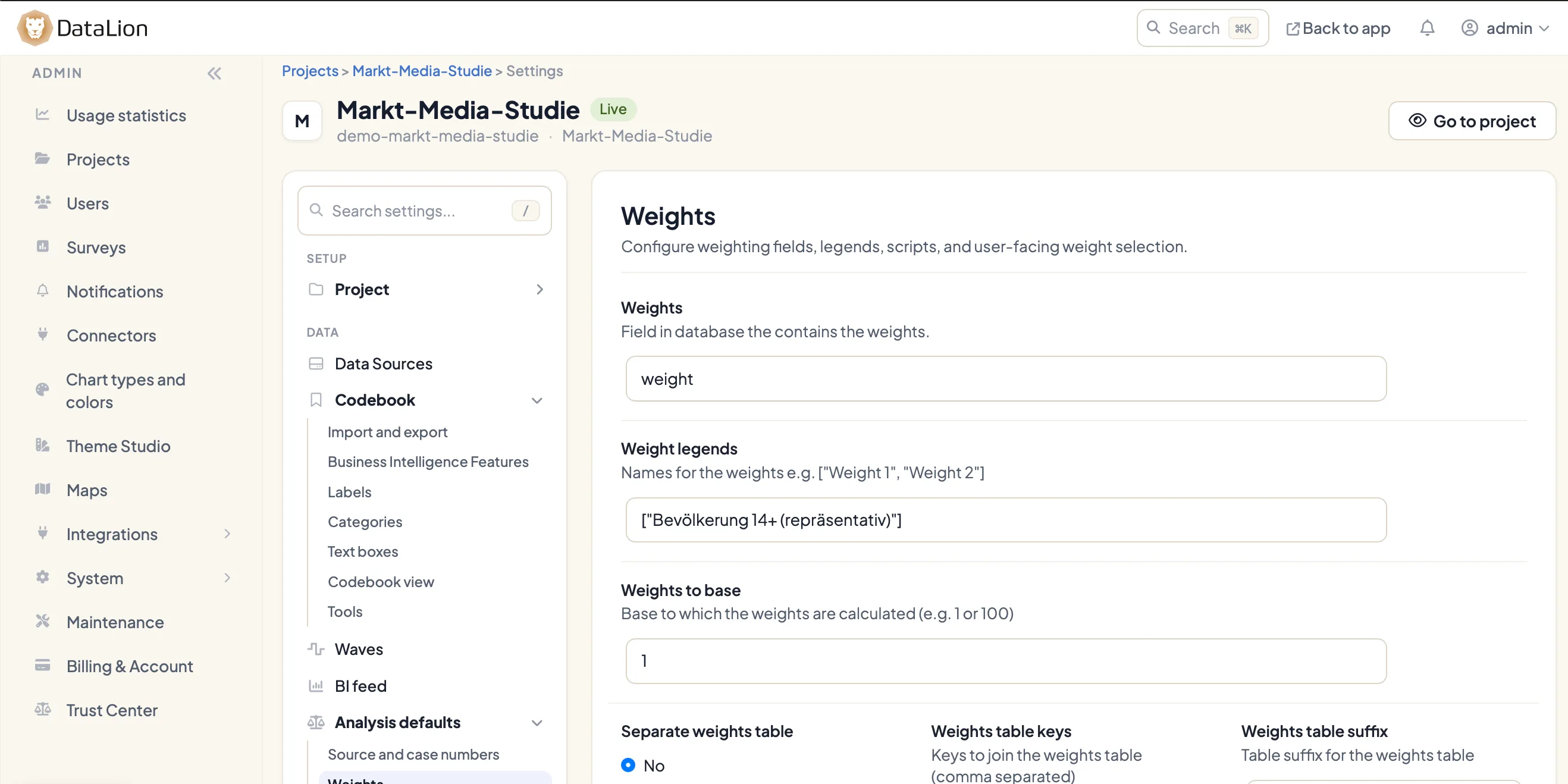
Cell weighting to target distributions
Bring your sample onto given target distributions with cell weighting: you set targets per cell — say age × gender or region — and DataLion weights the data to match.
Optionally you define your own target base the weights align to, so you decide which population the data is weighted against.
- Cell weighting with per-cell targets (e.g. age × gender)
- Optional target base as the reference for weighting
- Aligned to your target distribution, not a fixed default
Census weighting by age and gender
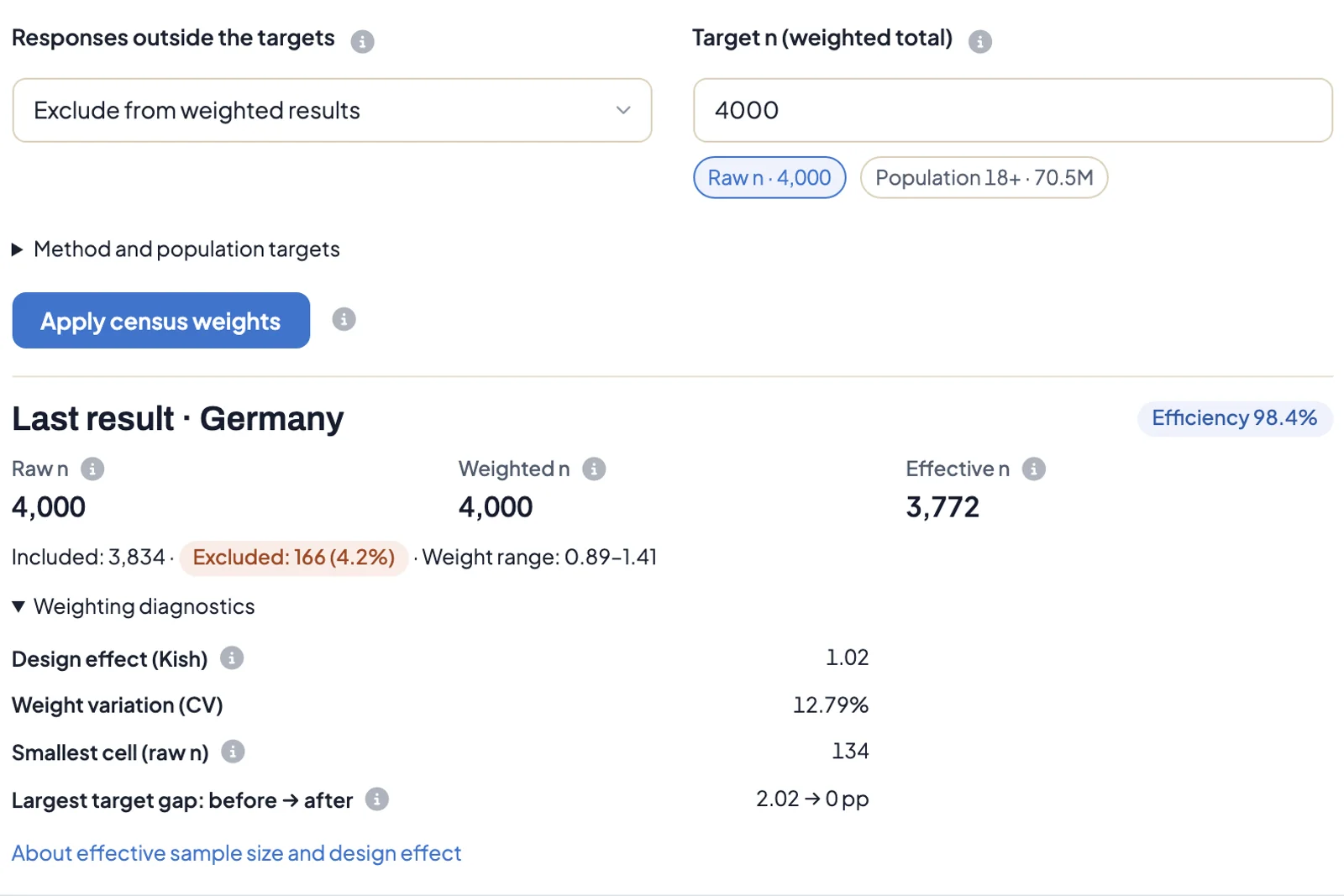
Bringing an online sample in line with the population needs no targets of your own. DataLion ships age × gender target distributions for 34 countries, built from the United Nations World Population Prospects (residents aged 18+).
Pick the country, DataLion pre-fills the respondent ID, age and gender fields from common field names, and “Apply census weights” saves and activates the weights. You then see efficiency, effective n, design effect and the largest target gap before and after.
Switch any chart between weighted and unweighted. The base line under the chart says “Weighted” or “Unweighted”, so nobody mixes up the two views.
- Age × gender targets for 34 countries (UN World Population Prospects)
- Respondent ID, age and gender fields pre-filled from their names
- Efficiency, effective n, design effect and target gap after applying
- Any chart weighted or unweighted, labelled in the base line
Flexible bases per question and category
Not every question shares the same base. In DataLion you define bases per question or category — and where needed an alternative, self-computed base via an expression like {{= COUNT(...) }}.
Filtering stays clean too: with SQL filters like {{ VAR IN (1,2,3) }} and OR filters you scope subgroups exactly, without touching the raw dataset.
- Bases flexible per question or category
- Alternative, self-computed base via
{{= COUNT(...) }} - SQL filters
{{ VAR IN (1,2,3) }}and OR filters for subgroups
Filter-driven recalculation
Optionally tie weighting to filters: when someone picks a subgroup in the dashboard, DataLion recalculates the bases automatically so the weighted analysis fits that subgroup.
The feature toggles per project, and a “Reset weights” button in the admin restores the original state.
- Optionally tie weighting to filters
- Bases recalculate automatically on subgroup selection
- Admin “Reset weights” button
See DataLion with your own data
Start free with your own raw data. Or book a personal demo of the path to a finished dashboard.
What users say about DataLion
- via G2
The embedding function allows us to generate insights of our data for our audience and customers by far less than half of the usual time needed before.
Verified user · Leisure, Travel & Tourism - via G2
User-friendliness, especially for market research topics. Structured backend with many customization options.
Verified user · Market Research - via G2
The contacts at DataLion are very committed. If you have problems, you can count on help. DataLion reacts quickly to requests for new functions.
Robert Q. · Managing Director - via G2
Very professional company, attentive to the customer needs, provider of a great software and service.
Generoso M. · CRM Analyst, Automotive

We now work much more efficiently, giving us more time to take care of the derivations and insights from the data for the customers.
More data preparation
Guides in the help center
Common questions about weighting
Can I weight survey data in DataLion?
Where do the weights come from?
Does DataLion support target weighting to set distributions?
Does weighting recalculate automatically on filtering?
Can I set bases per question myself?
Weight right on the dataset — no export
Try DataLion free: weighting variables, weighted bases and target weighting in one tool. Or book a personal demo.