
Market-research software compared
The DataLion alternative to Excel
For quick, free-form calculation Excel is hard to beat — and that stays true. But the moment real market research enters, it tips into formula chaos: DataLion gives survey data a real home — and still exports Excel.
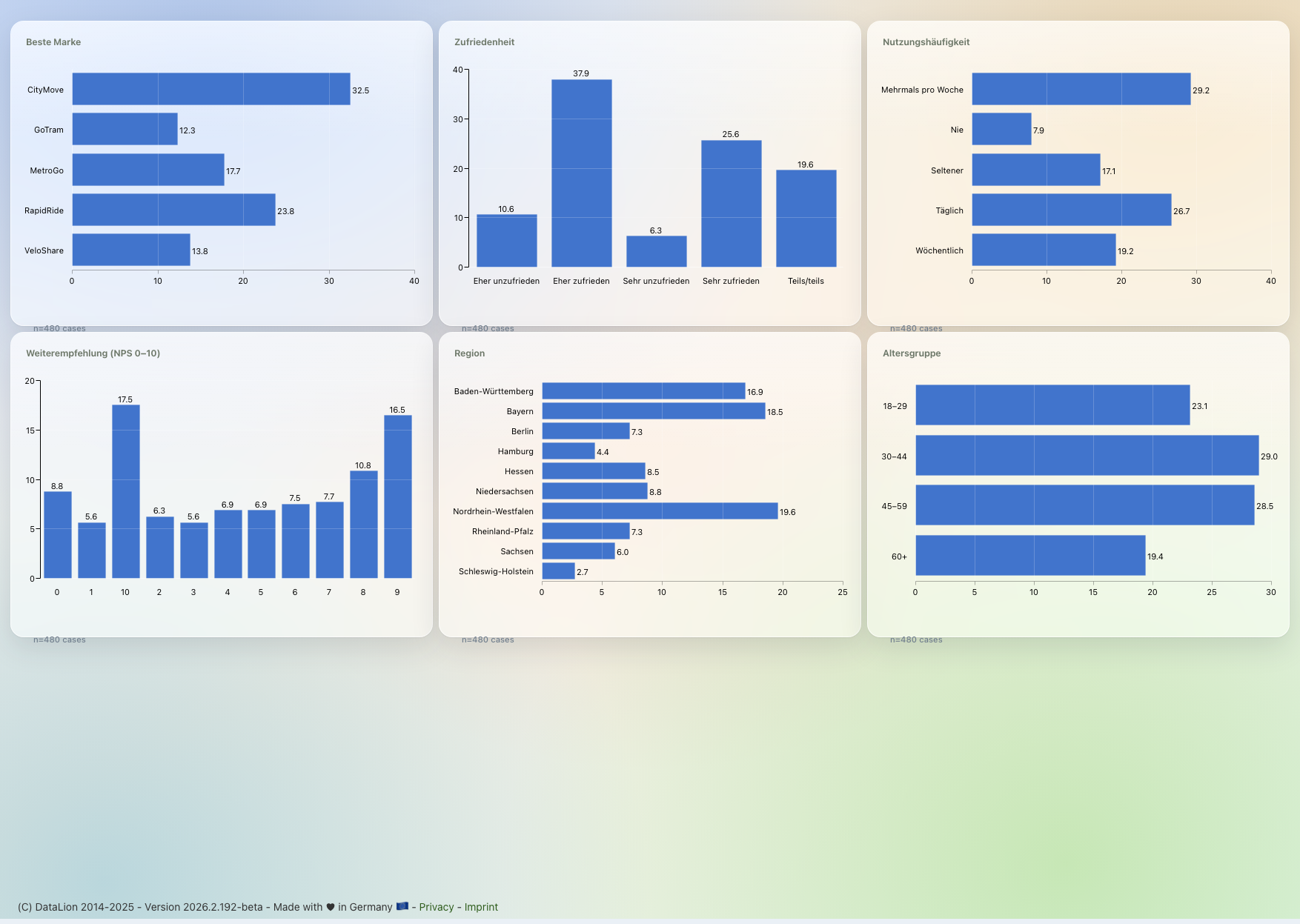
Excel is the universal spreadsheet — flexible, installed everywhere, usable by anyone. For market research it lacks the structure: multi-response, scales, weighting and significance live in fragile formulas, and every tracking wave is rebuilt by hand. DataLion is built for exactly that, hosts in ISO 27001-certified data centers in Germany — and still exports flexible Excel report books.
DataLion vs Excel at a glance
This is not a fair fight both ways — Excel is a spreadsheet, not a market-research tool. So here is the honest version: where Excel is enough, and where survey data needs a home built for it.
| DataLion | Excel | |
|---|---|---|
| Survey structures | Multi-response, scales, net/top-box native | No concept — rebuilt by hand as 0/1 columns & formulas |
| Weighting | Built in, one toggle | SUMPRODUCT formulas by hand, hard to audit |
| Significance testing | Cell-level & point-and-click in the crosstab | Hand-built (CHISQ.TEST/z-scores), error-prone |
| SPSS import incl. labels | Variable/value labels & codebook preserved | Raw values only; labels lost or done by hand |
| Tracking waves | Dashboards update automatically | Rebuild raw data, formulas & charts every wave |
| Reporting | Natively editable PowerPoint in CI + Excel export | Charts by hand, decks by copy-paste |
Choose DataLion if …
- You work with survey data regularly — multi-response, scales, weighting and significance should simply be right
- You run tracking studies and do not want to rebuild waves by hand each time
- You need reproducible, auditable analysis instead of fragile formulas in shared files
- You want reports as natively editable PowerPoint in your own CI — and still an Excel export when you need one
Choose Excel if …
- You have a small, one-off dataset and just need a quick ad-hoc analysis
- You are doing something bespoke that fits no study logic — free-form formulas are an advantage here
- It is already installed, everyone can use it, and nothing needs to be tracked or repeated
- 🇩🇪 Made in Munich
- GDPR-compliant
- DPA included
- Hosted in Germany
- 🌐 Interface in EN, DE, FR, ES, IT & NL
Survey data has no home in a grid
Excel knows rows and columns — but not market research. Multi-response questions you have to split into 0/1 columns yourself and count option by option, scales are just numbers without value labels, and for weighted shares you build SUMPRODUCT formulas no one but you can follow. Top-2-box, net scores or a clean "base: everyone who saw question X" are manual work every time.
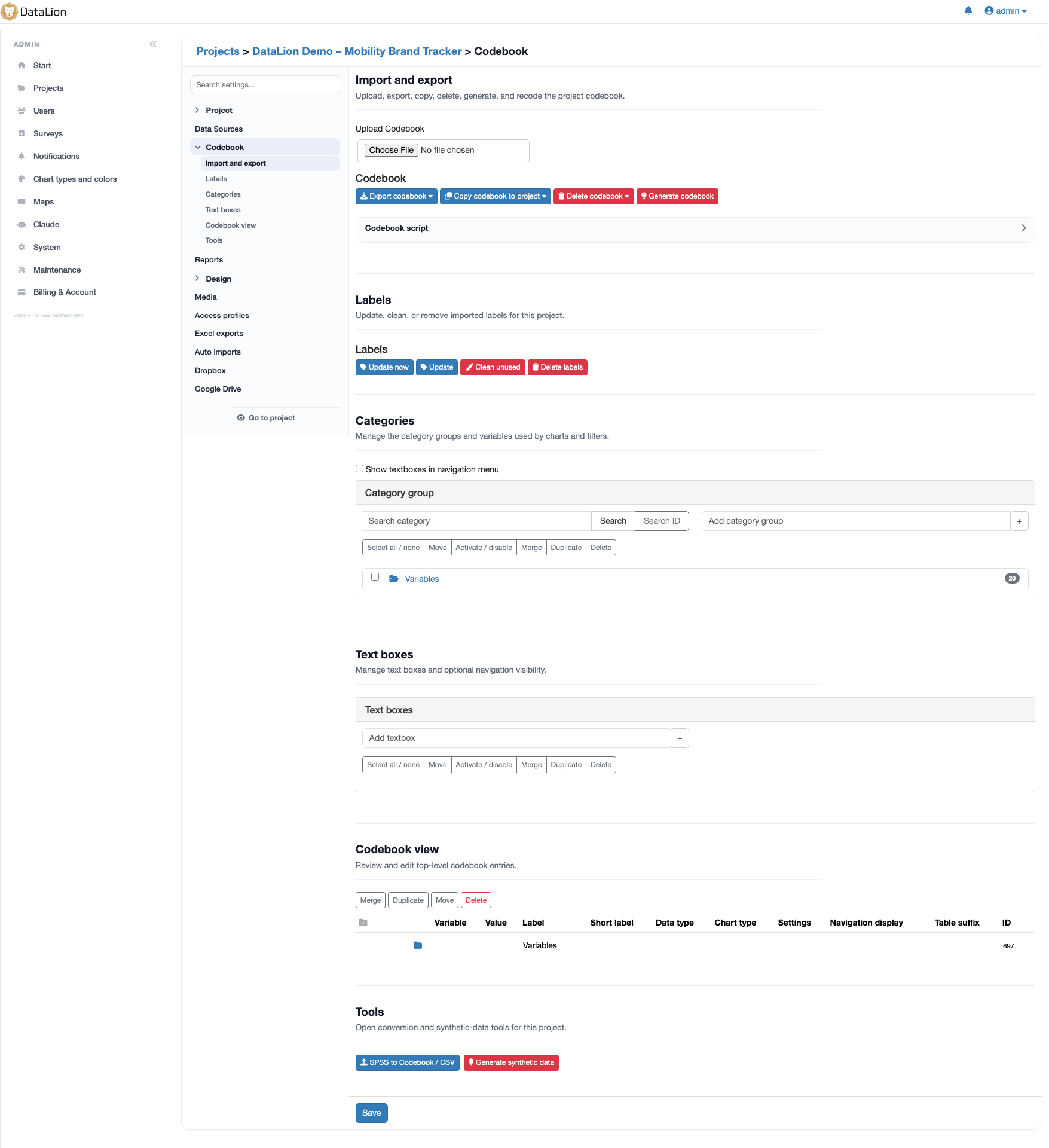
DataLion is built for exactly this: multi-response, rating scales, weighting, net and top-box values are native concepts, not a formula workaround. Import SPSS and variable and value labels come with it, plus a full codebook — the meaning of the data is preserved instead of vanishing into column headers like "Q7_3".
- Multi-response: native in DataLion vs manual 0/1 columns + COUNTIF per option
- Scales & labels: real value labels instead of bare numbers in cells
- Weighting: one toggle instead of SUMPRODUCT formulas nobody audits
- Net/top-box & correct question bases without recurring manual work
Significance by hand is error-prone — and invisible
Excel has no crosstab engine with cell-level significance testing. To know whether two groups really differ, you assemble t-tests or chi-square from CHISQ.TEST and z-scores yourself — per table, per wave, by hand. A shifted cell reference or a formula that did not fill down often only surfaces once the number is already in the report.
DataLion computes crosstabs with weighting and significance testing point-and-click — no syntax, no home-built statistics. The analysis is reproducible: the same table applies the same logic across waves, and significance markers sit in the table itself instead of in a side calculation.
- Cell-level significance built in instead of hand-built CHISQ.TEST/z-score constructs
- Reproducible logic instead of copy-pasted formulas that silently break
- Weighted crosstabs without PivotTable gymnastics
- No "base drift": question bases and filters stay cleanly defined
Rebuild every wave — or set it up once
Tracking studies show the difference most clearly. In Excel each new wave means: paste raw data, drag formulas down, extend PivotTable ranges, rebuild charts — and update the deck by copy-paste. Shared files turn into "final_v3_final.xlsx", parallel versions and version chaos the moment more than one person is involved.
DataLion dashboards update automatically as new data arrives — set up once, the tracker runs. Reports come out as natively editable PowerPoint in your own CI that carries forward wave over wave. And if you do want a spreadsheet at the end, DataLion exports flexible Excel report books — so you do not lose the spreadsheet world, you just free it from the manual work.
- Auto-updating dashboards instead of rebuilding wave by wave
- One source of data instead of parallel "final_v3" files
- Natively editable PowerPoint in your own CI instead of copy-paste decks
- Excel report books on export, when a spreadsheet is genuinely needed
DataLion vs other tools
Common questions about DataLion and Excel
What is the difference between DataLion and Excel?
Can I still export to Excel from DataLion?
When is DataLion worth it over Excel?
Is my Excel file compatible with DataLion?
See DataLion next to Excel
Try DataLion for free — or get a demo of how survey data, weighting, significance and trackers come together, without rebuilding every wave by hand in Excel.