
Data import
Import SPSS data — labels included
Load your .sav files straight into DataLion: variable and value labels, weights and missing values come along automatically. No recodes, no SPSS license — your dataset becomes an interactive dashboard in minutes.
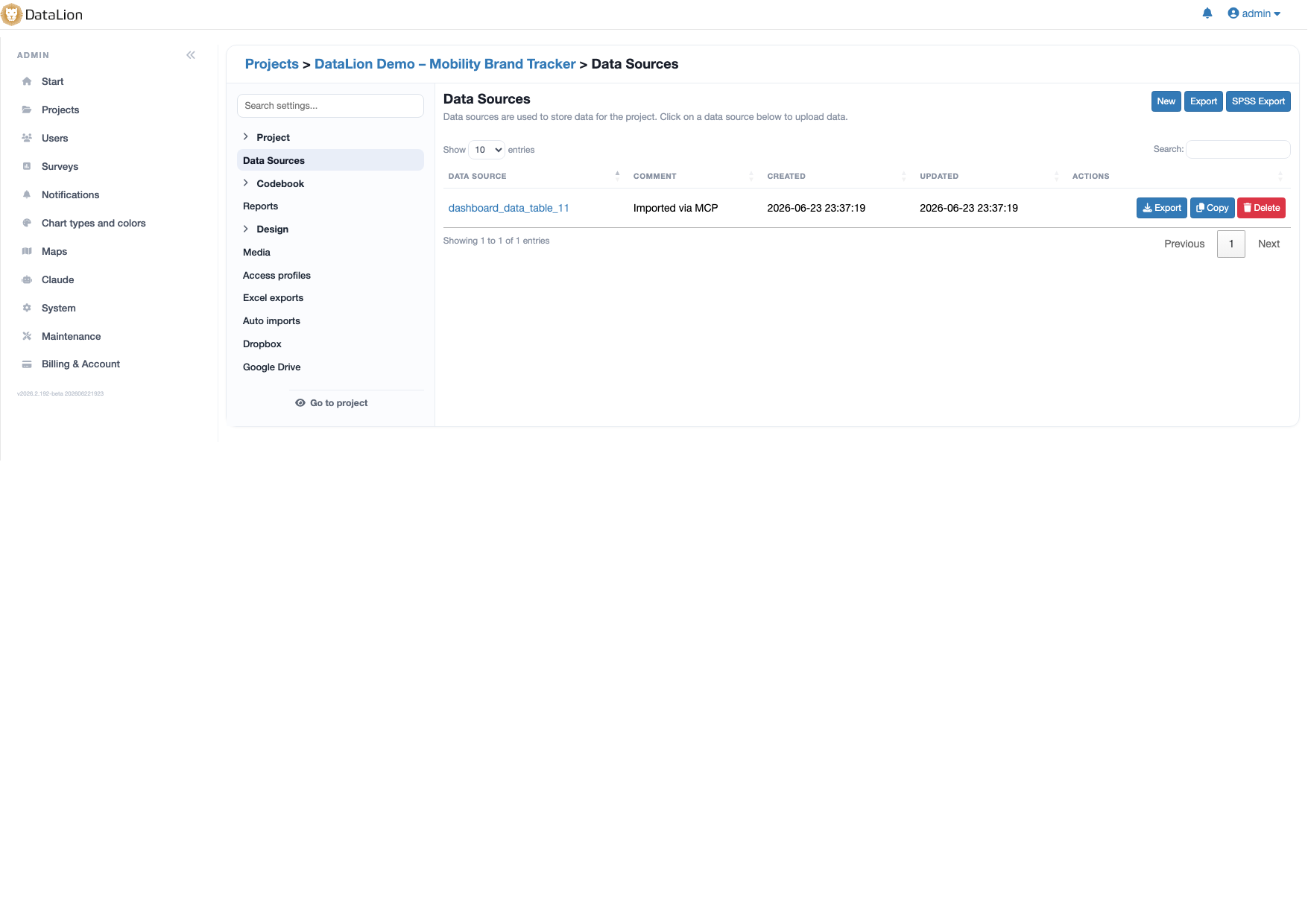
DataLion imports SPSS .sav files natively — including variable and value labels, weighting variables and defined missing values. You need no recodes and no SPSS license: from the uploaded dataset DataLion automatically builds a codebook and an interactive dashboard.
- 🇩🇪 Made in Munich
- GDPR-compliant
- DPA included
- Hosted in Germany
- 🌐 Interface in EN, DE, FR, ES, IT & NL
Trusted by research institutes, brands & insights teams






- 50+ interactive chart types
- 20+ statistical methods
- SPSS · Excel · CSV import without data loss
- ISO 27001 certified data centers (Germany)
SPSS data too often hits a dead end
- Labels and value descriptions are lost when you export to Excel — and have to be rebuilt by hand.
- Every new wave means recoding variables manually instead of defining them cleanly once.
- Analysis lives in SPSS, reporting lives in PowerPoint — and copy-and-paste in between.
Variable and value labels are preserved
DataLion reads your SPSS .sav file as-is: variable names, variable labels and value labels are carried over in full. q1 = 1 immediately becomes "Very satisfied", not a bare number.
It also detects weighting variables and SPSS-defined missing values automatically — your base is right from the very first click.
- Variable and value labels carried over 1:1
- Weights and weighted bases ready to use
- Defined missing values excluded correctly
AI-assisted column mapping instead of manual work
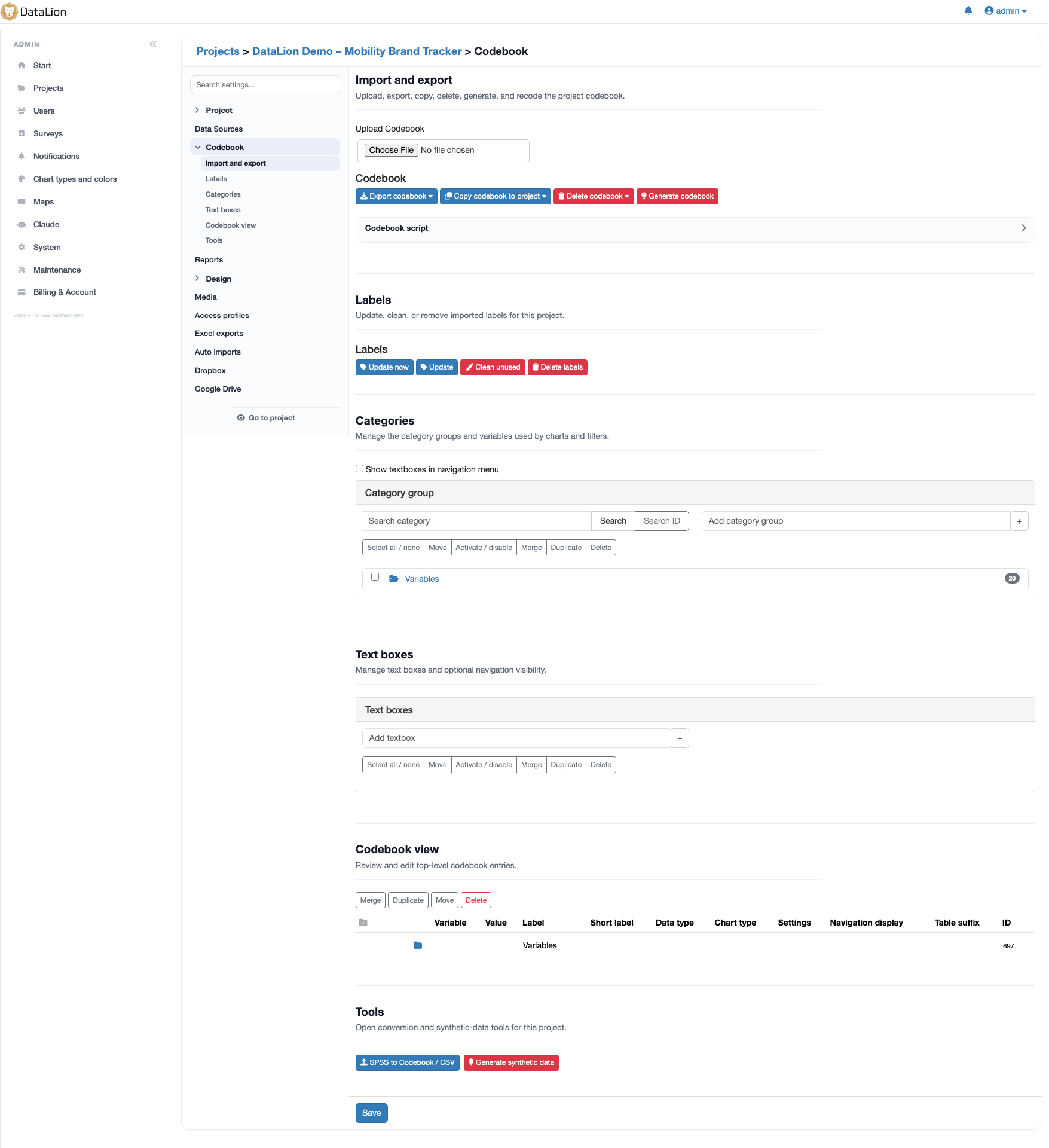
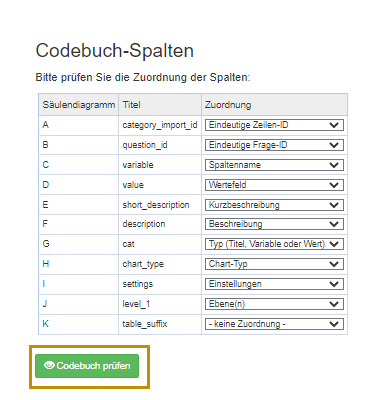
On import, DataLion detects data structures and metadata automatically and suggests the right column mappings for your codebook. What used to take hours of manual configuration is done in minutes.
It pays off most for recurring tracking studies: mapped cleanly once, every new wave runs to the same scheme.
- Automatic detection of variable types and metadata
- Suggested column mapping on codebook import
- Reusable for every new wave
CSV, Excel and databases in the same project
SPSS is just one of many sources. DataLion imports CSV and Excel too — with smart cleanup of column names — and connects databases like MySQL, Exasol or Oracle as well as APIs.
Multiple sources can be joined in one project via key variables — ideal when survey data meets CRM or sales data.
Analyse straight away — no export
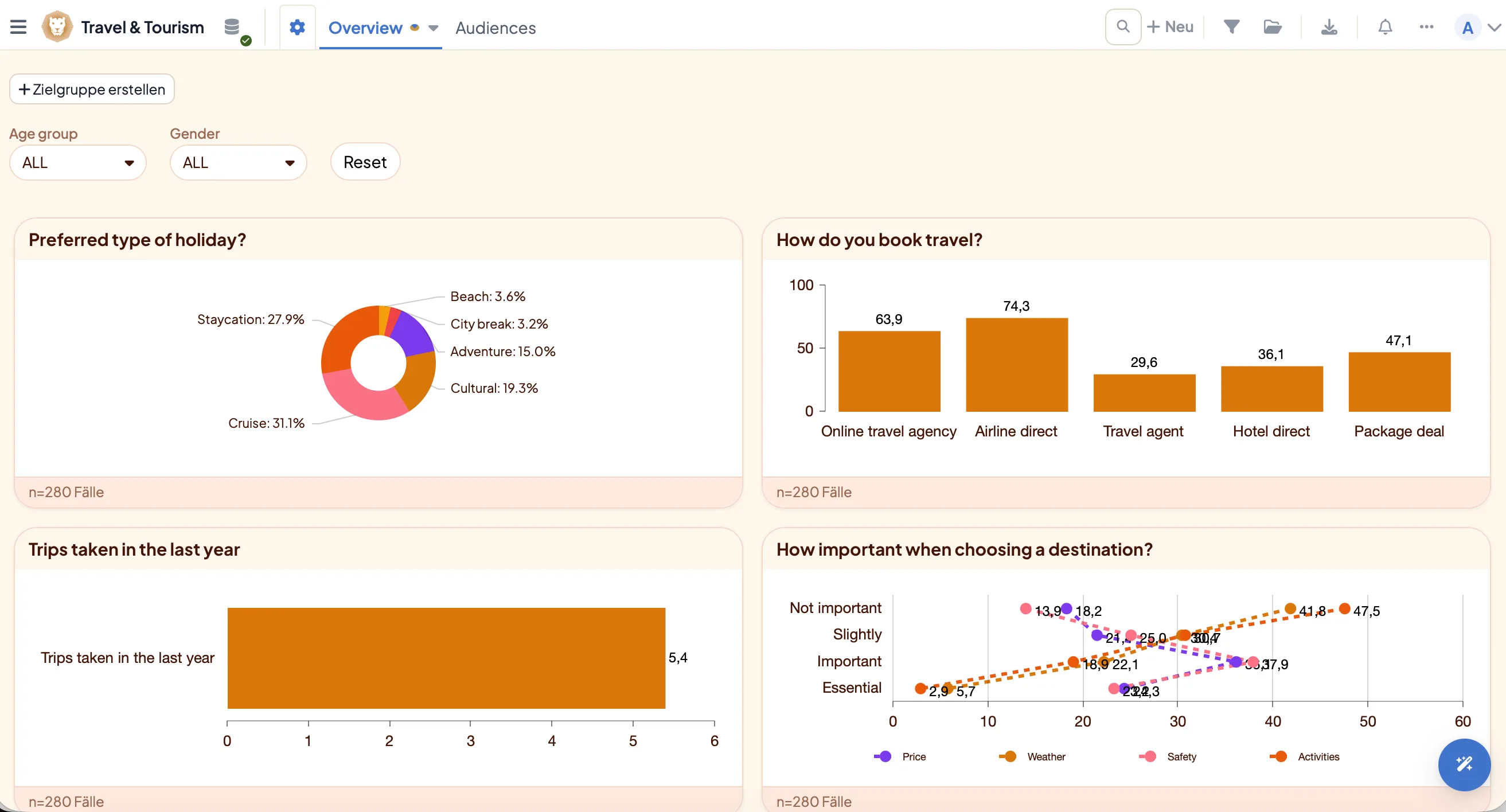
After import your dataset is immediately ready for crosstabs, significance tests and 50+ chart types. There is no break between analysis and reporting: your SPSS data becomes an interactive dashboard that you export as natively editable PowerPoint.
SPSS export — as a labeled .sav file
The road runs back out too: DataLion exports every accessible data table as a labeled SPSS .sav file — including variable and value labels from the codebook. So you hand prepared, recoded or weighted datasets to colleagues or clients who keep working in SPSS.
Import and export share the same metadata layer — the labels that come in on import come cleanly back out on export.
- Export any data table as .sav
- Variable and value labels from the codebook included
- Ideal for handing data to SPSS users
See DataLion with your own data
Start free with your own raw data. Or book a personal demo of the path to a finished dashboard.
What users say about DataLion
- via G2
The embedding function allows us to generate insights of our data for our audience and customers by far less than half of the usual time needed before.
Verified user · Leisure, Travel & Tourism - via G2
User-friendliness, especially for market research topics. Structured backend with many customization options.
Verified user · Market Research - via G2
The contacts at DataLion are very committed. If you have problems, you can count on help. DataLion reacts quickly to requests for new functions.
Robert Q. · Managing Director - via G2
Very professional company, attentive to the customer needs, provider of a great software and service.
Generoso M. · CRM Analyst, Automotive

We now work much more efficiently, giving us more time to take care of the derivations and insights from the data for the customers.
More data features
Guides in the help center
Common questions about SPSS import
Do I need an SPSS license to use .sav files?
Are variable and value labels preserved on import?
Are weighting variables and missing values imported?
Can I import formats other than SPSS?
How quickly does an SPSS file become a dashboard?
Upload your first SPSS file
Try DataLion free with your own .sav dataset — or get a demo of how SPSS data turns into a live dashboard.