
Use case: employee survey
An employee survey your workforce can actually believe
Anonymity here is not a setting but the architecture: no IP address, no login and no email is stored against a response. An anonymity threshold suppresses groups that are too small before anyone sees them. ISO 27001-certified hosting, GDPR-compliant, made in Munich.
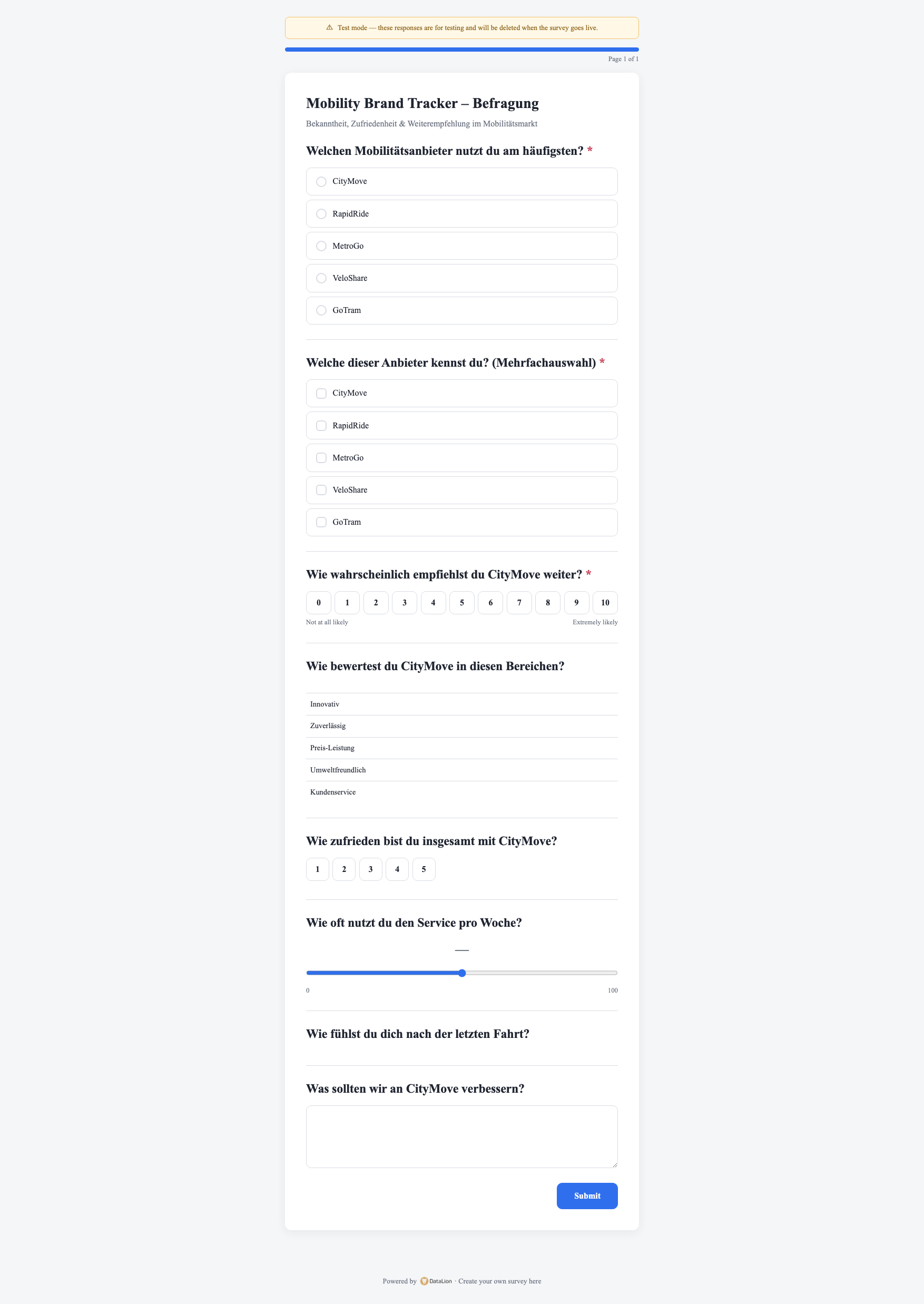
DataLion fields and analyzes employee surveys anonymously. No IP address, login or email is stored against a response — only a random identifier. A configurable minimum case count suppresses results for groups that are too small, and access profiles restrict managers to their own unit server-side. 20 ready-made HR questionnaires, from pulse survey to 360-degree feedback, are included.
- 🇩🇪 Made in Munich
- GDPR-compliant
- DPA included
- Hosted in Germany
- 🌐 Interface in EN, DE, FR, ES, IT & NL
Trusted by research institutes, brands & insights teams






- 0 IP addresses stored
- n ≥ threshold anonymity threshold per analysis
- 20 ready-made HR questionnaires
- 80–99% significance levels
Where employee surveys go wrong
- Staff do not believe the promised anonymity — and answer cautiously as a result.
- Results get broken down by team until individuals become identifiable.
- The report arrives months later as a PDF, long after the mood has moved on.
Anonymous by data model, not by promise
An employee survey lives or dies on whether staff believe the anonymity. In DataLion it is therefore not a checkbox somebody could switch off by accident: against a response the system stores no IP address, no user agent, no login and no email address — only a random identifier so an interrupted questionnaire can be resumed.
What lands in the dataset is that random identifier and the time of submission. There simply is no link that could be reversed later. If you deliberately want to carry a characteristic — the unit you will report on, say — that happens explicitly through an extra field, never quietly in the background.
- No IP address, user agent, login or email against a response
- Only a random identifier and the submission time in the dataset
- No person-level link that could be reversed after the fact
- Unit attributes only when you deliberately pass them in
Anonymity threshold: what is too small is not shown
The real risk to anonymity is not the fielding but the analysis: a four-person team broken out by location and tenure is identifiable in seconds. So DataLion has a minimum case count that you set for the whole project and can override for an individual analysis.
You decide three things: the base size at which results are reported at all, whether the weighted or the unweighted base counts toward it, and whether a group below it merely gets a warning or has its numbers removed entirely. You write the notice text yourself, so the rule agreed with the works council can be reproduced word for word.
- Minimum case count set project-wide, overridable per analysis
- Threshold against either the weighted or the unweighted base
- Groups below it either flagged with a warning or fully suppressed
- Your own notice text — the works-council rule in its own words
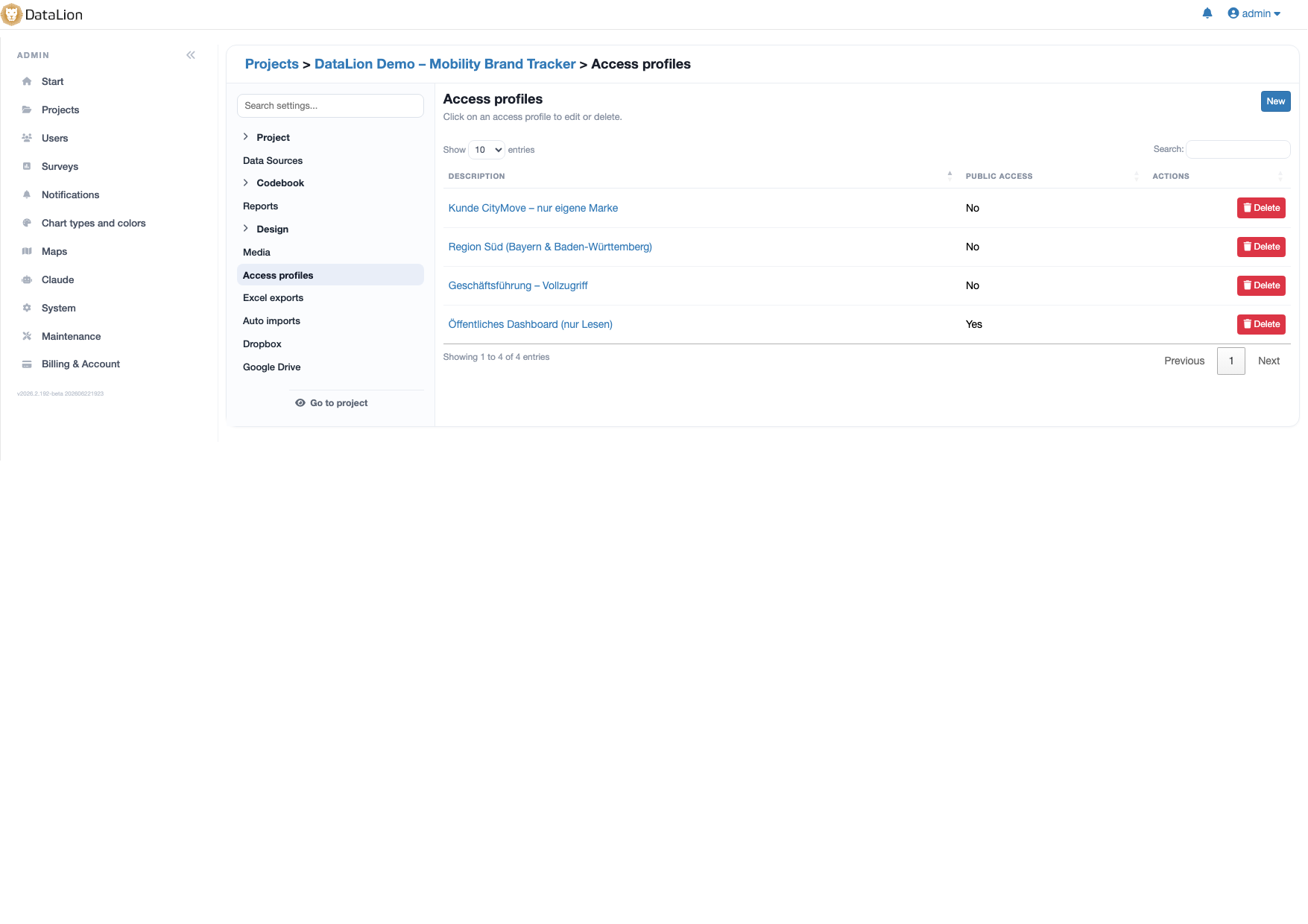
Managers see their own unit — and nothing else
A department head should see their department’s results, not the neighbouring one’s. Access profiles handle that in DataLion: a profile carries a fixed data filter that is built server-side into every query — not as a preselected dropdown value somebody could click away.
Per profile you can also decide which questions are visible at all, whether filtering and export are allowed, and whether the access is read-only. You create one profile per unit and attach the relevant people to it — that is the practical form of "every manager sees only their own team".
- Data filter server-side in every query — not bypassable via the URL
- Control which questions are visible, per profile
- Grant or block filtering, export and write access per profile
- One profile per unit, with people attached to it
20 ready-made HR questionnaires — from pulse to wellbeing
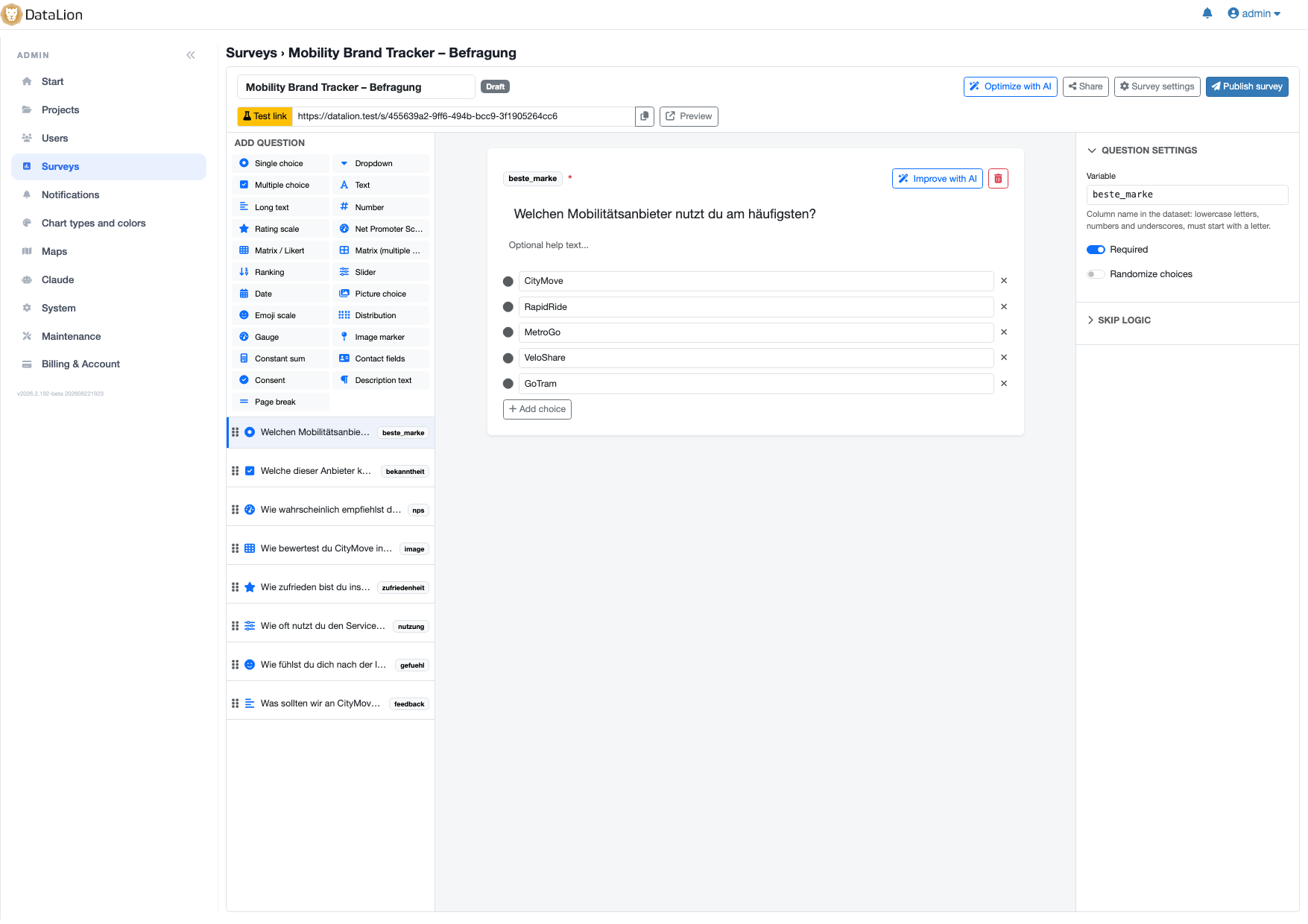
You do not have to invent the questionnaire. DataLion ships 20 ready-made HR templates, each bilingual and adapted in minutes: employee satisfaction, pulse survey, eNPS, onboarding, exit survey, leadership feedback and 360-degree feedback.
The regulated cases are covered too: the psychological risk assessment, the WHO-5 wellbeing index, psychological safety and a team health check. Browse them all in the template gallery.
- Pulse, annual survey, eNPS, onboarding, exit, leadership feedback, 360-degree
- Psychological risk assessment, WHO-5, psychological safety, team health check
- Bilingual out of the box and freely editable
- Anonymity notice already part of the welcome text
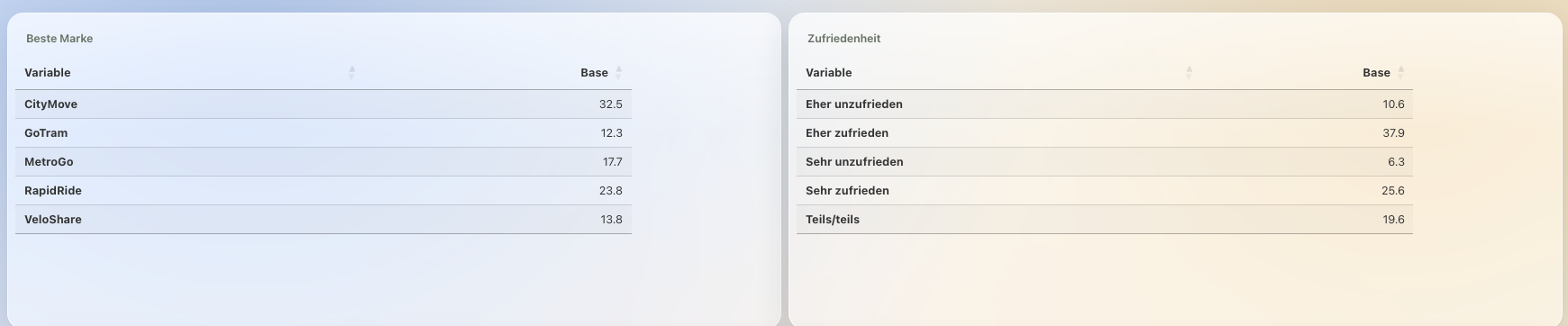
From agreement rate to driver
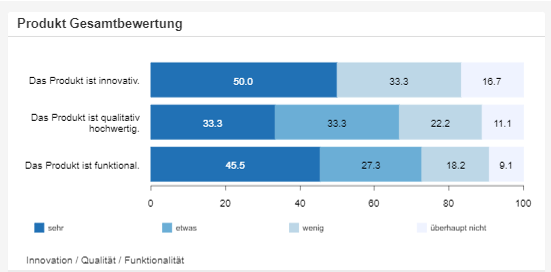
Agreement scores come out as top-box rows: for every scale question, top box, top-2 and top-3 plus the bottom boxes are available automatically, and one click picks the one you want. Differences between units are significance-tested right in the table — at 80%, 90%, 95% or 99% confidence.
Which themes actually carry engagement is answered by driver analysis on the R engine: it decomposes the explained variance and gives each theme — leadership, development, workload, recognition — its share of the explanation. Open ends are coded by AI for sentiment and topic, so free text feeds the analysis instead of going unread.
- Agreement rates as top-box rows, with no recoding
- Differences between units tested at 80/90/95/99%
- Driver analysis on R: which theme explains engagement
- Open ends coded by AI for sentiment and topic
Invite without a mailing list — and compare wave over wave
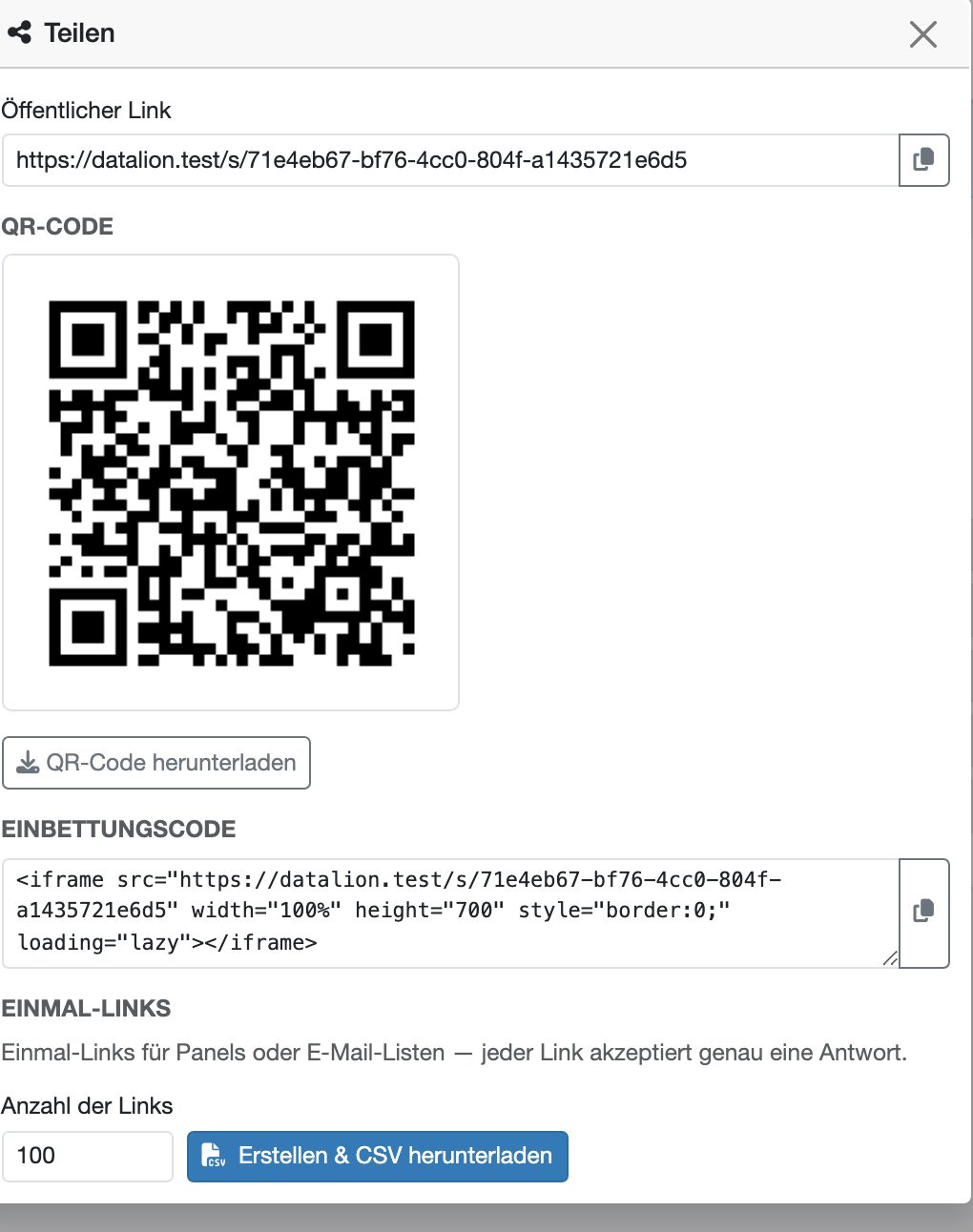
Distribute by open link, QR code for sites without desk computers, an embed in your intranet, or a CSV of one-time links where each link accepts exactly one response. No name or email is stored against any of them — the one-time links are random identifiers too. The system does not know who responded, and that is precisely the point.
Repeat the survey and DataLion shows the trend as a timeline, smoothed on request, and significance-tests wave-over-wave change. The wave setup is covered on the tracking studies page; the ongoing HR metrics alongside it live on the HR dashboards page.
- Open link, QR code, intranet embed or a CSV of one-time links
- One-time links accept exactly one response — with no name behind them
- Control participation with a response limit or a closing date
- Trend across waves, with change tested for significance
What you can build with DataLion
-
Annual survey with unit-level access
Every manager sees their own unit — restricted server-side.
See how → -
Quarterly pulse survey
Short questionnaire, trend across waves, significance-checked.
See the template → -
Psychological risk assessment
A ready-made questionnaire with anonymous analysis.
See the template →
See DataLion with your own data
Start free with your own raw data. Or book a personal demo of the path to a finished dashboard.
What users say about DataLion
- via G2
The embedding function allows us to generate insights of our data for our audience and customers by far less than half of the usual time needed before.
Verified user · Leisure, Travel & Tourism - via G2
User-friendliness, especially for market research topics. Structured backend with many customization options.
Verified user · Market Research - via G2
The contacts at DataLion are very committed. If you have problems, you can count on help. DataLion reacts quickly to requests for new functions.
Robert Q. · Managing Director - via G2
Very professional company, attentive to the customer needs, provider of a great software and service.
Generoso M. · CRM Analyst, Automotive

We now work much more efficiently, giving us more time to take care of the derivations and insights from the data for the customers.
The platform in detail
Go deeper
Common questions about employee surveys with DataLion
Is the employee survey genuinely anonymous?
How do we stop small teams from becoming identifiable?
Can managers see only their own unit?
Which questionnaires does DataLion include?
How do we invite people to the survey?
How do we find out what drives engagement?
Ready for a survey your workforce believes?
Try DataLion free with a ready-made HR template — from anonymous fielding to unit-level access. Or book a personal demo.