
Use case: NPS
Net Promoter Score: calculate, weight, track
DataLion computes the NPS as a documented codebook formula. Weight the score, break it down by segment, test for significance and smooth its trend over time. Driver analysis checks which factors explain it. ISO 27001-certified hosting, GDPR-compliant, made in Munich.
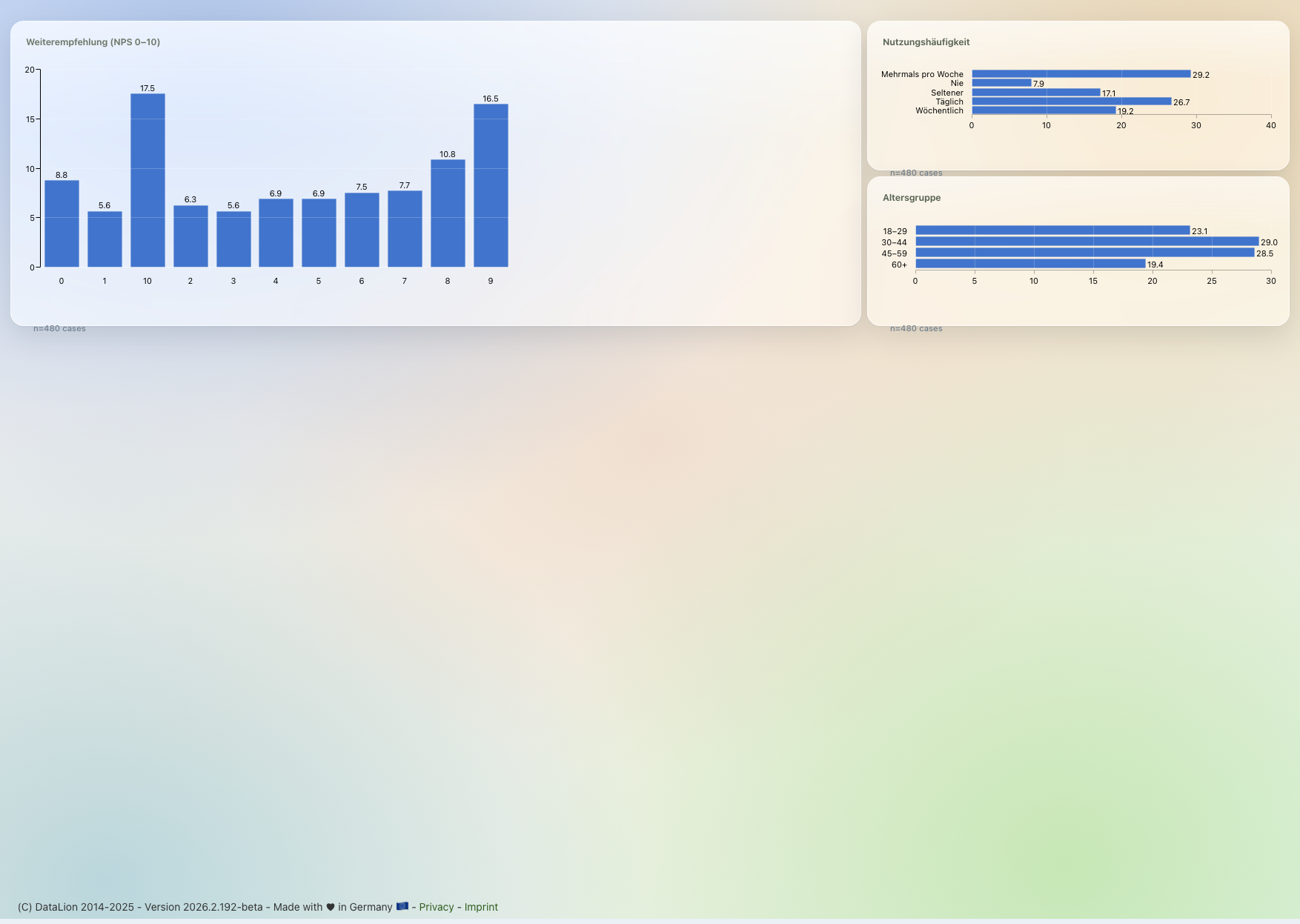
DataLion computes the Net Promoter Score in the codebook as 100 × (share of promoters 9–10 − share of detractors 0–6) over valid answers. The calculation can be weighted. Break the score down by segment and test differences at confidence levels from 80% to 99%. SMA/EMA smooths the trend. Relative-importance analysis on R identifies possible drivers.
- 🇩🇪 Made in Munich
- GDPR-compliant
- DPA included
- Hosted in Germany
- 🌐 Interface in EN, DE, FR, ES, IT & NL
Trusted by research institutes, brands & insights teams






- 0–10 recommendation scale
- −100…+100 NPS range
- 80–99% significance levels
- SMA / EMA tracking smoothing
Why the NPS is often worth less than it could be
- The score is computed by hand in Excel — sometimes weighted, sometimes not, with no documented formula.
- Segment differences get interpreted without testing whether they are statistically significant.
- The why-answers get collected but are never distilled into drivers.
The NPS as a codebook formula
DataLion records the NPS as a transparent codebook formula: 100 × (share of promoters [9–10] − share of detractors [0–6]) ÷ valid answers. Anyone answering 7 or 8 counts as a passive.
The formula excludes missing values. If a weight variable is present, DataLion calculates each case with its weight. You can use one or several weights.
- Promoters (9–10), passives (7–8), detractors (0–6) as top-box/net rows
- A reproducible codebook formula, not an opaque metric
- Missing values cleanly excluded
- Weighted NPS over one or several weight variables
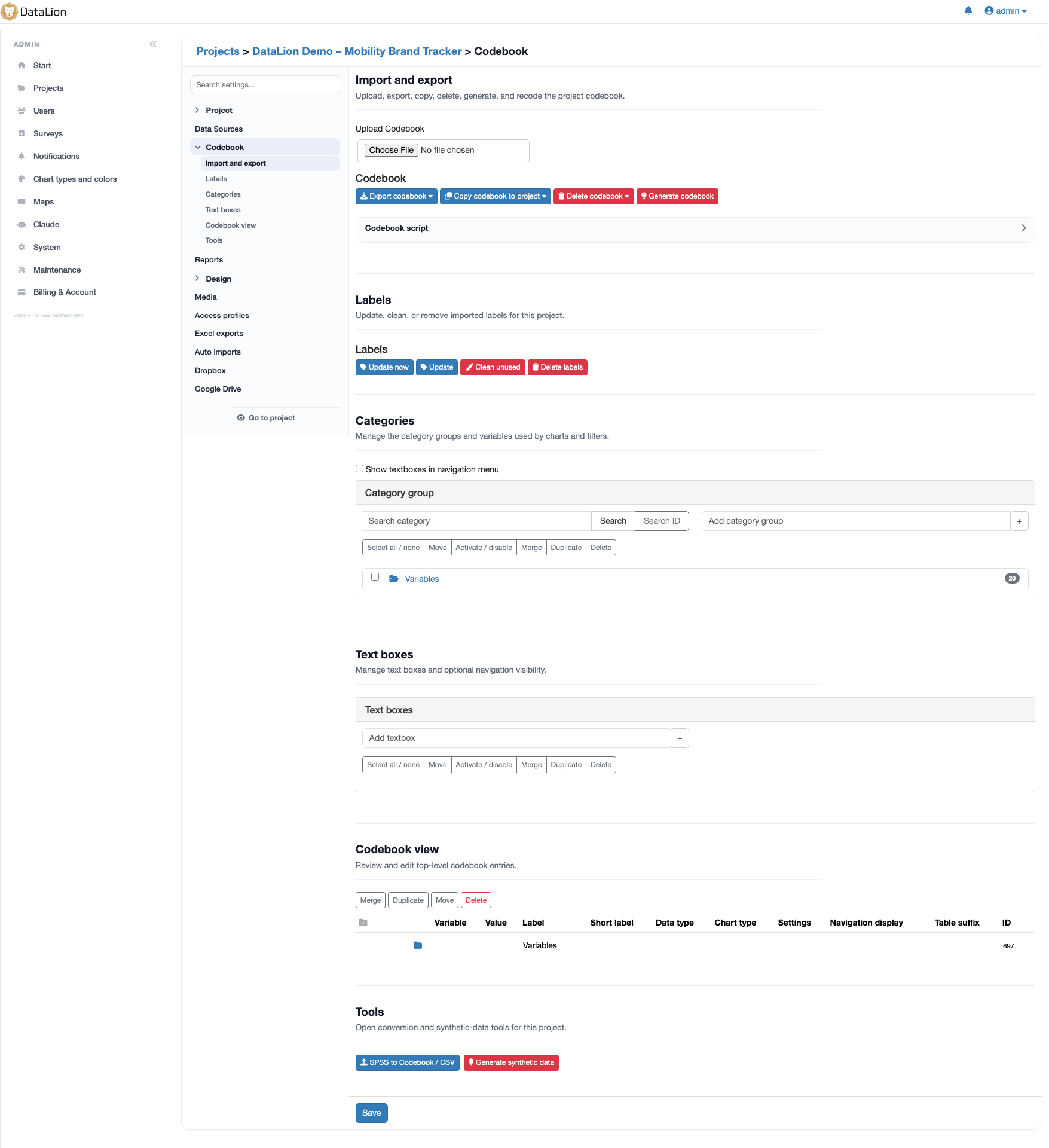
NPS by segment, with significance
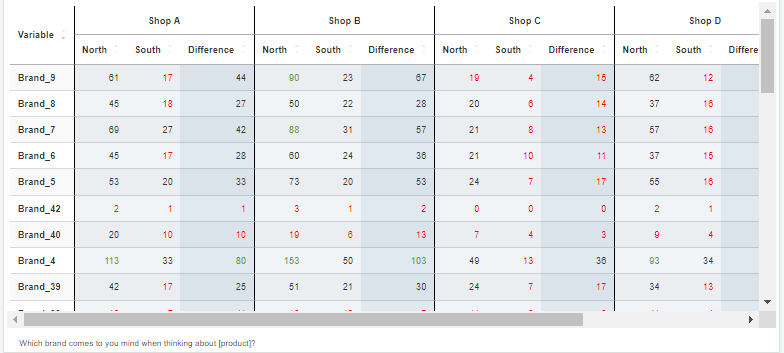
Break the NPS down with live filters by region, touchpoint, product or customer group. Differences between segments are significance-tested right in the table. Choose 80%, 90%, 95% or 99% confidence and show the result as stars or letters.
The z-test, chi² and t-test run in the background. Pairwise and complement comparisons are built in, with an optional Yates correction for chi². This shows whether a higher segment NPS is statistically reliable.
- Live filters by region, touchpoint, product or customer group
- Significance at 80/90/95/99% — as stars (*/**/***) or letters
- z-test, chi² and t-test; pairwise and complement comparisons
- Optional Yates correction for chi²
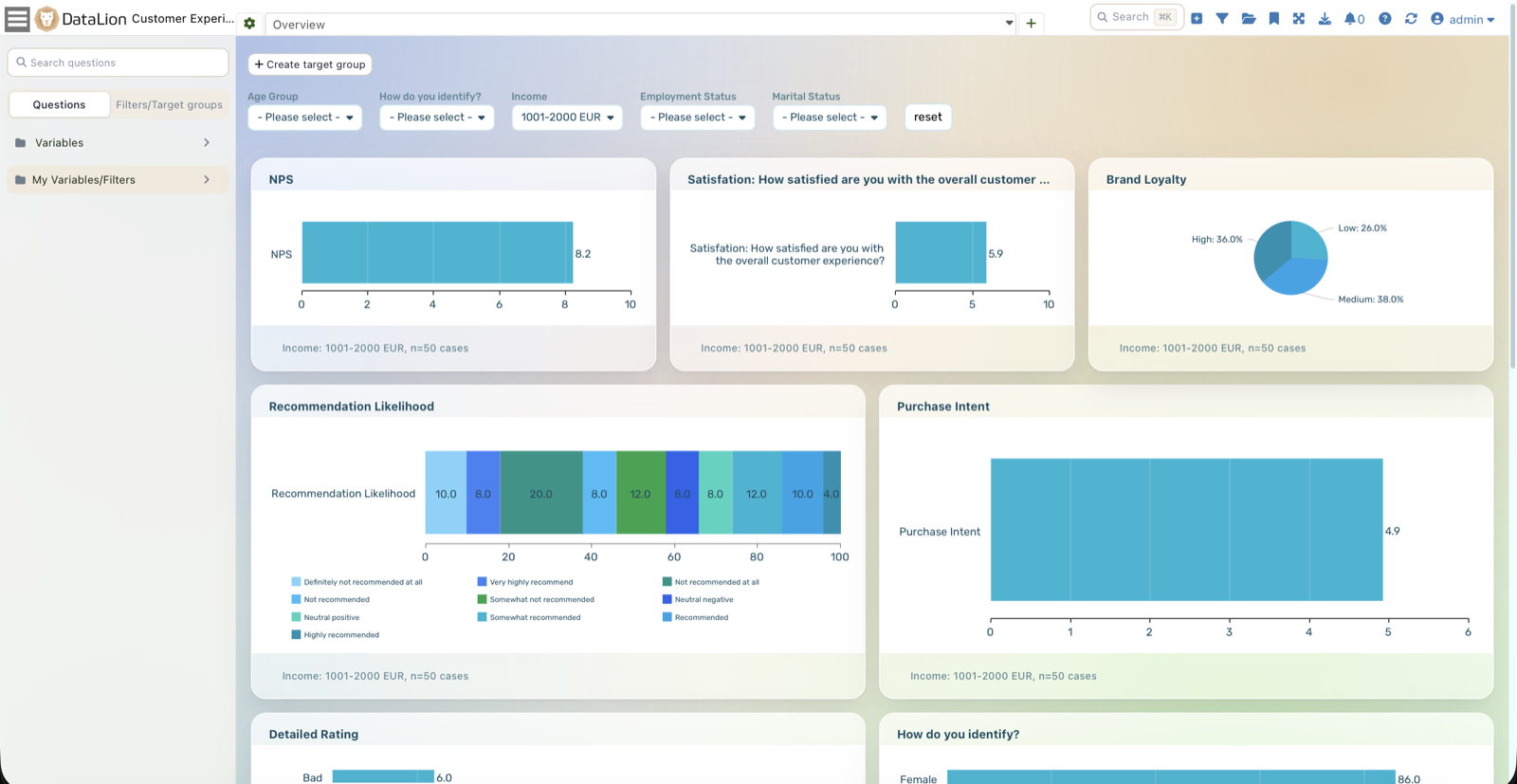
NPS tracking with a smoothed trend
In tracking, DataLion shows the NPS as a timeline. Smooth it with a moving average (SMA) or an exponentially weighted average (EMA). You choose the window.
New waves are imported automatically. The dashboard updates, and wave-over-wave change can be significance-tested.
- NPS as a timeline, wave after wave
- SMA/EMA smoothing with a freely chosen window
- Wave-over-wave change significance-tested
- Automatic wave import — more on tracking studies
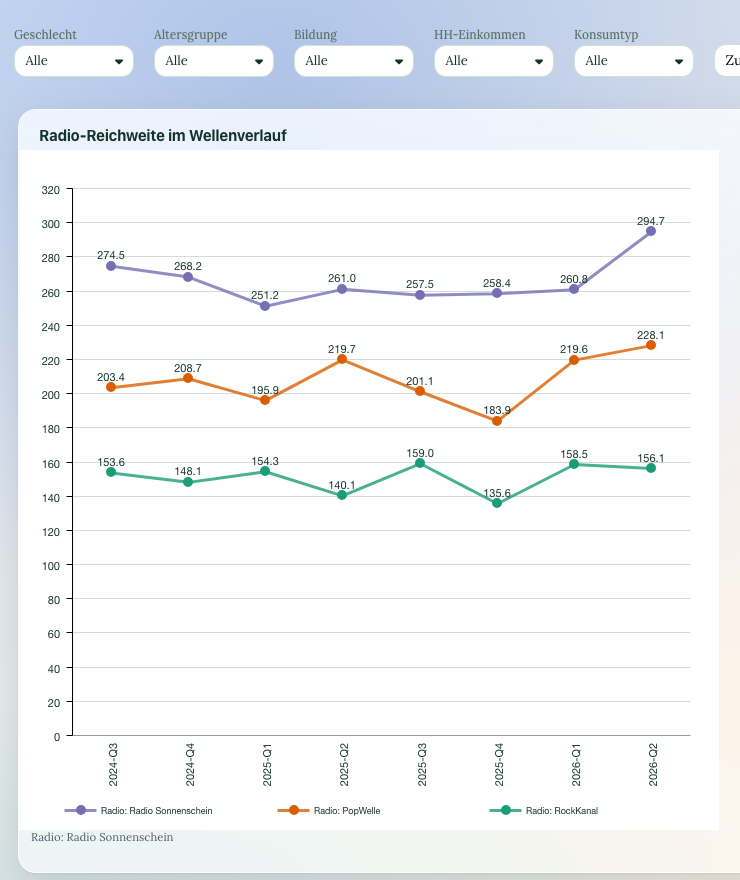
Driver analysis, not gut feeling
The score does not tell you why it moves. Relative-importance analysis on the R engine checks which satisfaction or experience factors explain the NPS most. Regressions are also available.
Analyze the open follow-up as net codes or with AI sentiment & topic analysis. Custom labels can map the results to the NPS detractor/passive/promoter logic.
- Relative importance: which drivers explain the NPS
- Linear, ordinal & other regressions on R
- Code open "why" responses by sentiment & topic with AI
- Compare drivers by segment
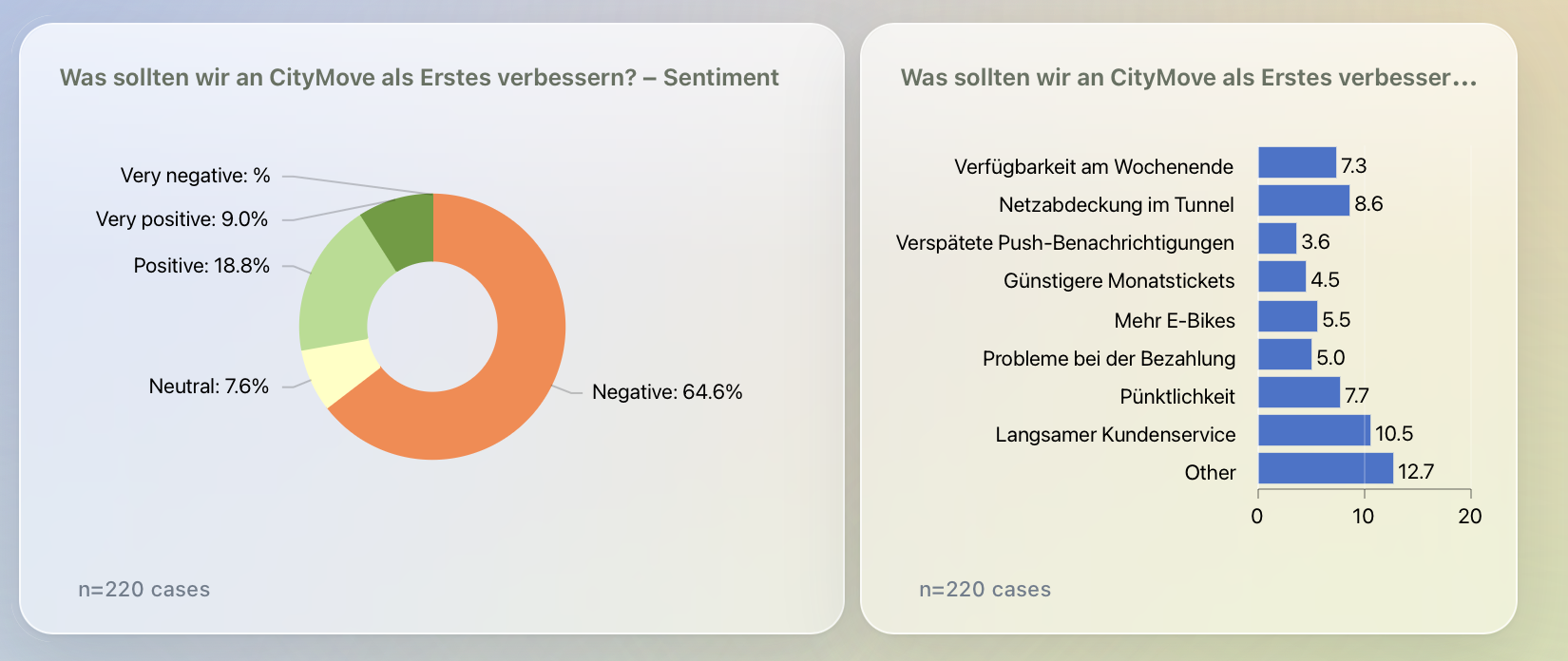
The NPS & eNPS question — with no recodes
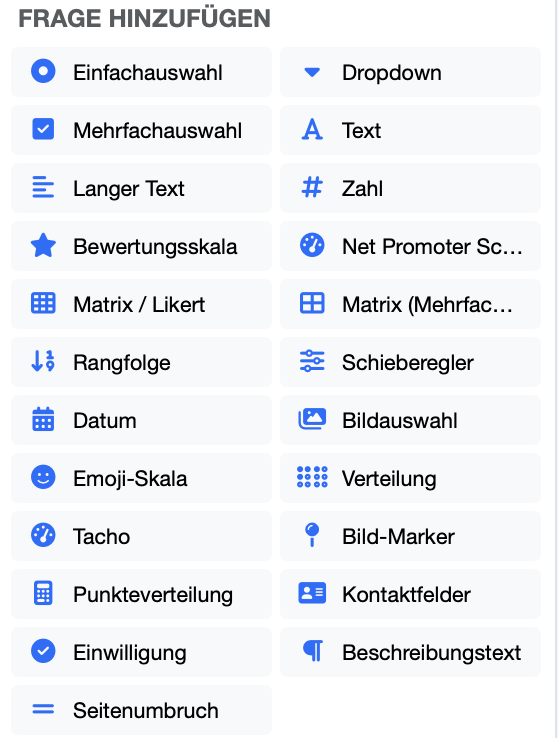
Collect the NPS with the NPS question type (0–10) and an open follow-up. On publishing, DataLion automatically builds the project, dataset and codebook with value labels — answers are analyzable immediately, with no recoding.
The eNPS for employees uses the same workflow. Invite by anonymous link, QR code or one-time token.
- NPS question type (0–10) plus an open follow-up
- Auto-codebook with value labels — chartable at once, no recodes
- eNPS for employees in the same workflow
- Invite by anonymous link, QR code or one-time token
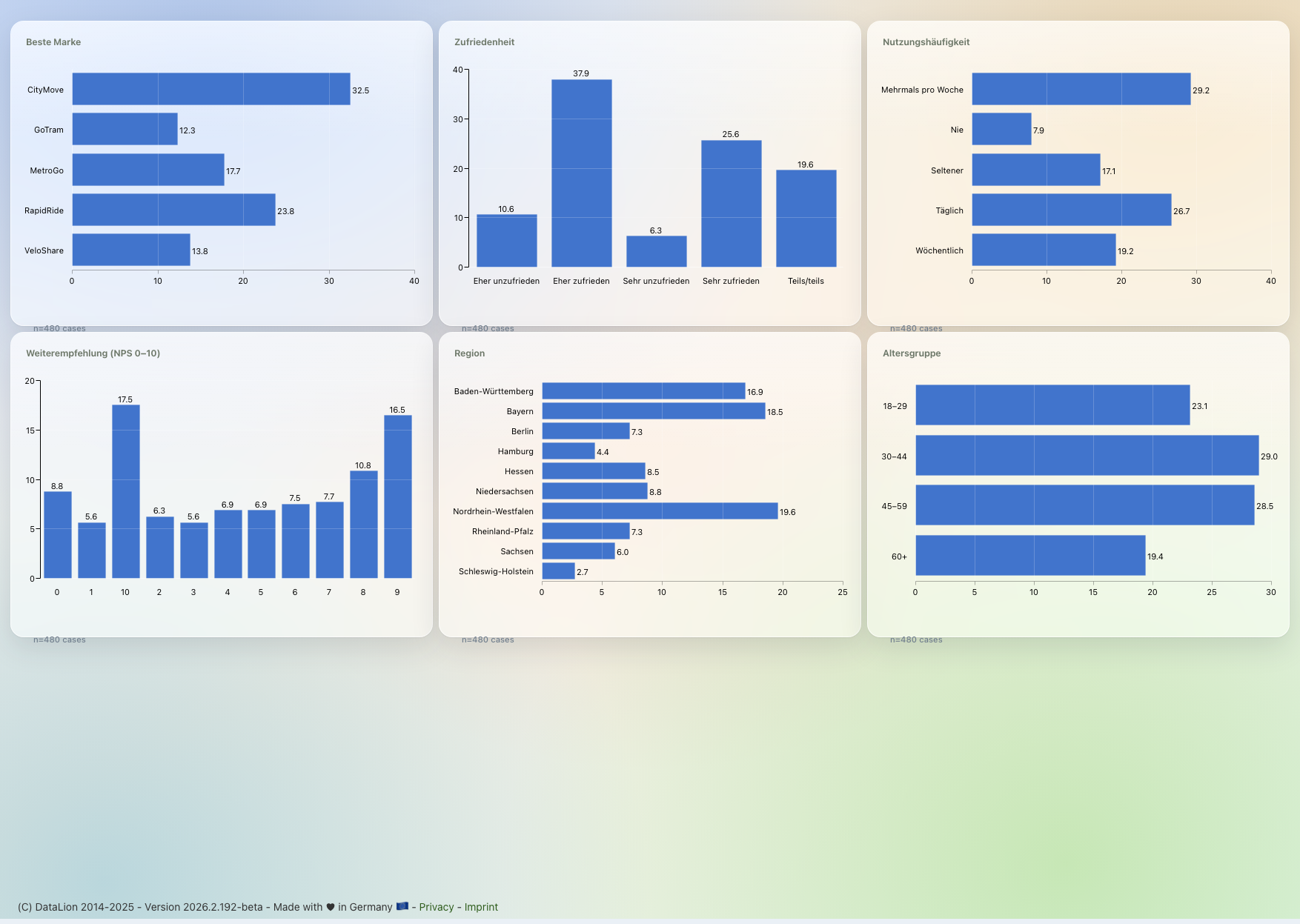
What you can build with DataLion
See DataLion with your own data
Start free with your own raw data. Or book a personal demo of the path to a finished dashboard.
What users say about DataLion
- via G2
The embedding function allows us to generate insights of our data for our audience and customers by far less than half of the usual time needed before.
Verified user · Leisure, Travel & Tourism - via G2
User-friendliness, especially for market research topics. Structured backend with many customization options.
Verified user · Market Research - via G2
The contacts at DataLion are very committed. If you have problems, you can count on help. DataLion reacts quickly to requests for new functions.
Robert Q. · Managing Director - via G2
Very professional company, attentive to the customer needs, provider of a great software and service.
Generoso M. · CRM Analyst, Automotive

We now work much more efficiently, giving us more time to take care of the derivations and insights from the data for the customers.
The platform in detail
Go deeper
Common questions about NPS with DataLion
Exactly how does DataLion calculate the NPS?
Can I weight the NPS?
Are segment and wave differences significant?
How do I understand what drives the NPS?
How do I track the NPS over time?
Ready to compute your NPS properly?
Try DataLion free with your own NPS survey — from the codebook formula to significance-checked tracking. Or book a personal demo.