
Skip & display logic
A survey that thinks along
Control the survey flow precisely: answer-based skip logic with screen-out and display logic with AND/OR conditions. Plus randomization, page breaks, response limits and automatic close dates — all enforced server-side.
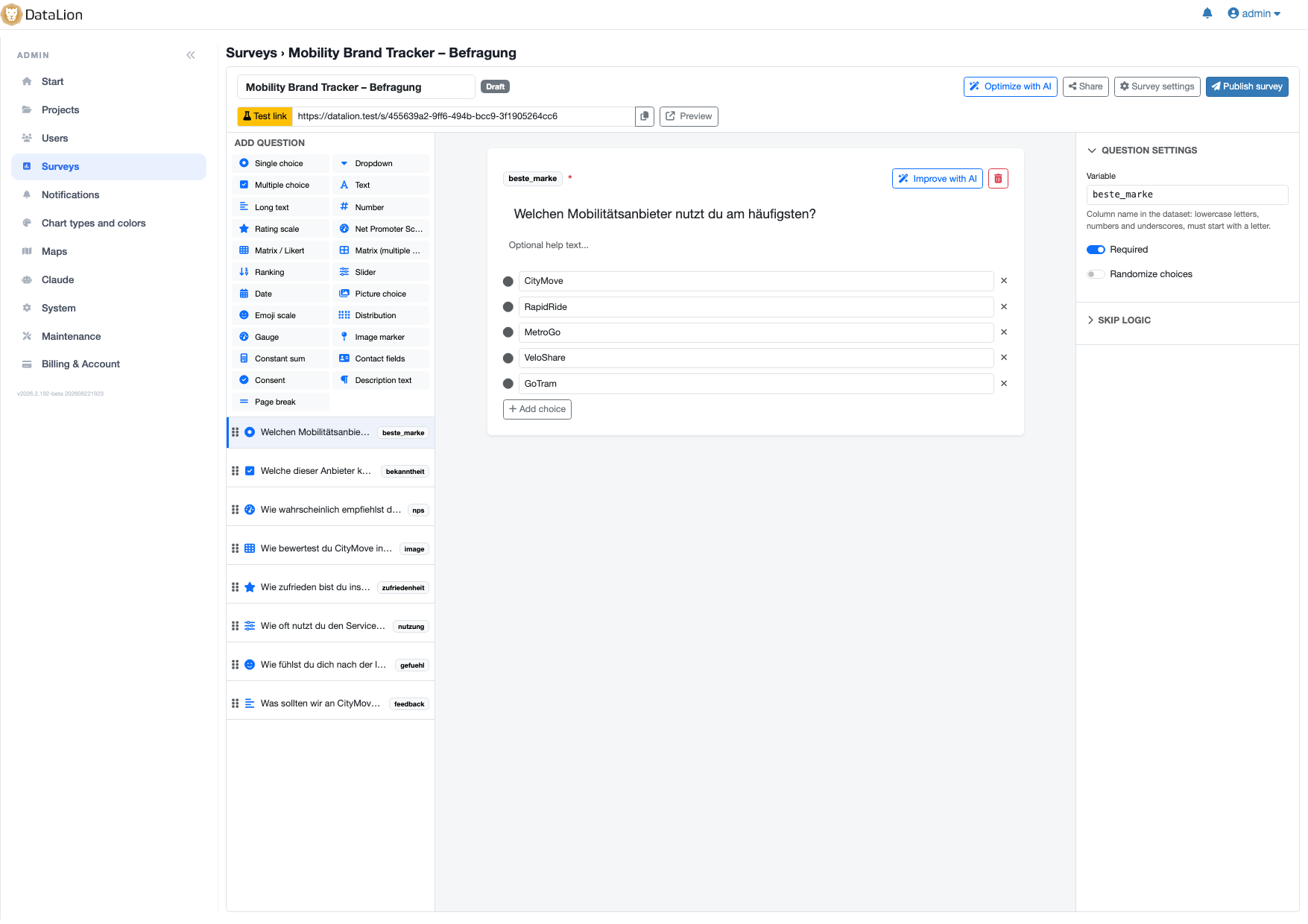
DataLion offers answer-based skip logic that jumps per choice to a follow-up question, to the end, or to a screen-out with custom end text, plus display logic that shows a question only when earlier answers match (AND/OR conditions). Add randomization of questions and options, page breaks, response limits and automatic close dates — all enforced server-side.
- 🇩🇪 Made in Munich
- GDPR-compliant
- DPA included
- Hosted in Germany
- 🌐 Interface in EN, DE, FR, ES, IT & NL
Trusted by research institutes, brands & insights teams






- 50+ interactive chart types
- 20+ statistical methods
- SPSS · Excel · CSV import without data loss
- ISO 27001 certified data centers (Germany)
Skip logic and screen-out
Every answer option can take its own path: answer-based skip logic jumps to a follow-up question, straight to the end, or into a screen-out with custom end text — ideal for quotas and target-group filters.
That sends respondents exactly where they belong and keeps non-targets out cleanly, without pushing them through irrelevant questions.
- Jump to follow-up, end or screen-out per answer
- Screen-out with custom end text
- Clean filtering of target groups and quotas
Display logic with AND/OR conditions
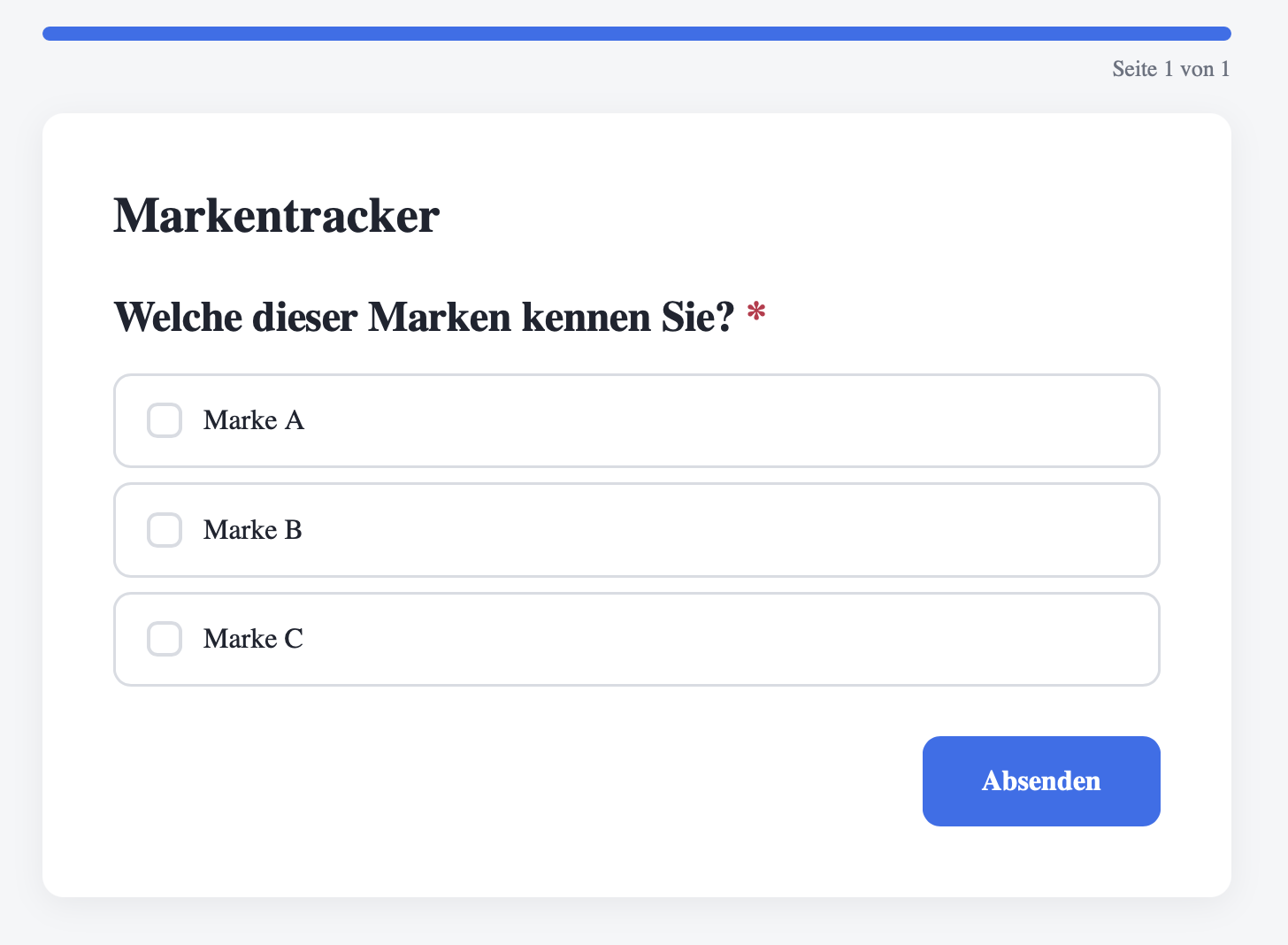
Display logic shows a question only when earlier answers match. Conditions can be combined with AND/OR — so only the right person sees the right question.
That keeps questionnaires short and relevant: anyone who never used a product is not even shown the detailed questions about it.
- Show-if conditions based on earlier answers
- Combinable with AND/OR
- Shorter, more relevant questionnaires
Randomization, limits and variable codes
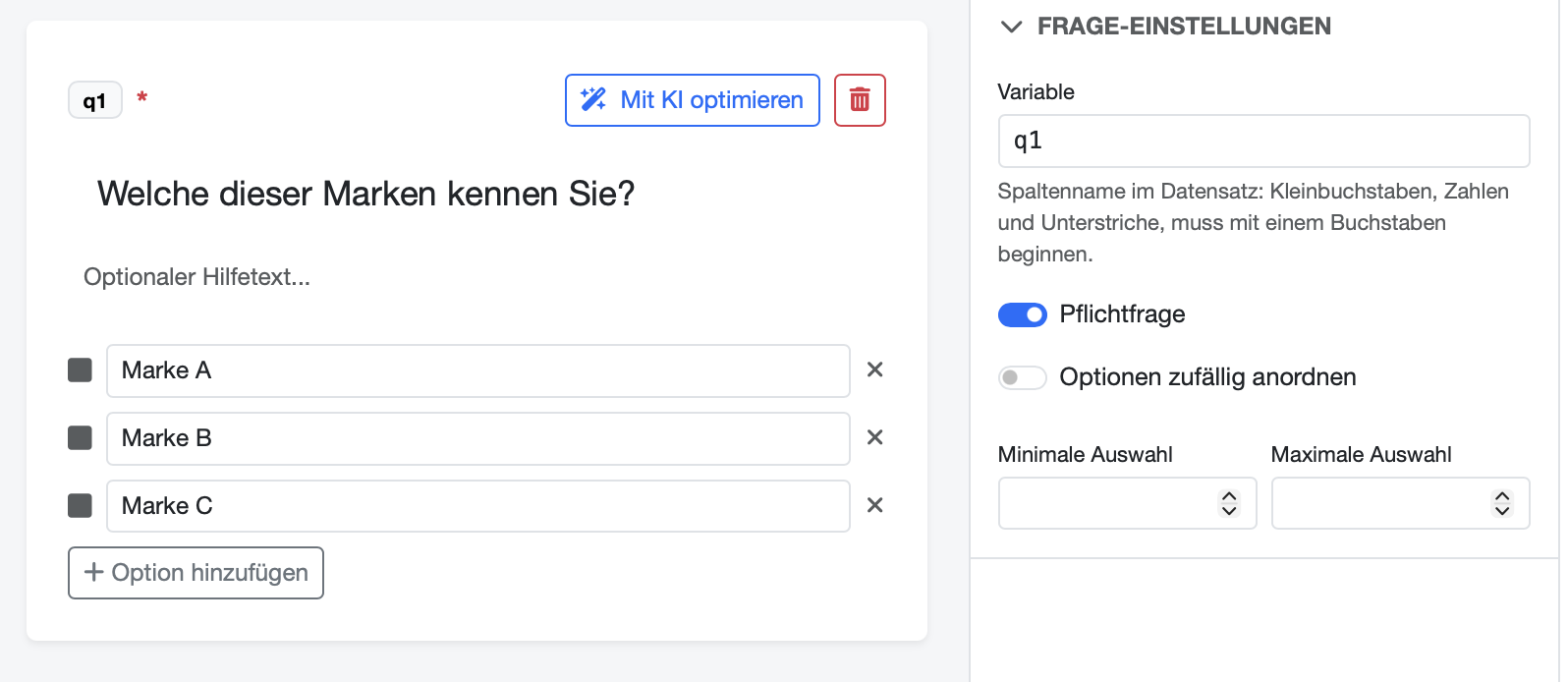
Against order effects, randomize answer options and questions. Page breaks structure long questionnaires, while response limits and automatic close dates control fieldwork — enforced server-side, so they cannot be bypassed.
And because you assign variable codes like gender or nps_score yourself, the resulting dataset stays cleanly named and comparable across waves.
- Randomization of answer options and questions
- Page breaks for long questionnaires
- Response limits and automatic close dates (server-side)
- Editable variable codes — e.g. gender, nps_score
See DataLion with your own data
Start free with your own raw data. Or book a personal demo of the path to a finished dashboard.
What users say about DataLion
- via G2
The embedding function allows us to generate insights of our data for our audience and customers by far less than half of the usual time needed before.
Verified user · Leisure, Travel & Tourism - via G2
User-friendliness, especially for market research topics. Structured backend with many customization options.
Verified user · Market Research - via G2
The contacts at DataLion are very committed. If you have problems, you can count on help. DataLion reacts quickly to requests for new functions.
Robert Q. · Managing Director - via G2
Very professional company, attentive to the customer needs, provider of a great software and service.
Generoso M. · CRM Analyst, Automotive

We now work much more efficiently, giving us more time to take care of the derivations and insights from the data for the customers.
More survey features
Guides in the help center
Common questions about survey logic
What is the difference between skip logic and display logic?
Can I screen respondents out of the target group?
Does DataLion support randomization of questions and answers?
Can I set response limits and a close date?
Can I set the variable names for later analysis myself?
Build a survey with real logic
Try DataLion free and set up skip logic, screen-out and display conditions in minutes. Or book a personal demo.