
Business intelligence vs. market research
DataLion vs. BI tools for market research
For revenue, finance and operations dashboards Tableau, Power BI and Excel are hard to beat — credit where due. With survey data the picture flips: top-box, NPS, significance and weighting are one click in DataLion — not a DAX measure, LOD expression or R script.
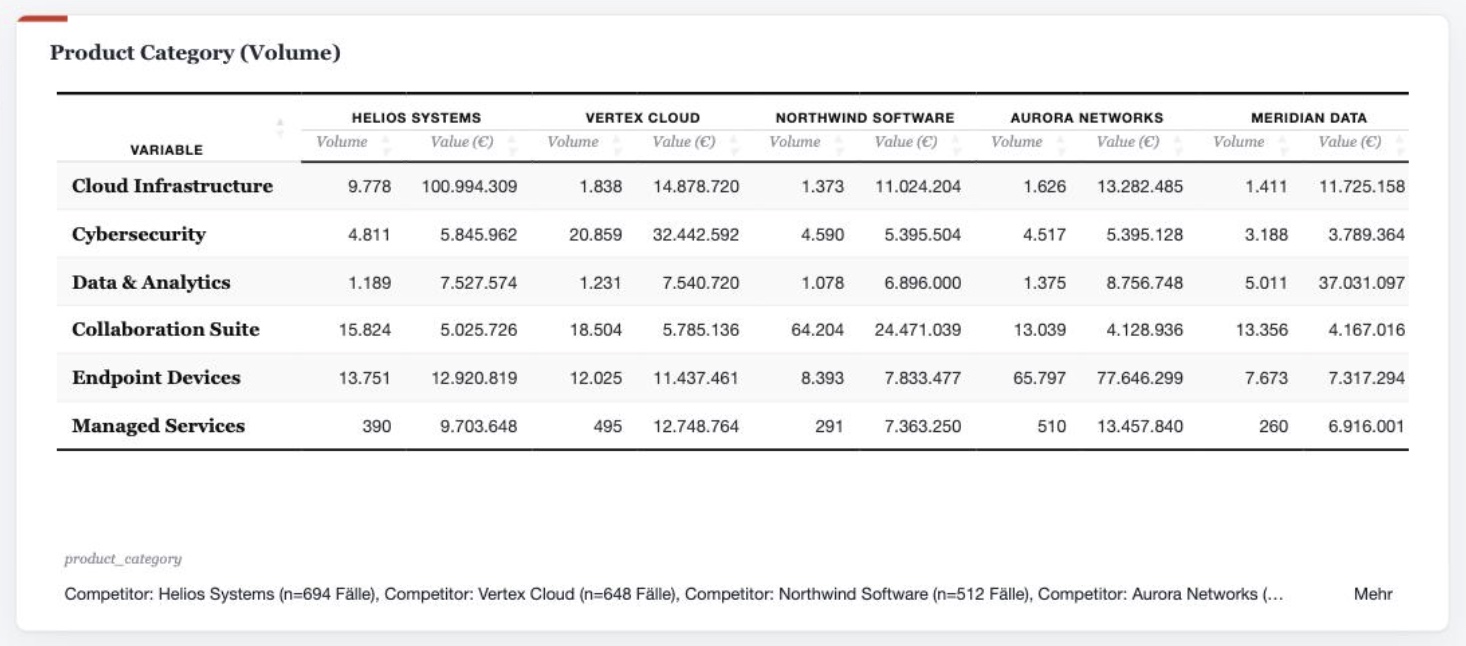
Generic BI tools like Tableau, Power BI and Excel are excellent for classic corporate data — but not survey-aware: top-/bottom-box, NPS, cell-level significance and weighting only come via DAX measures, LOD expressions, table calcs or R/Python visuals. DataLion treats them as native, point-and-click analyses and reaches into driver analysis, regressions and MaxDiff — hosted in ISO 27001-certified data centers in Germany.
MR analyses: one click in DataLion, a workaround in a BI tool
Generic BI tools are first-rate — so here is an honest look: each of these market-research analyses is native in DataLion and a separate formula or visual to rebuild in Tableau, Power BI or Excel.
| DataLion | In BI tools | |
|---|---|---|
| Top-/bottom-box & nets | Top-2/top-3 and the bottom scores computed automatically on every scale — one click switches | A separate DAX measure or calculated field per box |
| Net Promoter Score (NPS) | Promoters minus detractors, computed on a documented definition | A calculated field / measure rebuilt per report |
| Significance in the cell | Column comparisons at 80–99% flagged right in the table — as a star or letter | Not native — only via R/Python visuals |
| Weighting per analysis | Weighted N in every table and chart; bases recompute on every filter | A hand-built LOD expression or DAX measure |
| 22+ MR calculation types | Valid %, row/column %, index, window sum/mean, difference % from one menu | Stitched together from table calcs / quick table calcs |
| Minimum base sizes | Cells below the minimum base are suppressed automatically | A filter workaround or manual hiding |
| Lightweight modeling | No-SQL sum/count/average measures, drill paths, time-grain grouping and "promote column to question" — plus a read-only data-model diagram for joins | Free, deep modeling via DAX/LOD (more powerful, but more manual work) |
Choose DataLion if …
- Your data comes from surveys and you want multi-response, scales, top-box, NPS, weighting and significance without a formula language
- You run ongoing trackers and need to analyse and share them reproducibly, wave over wave
- You need client-ready, natively editable PowerPoint reports in your own CI
- Sensitive respondent data must sit in ISO 27001 data centers in Germany (DPA, on-premise available)
Choose a classic BI tool if …
- You mostly model revenue, finance and operations data
- You need deep, free-form modelling with DAX/LOD across many data sources
- Market research plays only a minor role in your setup
- 🇩🇪 Made in Munich
- GDPR-compliant
- DPA included
- Hosted in Germany
- 🌐 Interface in EN, DE, FR, ES, IT & NL
Why generic BI tools hit limits with market research
Be fair: Tableau, Power BI and Excel are excellent tools. They model facts and dimensions over a star schema and are exactly right for ERP, CRM and finance data.
Survey data fits that model poorly, though. Multi-response has to be unpivoted first, scales and top-box values rebuilt as custom measures, weighting defined by hand — and significance testing simply isn’t there without R/Python visuals. Fine for a chart or two; for ongoing trackers, MR crosstabs and client-ready decks it quickly turns into formula tinkering.
- Multi-response & scales: unpivot and reshape first
- Top-box, NPS, index: a custom measure or calculated field per metric
- Significance: only retrofittable via R/Python visuals
- Weighting: LOD/DAX by hand, error-prone on every filter
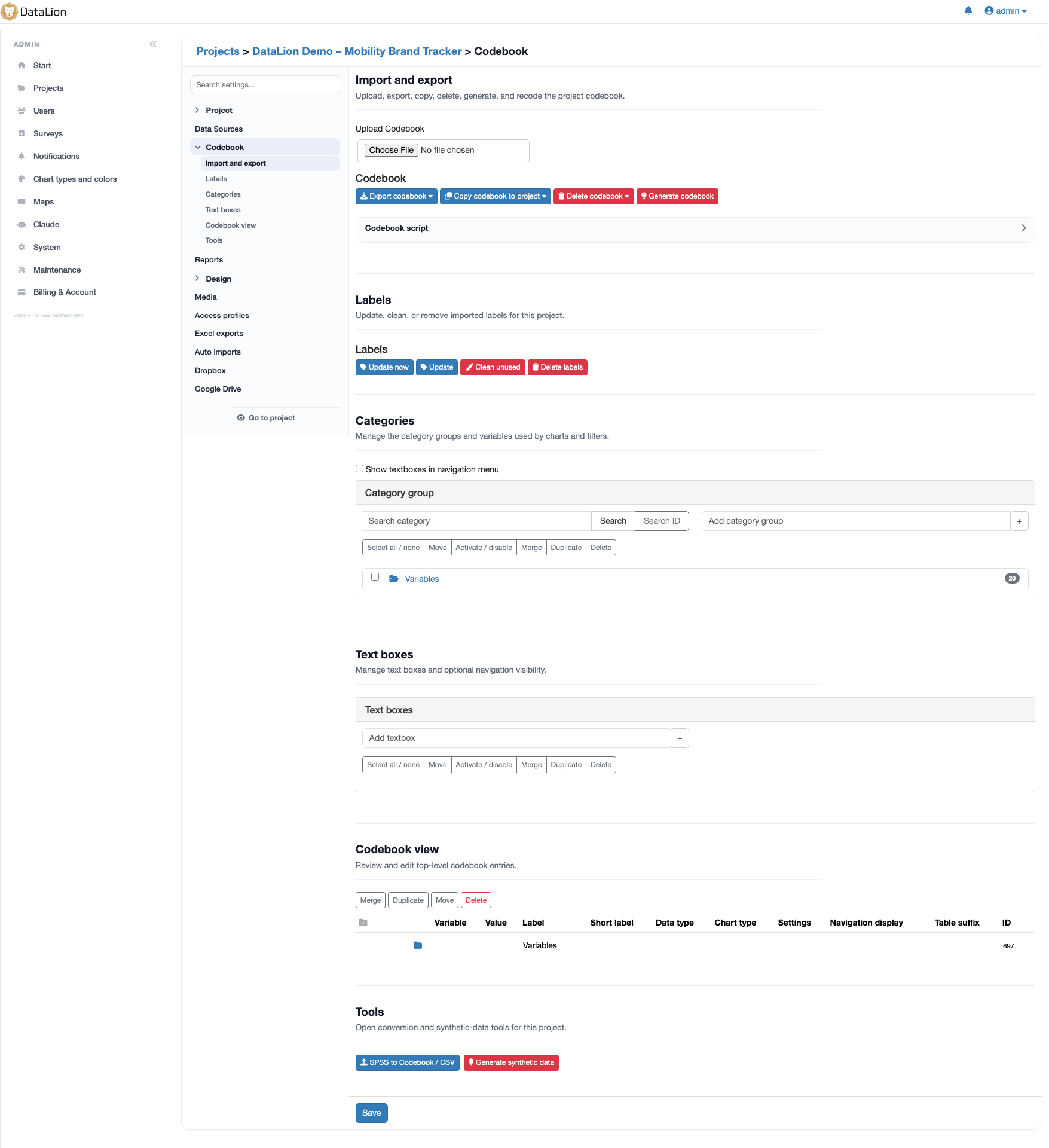
One click instead of a formula language — MR analysis in DataLion
DataLion treats multi-response, scales, net and top-box values, NPS, weighting and significance as native concepts — point-and-click, in every table and chart, reproducible across all waves.
And it doesn’t stop at crosstabs: where BI tools reach for R or Python for real statistics, DataLion computes driver analysis, regressions, MaxDiff and Van Westendorp PSM straight from the click UI — R-backed, but without the syntax.
- Top-/bottom-box, nets, NPS, index — as native rows and metrics
- Cell-level significance and weighted N in every analysis
- Deeper statistics point-and-click: driver analysis, regressions, MaxDiff, Van Westendorp PSM
- Reproducible wave over wave — a codebook script instead of copy-and-paste
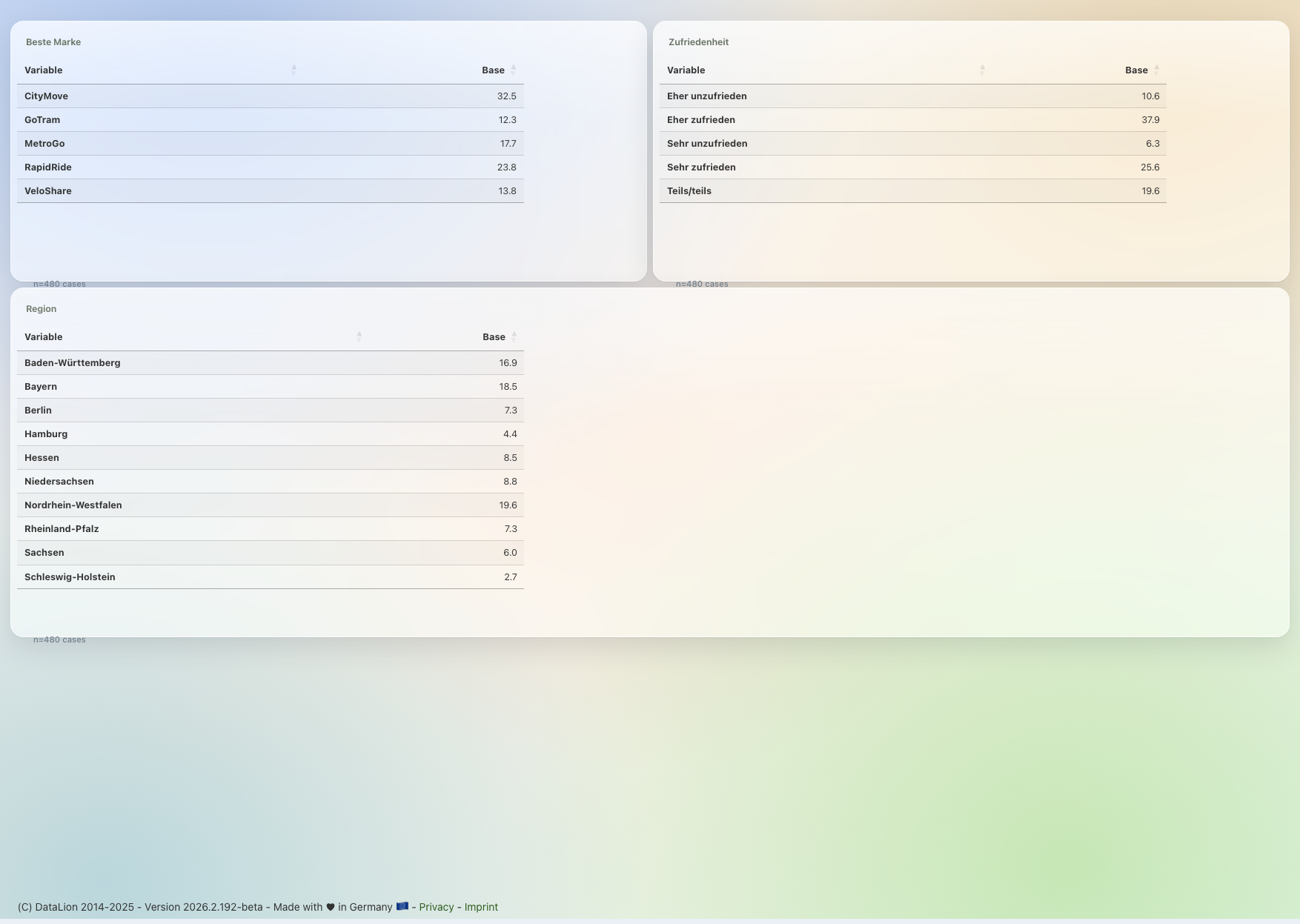
When a BI tool is the right choice
For classic corporate dashboards — revenue, finance, operations — Tableau and Power BI are excellent, and for deep modelling across many data sources DAX/LOD is hard to beat.
That is why many teams run both: the BI tool for corporate reporting, DataLion for market research. If you want fieldwork, prep, analysis and reporting of survey data in one tool, DataLion is faster — and without the formula workarounds.
DataLion vs. the individual BI tools
Common questions about BI tools and market research
Can’t I just do market research in Power BI or Tableau?
Which MR analyses do BI tools lack natively?
Does DataLion only do crosstabs, or real statistics too?
Where is my data hosted with DataLion?
Can I bring my data from Excel, SPSS or the BI tool?
See DataLion next to your BI tool
Try DataLion for free — or get a demo of how top-box, NPS, significance and weighting come together, with no DAX, LOD or R at all.