
Data import
Excel & CSV data — cleanly imported
Load your Excel and CSV files straight into DataLion. Smart cleanup repairs messy column names automatically and detects the delimiter on its own — with no SPSS license. Your spreadsheet becomes an interactive dashboard in minutes.
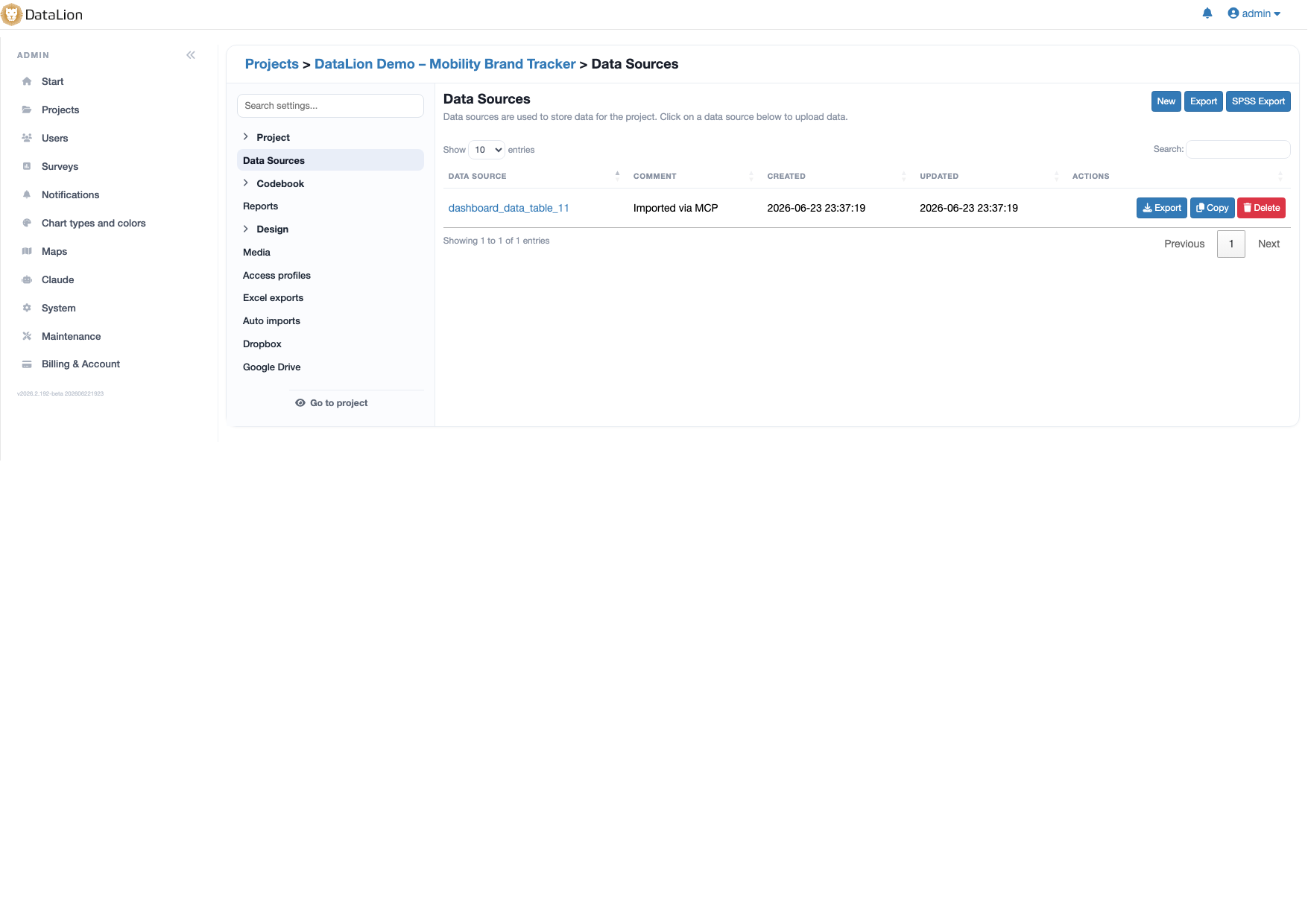
DataLion imports Excel and CSV files directly — with no SPSS license. A smart cleanup (auto_fix) repairs column names with dots, spaces or special characters, and the delimiter is detected automatically. Your uploaded spreadsheet becomes an interactive dashboard, just like any other source.
- 🇩🇪 Made in Munich
- GDPR-compliant
- DPA included
- Hosted in Germany
- 🌐 Interface in EN, DE, FR, ES, IT & NL
Trusted by research institutes, brands & insights teams






- 50+ interactive chart types
- 20+ statistical methods
- SPSS · Excel · CSV import without data loss
- ISO 27001 certified data centers (Germany)
Column names that just work
Real-world exports are rarely tidy: dots, spaces or special characters in column names trip up many tools. DataLion offers auto_fix instead and cleans up problematic column names automatically — or lets you correct the file yourself.
Identifiers may also contain #, @ and .. If something still does not fit, you get a clear error message rather than a silent failure.
- auto_fix repairs column names with dots, spaces and special characters
- Identifiers may contain #, @ and .
- Clear error messages instead of silent import failures
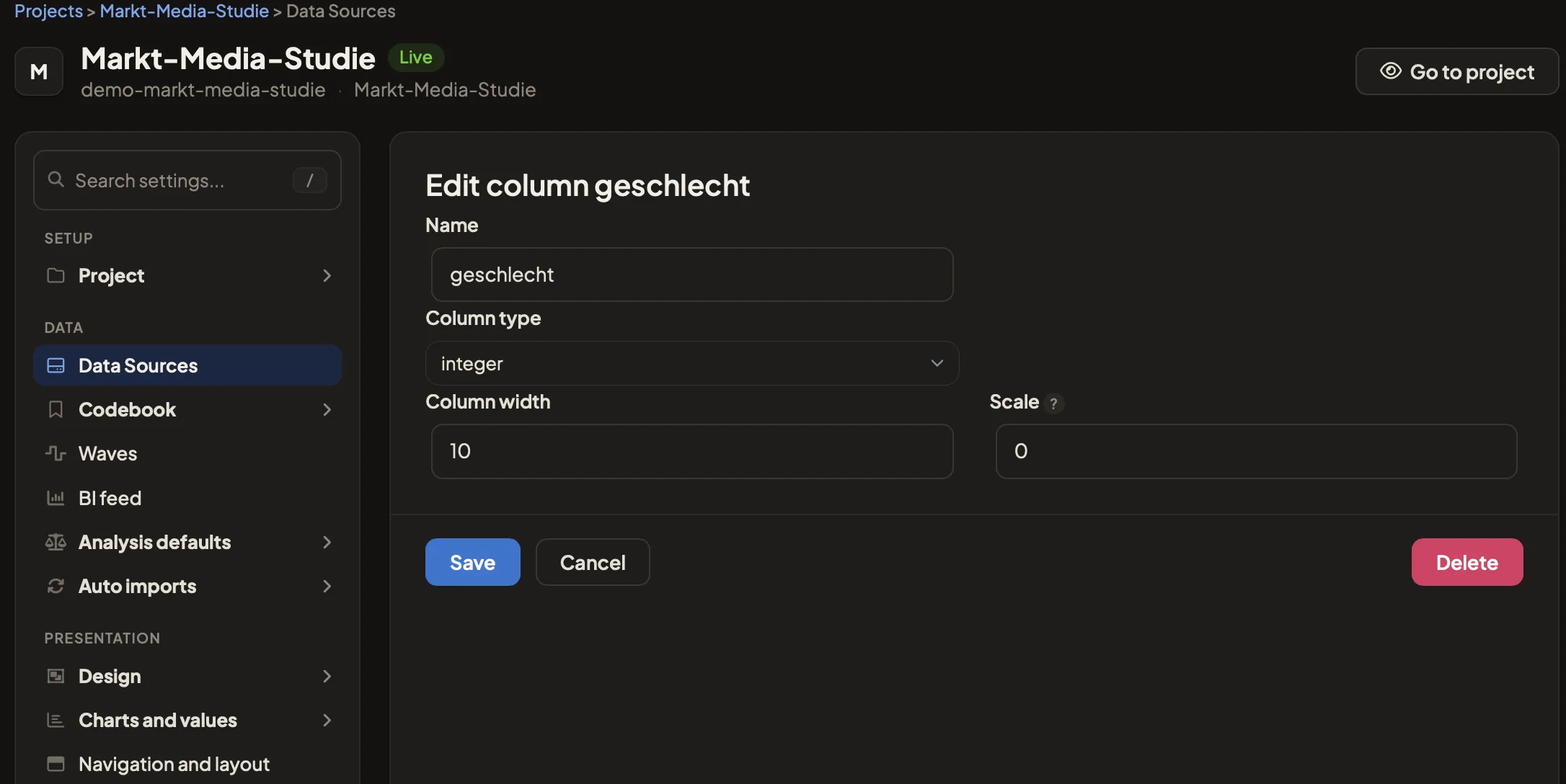
The delimiter is detected automatically
Comma, semicolon or tab? DataLion detects the delimiter of your CSV file automatically, so columns are split correctly every time — no matter which system the export came from.
Excel files load just as directly. Both formats land in your project as a clean table, with no detours.
- Automatic delimiter detection for CSV
- Direct import of Excel files
- Reliable column splitting from any export
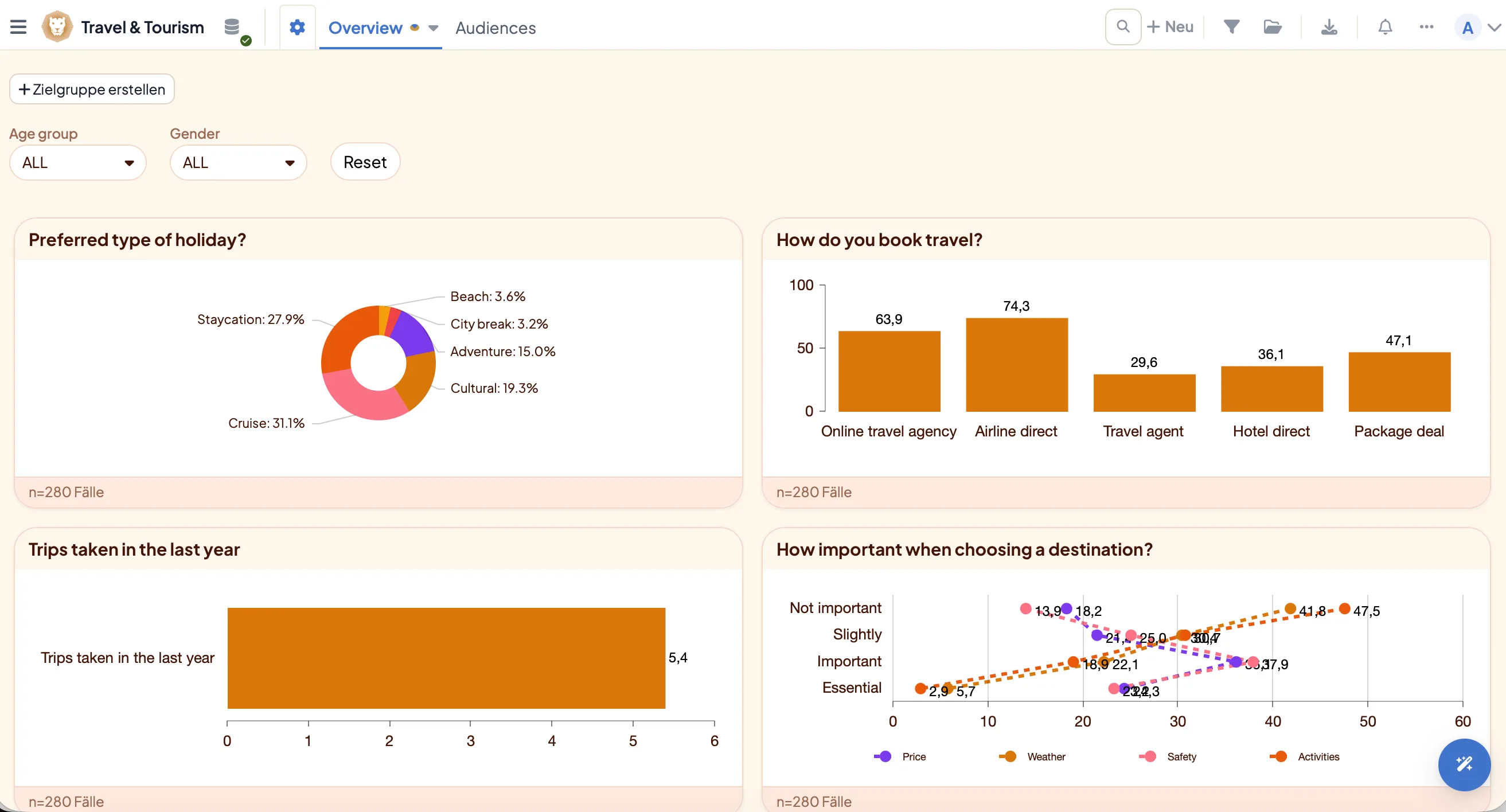
Every spreadsheet becomes a data source
After import, your spreadsheet is a fully fledged data source — just like SPSS or a database. You need no SPSS license and no export detour.
Crosstabs, 50+ chart types and significance tests are available immediately, and your Excel or CSV data becomes an interactive dashboard that you hand over as natively editable PowerPoint.
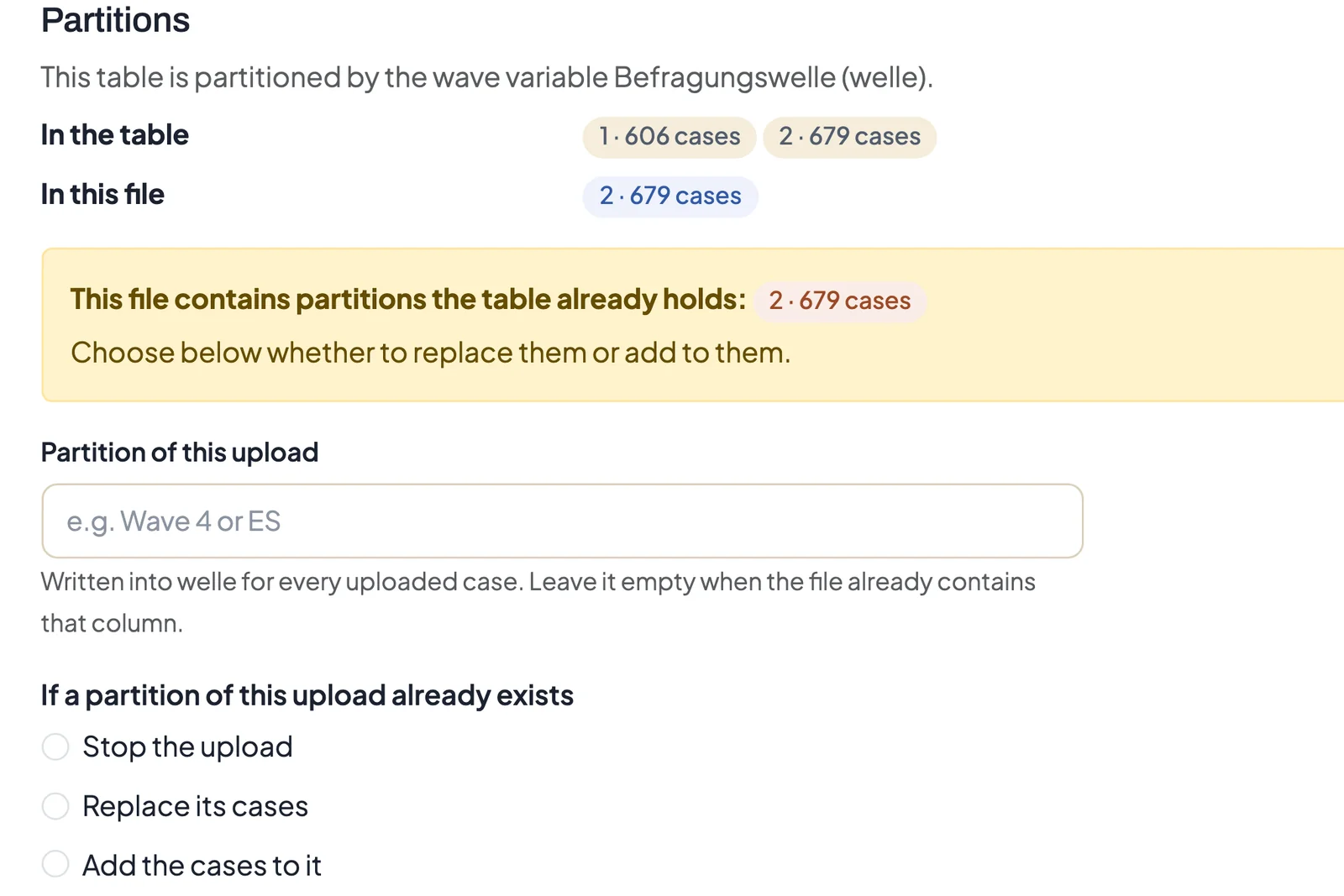
When a new wave arrives, the upload preview shows which waves the table already holds. If the file repeats one of them, you decide whether its cases are replaced or added to.
See DataLion with your own data
Start free with your own raw data. Or book a personal demo of the path to a finished dashboard.
What users say about DataLion
- via G2
The embedding function allows us to generate insights of our data for our audience and customers by far less than half of the usual time needed before.
Verified user · Leisure, Travel & Tourism - via G2
User-friendliness, especially for market research topics. Structured backend with many customization options.
Verified user · Market Research - via G2
The contacts at DataLion are very committed. If you have problems, you can count on help. DataLion reacts quickly to requests for new functions.
Robert Q. · Managing Director - via G2
Very professional company, attentive to the customer needs, provider of a great software and service.
Generoso M. · CRM Analyst, Automotive

We now work much more efficiently, giving us more time to take care of the derivations and insights from the data for the customers.
More data features
Guides in the help center
Common questions about Excel & CSV import
Can I import CSV files with special characters in the column names?
Does DataLion detect the delimiter of my CSV file?
Do I need an SPSS license to use Excel or CSV?
What happens to my spreadsheet after import?
Upload your first Excel or CSV file
Try DataLion free with your own spreadsheet — or get a demo of how Excel and CSV data turns into a live dashboard.