
Data import
Scheduled data updates — with zero downtime
Let scheduled imports keep your tracking dashboards current — with no manual work at all. DataLion updates data with zero downtime: no dashboard goes down while new figures come in.
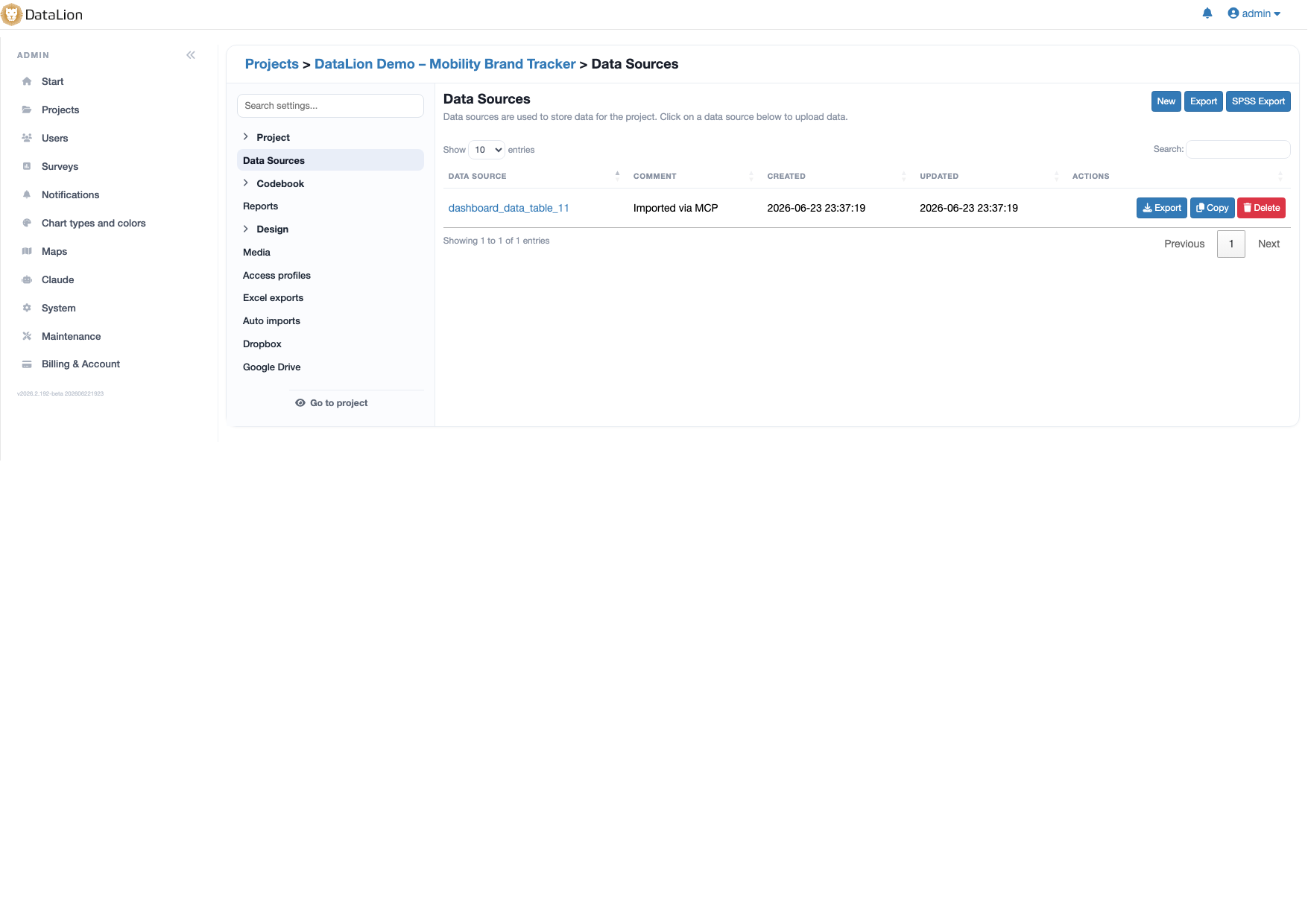
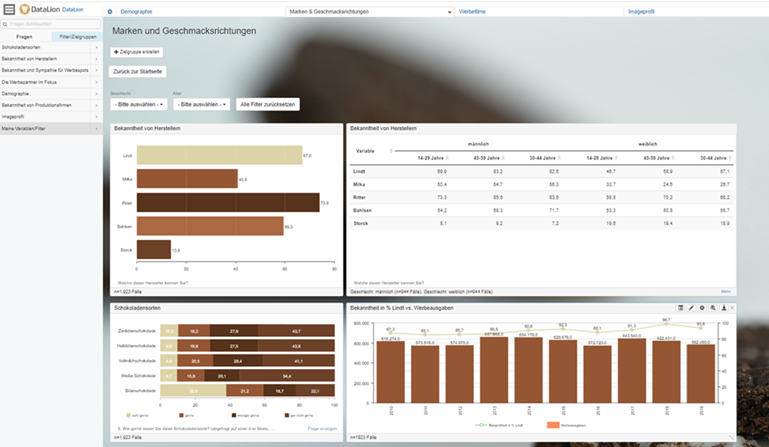
DataLion keeps tracking dashboards current with scheduled, automatic imports — with no manual work. Data is updated with zero downtime: appended or replaced, safeguarded by a backup and a table swap. Multiple sources can be joined in one project via key variables.
- 🇩🇪 Made in Munich
- GDPR-compliant
- DPA included
- Hosted in Germany
- 🌐 Interface in EN, DE, FR, ES, IT & NL
Trusted by research institutes, brands & insights teams






- 50+ interactive chart types
- 20+ statistical methods
- SPSS · Excel · CSV import without data loss
- ISO 27001 certified data centers (Germany)
Manual updates cost time — and trust
- Every new wave means downloading a file, uploading it, checking it — the same manual work, week after week.
- While a dataset is being swapped, the dashboard briefly shows gaps or errors — exactly when someone is looking at it.
- Data from several sources has to be merged painstakingly before you can even start analysing.
Scheduled imports instead of weekly manual work
Set your imports up once and let them run on a schedule. Scheduled, automatic imports keep your tracking dashboards current — without anyone downloading, uploading and checking files.
It pays off most for tracking studies: wave after wave, new data flows in and your reports refresh themselves.
- Scheduled, automatic imports
- Tracking dashboards stay current without manual work
- Ideal for waves and ongoing studies
Zero-downtime updates
DataLion updates data with zero downtime: while a new data state is being prepared, the existing dashboard stays fully usable. Only once the new data is complete does a controlled table swap switch it over.
A backup beforehand safeguards the previous state. So your stakeholders never see a half-filled or broken dashboard — the switch happens in a single moment.
- Dashboard stays usable during the update
- Controlled table swap only when data is complete
- A backup safeguards the previous state
Append or replace — your choice
Not every update works the same way. DataLion lets you append data — ideal when each wave adds new cases — or fully replace the dataset when the source always delivers the complete state.
Both paths run through the same safeguarded mechanism with a backup and table swap, so the update stays reliable and free of downtime.
- Append for continuously growing datasets
- Replace for complete re-deliveries
- Always safeguarded by a backup and table swap
Join sources via key variables
Tracking rarely runs on a single source. In DataLion you join multiple data sources in one project via key variables — such as id or a combination like id,month.
That brings survey, CRM and sales data together in one analysis, and every scheduled update keeps the joined data state consistent.
- Join multiple sources in one project
- Join via key variables (e.g. id, "id,month")
- A consistent data state on every update
See DataLion with your own data
Start free with your own raw data. Or book a personal demo of the path to a finished dashboard.
What users say about DataLion
- via G2
The embedding function allows us to generate insights of our data for our audience and customers by far less than half of the usual time needed before.
Verified user · Leisure, Travel & Tourism - via G2
User-friendliness, especially for market research topics. Structured backend with many customization options.
Verified user · Market Research - via G2
The contacts at DataLion are very committed. If you have problems, you can count on help. DataLion reacts quickly to requests for new functions.
Robert Q. · Managing Director - via G2
Very professional company, attentive to the customer needs, provider of a great software and service.
Generoso M. · CRM Analyst, Automotive

We now work much more efficiently, giving us more time to take care of the derivations and insights from the data for the customers.
More data features
Guides in the help center
Common questions about scheduled data updates
How do I keep my dashboards current automatically?
Does the dashboard go down during an update?
Can I append data instead of replacing it?
Can I combine multiple data sources?
Is this suitable for tracking studies?
Let your dashboards update themselves
Try DataLion free — or get a demo of how scheduled imports keep your tracking dashboards current with zero downtime.