
Data preparation
Handle missing values cleanly
Define freely which codes count as missing values and exclude them per category — so your bases stay honest, without touching the raw dataset.
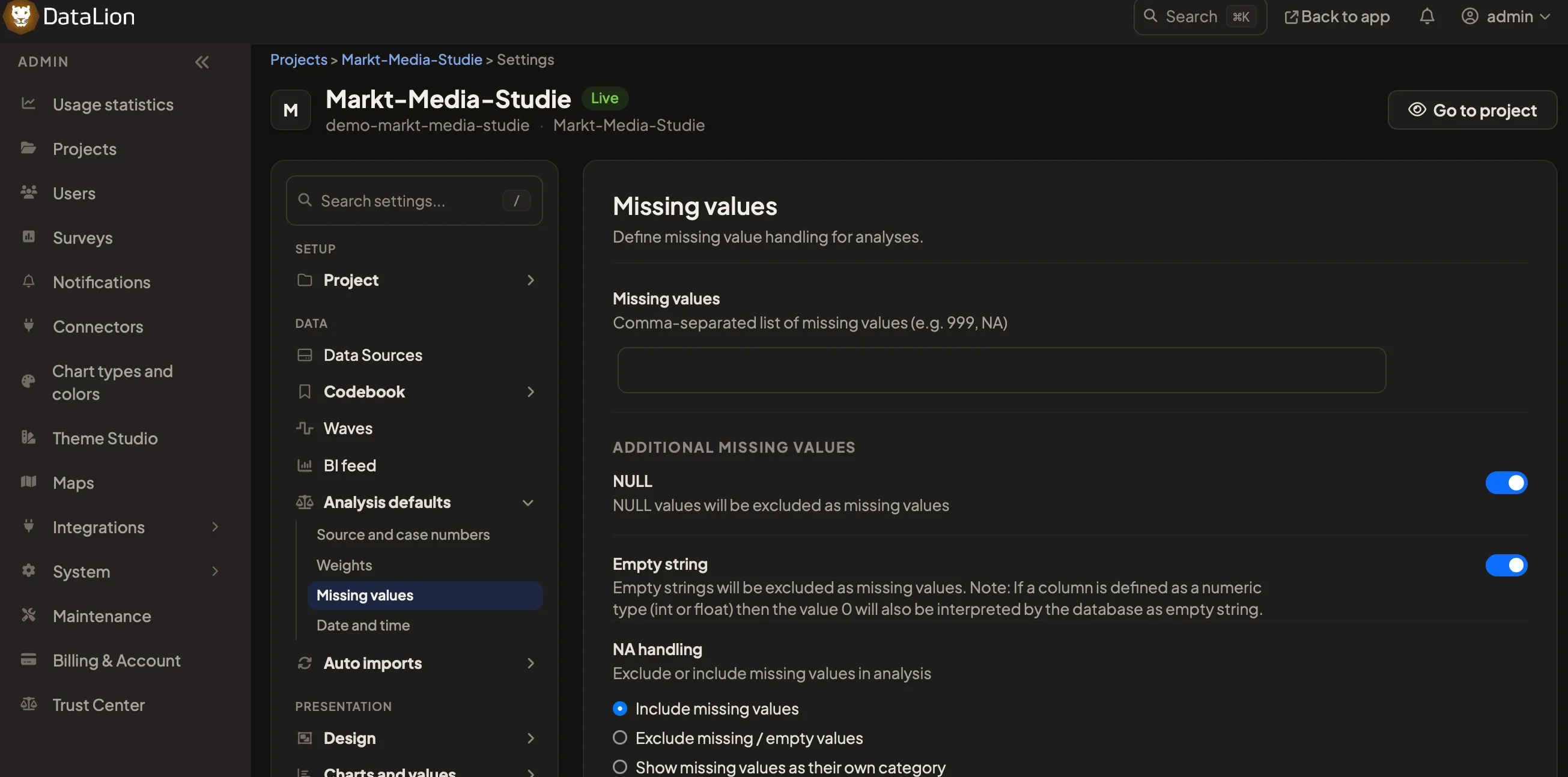
DataLion handles missing values right on the dataset: you define freely which codes count as missing values and exclude empty or NULL values deliberately — per category rather than global. Bases stay correct, without touching the raw dataset.
- 🇩🇪 Made in Munich
- GDPR-compliant
- DPA included
- Hosted in Germany
- 🌐 Interface in EN, DE, FR, ES, IT & NL
Trusted by research institutes, brands & insights teams






- 50+ interactive chart types
- 20+ statistical methods
- SPSS · Excel · CSV import without data loss
- ISO 27001 certified data centers (Germany)
Define missing values freely
What counts as a missing value? You decide. In DataLion you define freely which codes are treated as missing values — say “don’t know”, “no answer” or project-specific special codes.
So the definition fits your questionnaire exactly, instead of following a rigid default.
- Define codes freely as missing values
- Map special codes like “don’t know” cleanly
- Definition fits the questionnaire, not a fixed default
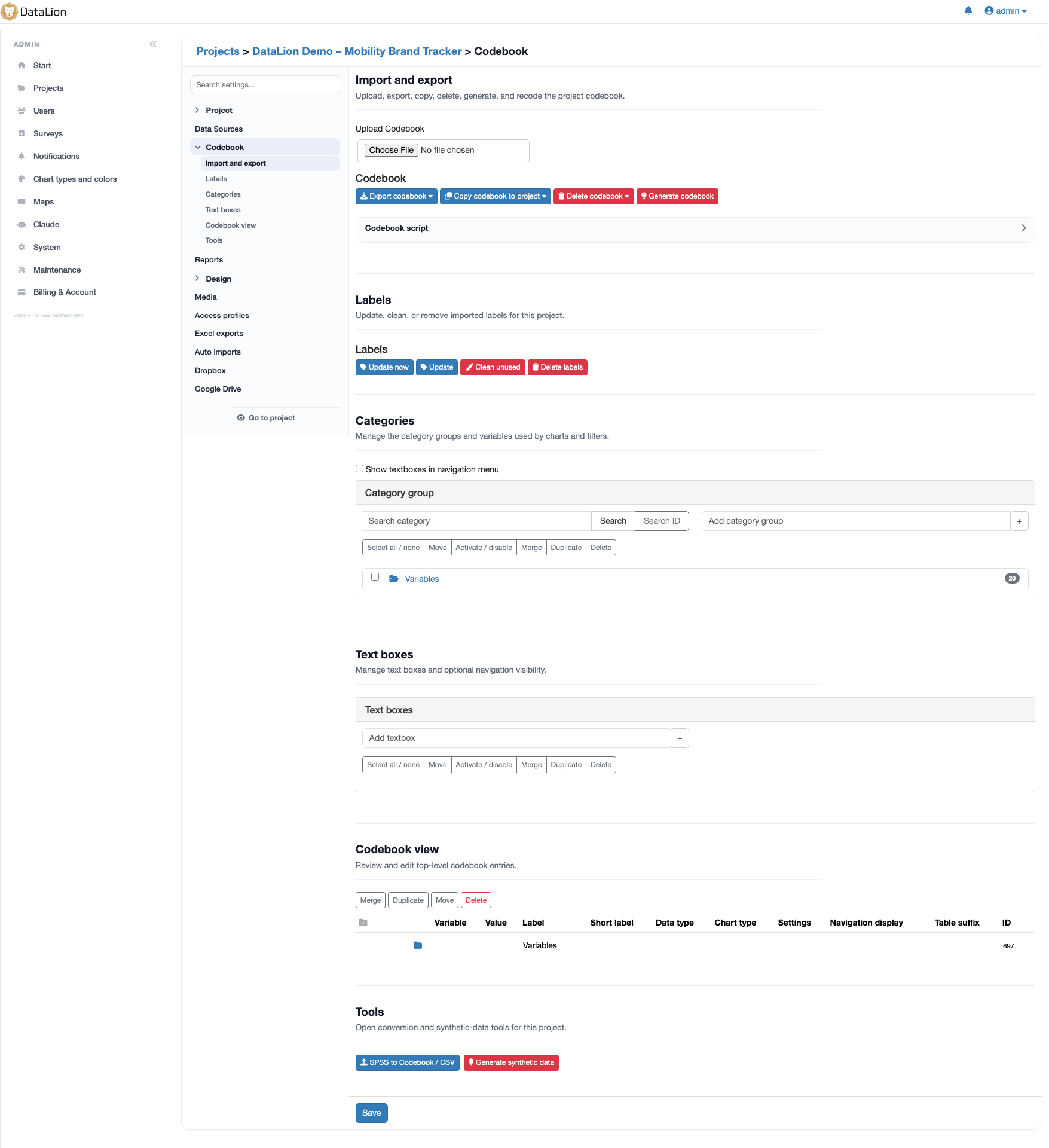
Exclude empty and NULL values
DataLion excludes empty and NULL values deliberately so they don’t skew your analysis. You control what feeds the base — and what doesn’t.
That keeps percentages and means clean, without deleting or copying records around.
- Exclude empty and NULL values deliberately
- Percentages and means stay unbiased
- No deleting or copying of records
Exclusions per category
The key difference: exclusions apply per category rather than global. You remove a missing value exactly where it gets in the way — without dropping it from every other analysis.
That keeps bases honest and every question keeps its correct population — right on the dataset, with no detour through SPSS or Excel.
- Exclusions per category rather than global
- Every question keeps its correct base
- All on the dataset — no export
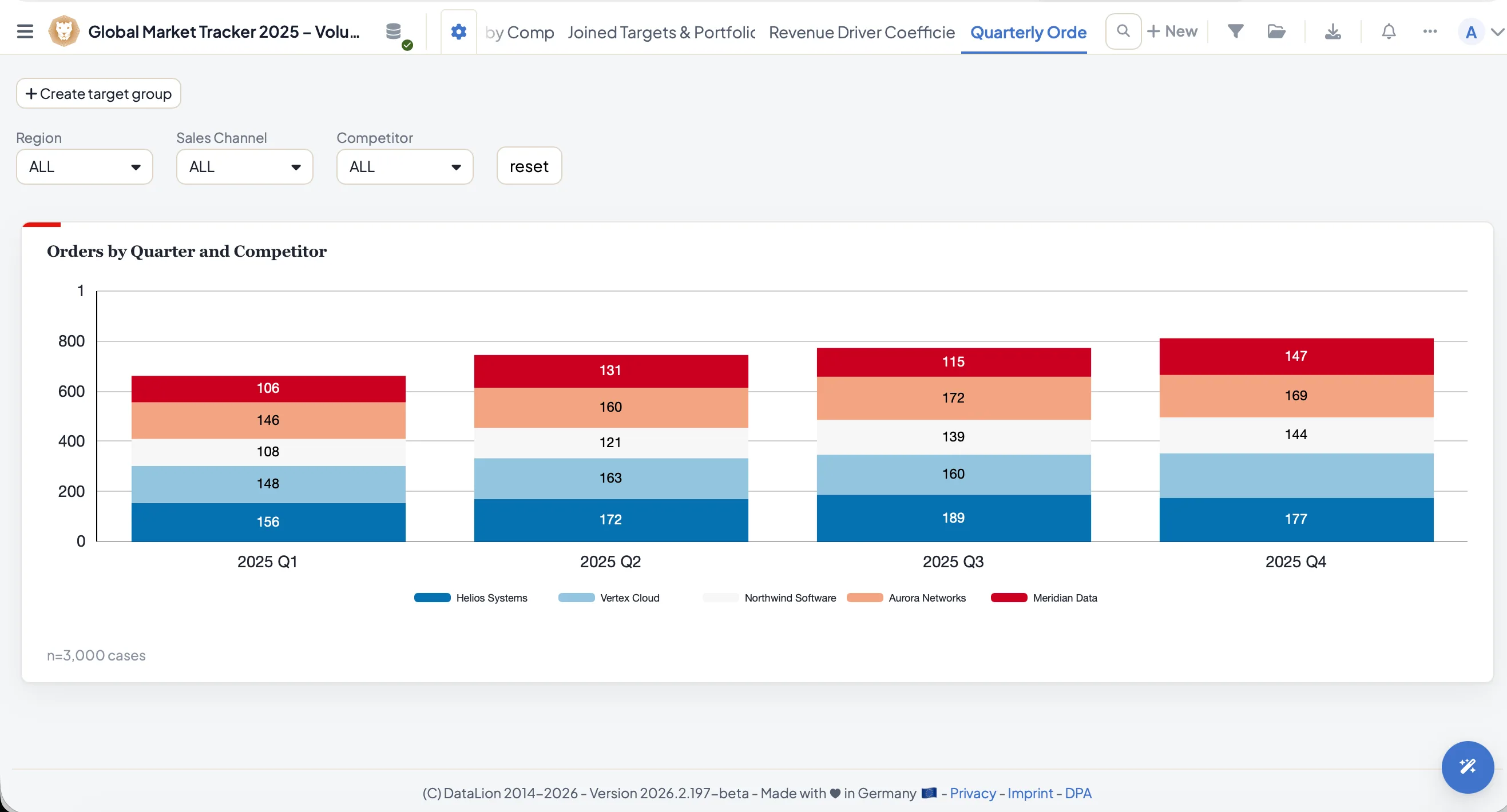
See DataLion with your own data
Start free with your own raw data. Or book a personal demo of the path to a finished dashboard.
What users say about DataLion
- via G2
The embedding function allows us to generate insights of our data for our audience and customers by far less than half of the usual time needed before.
Verified user · Leisure, Travel & Tourism - via G2
User-friendliness, especially for market research topics. Structured backend with many customization options.
Verified user · Market Research - via G2
The contacts at DataLion are very committed. If you have problems, you can count on help. DataLion reacts quickly to requests for new functions.
Robert Q. · Managing Director - via G2
Very professional company, attentive to the customer needs, provider of a great software and service.
Generoso M. · CRM Analyst, Automotive

We now work much more efficiently, giving us more time to take care of the derivations and insights from the data for the customers.
More data preparation
Guides in the help center
Common questions about missing values
How does DataLion handle missing values?
Can I set what counts as missing myself?
Do exclusions apply to the whole dataset?
Do I have to change the raw dataset?
Keep your bases honest
Try DataLion free: define missing values, exclude empty and NULL values per category — with no edits to the raw data. Or book a demo.