
🚀 Highlights
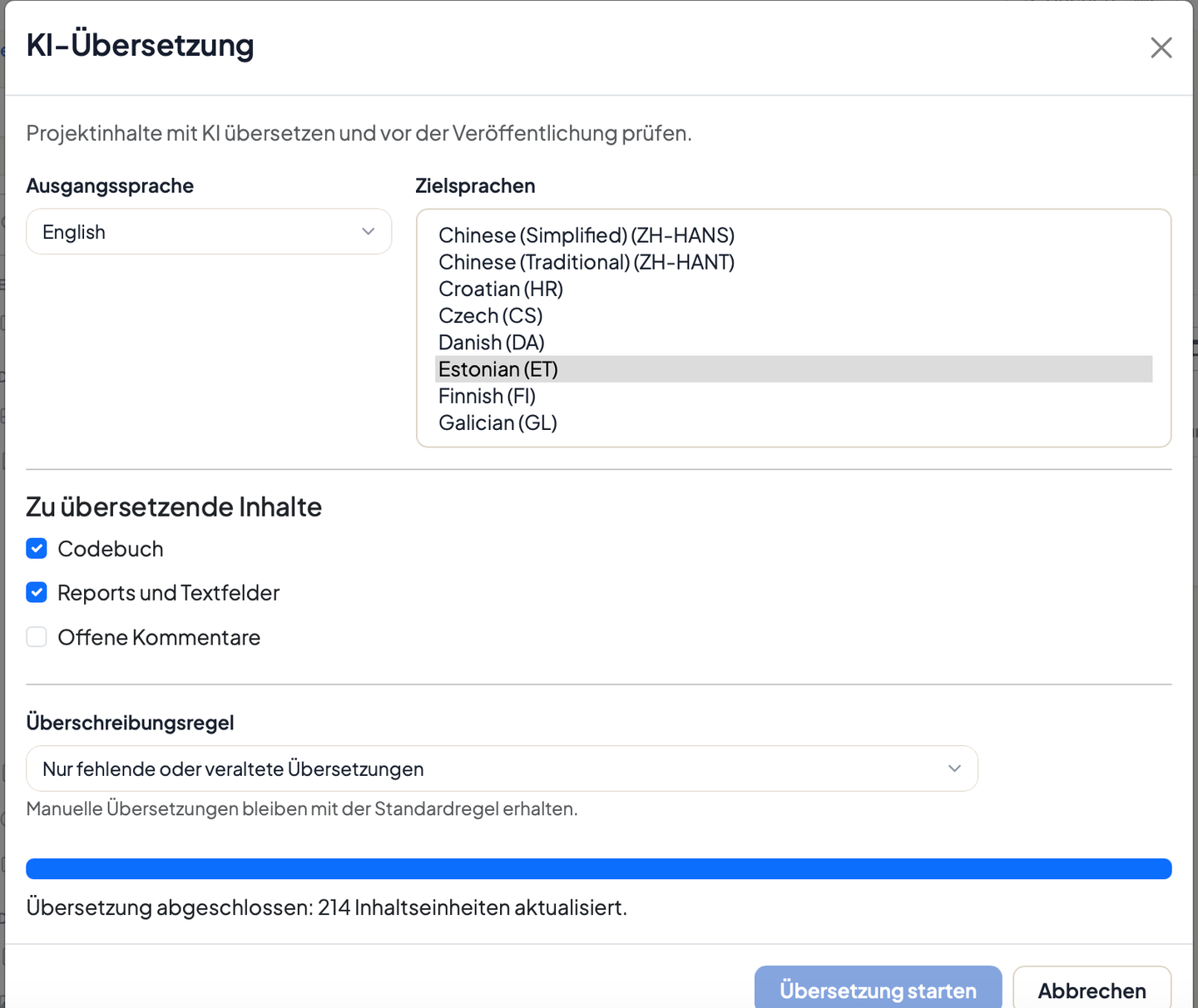
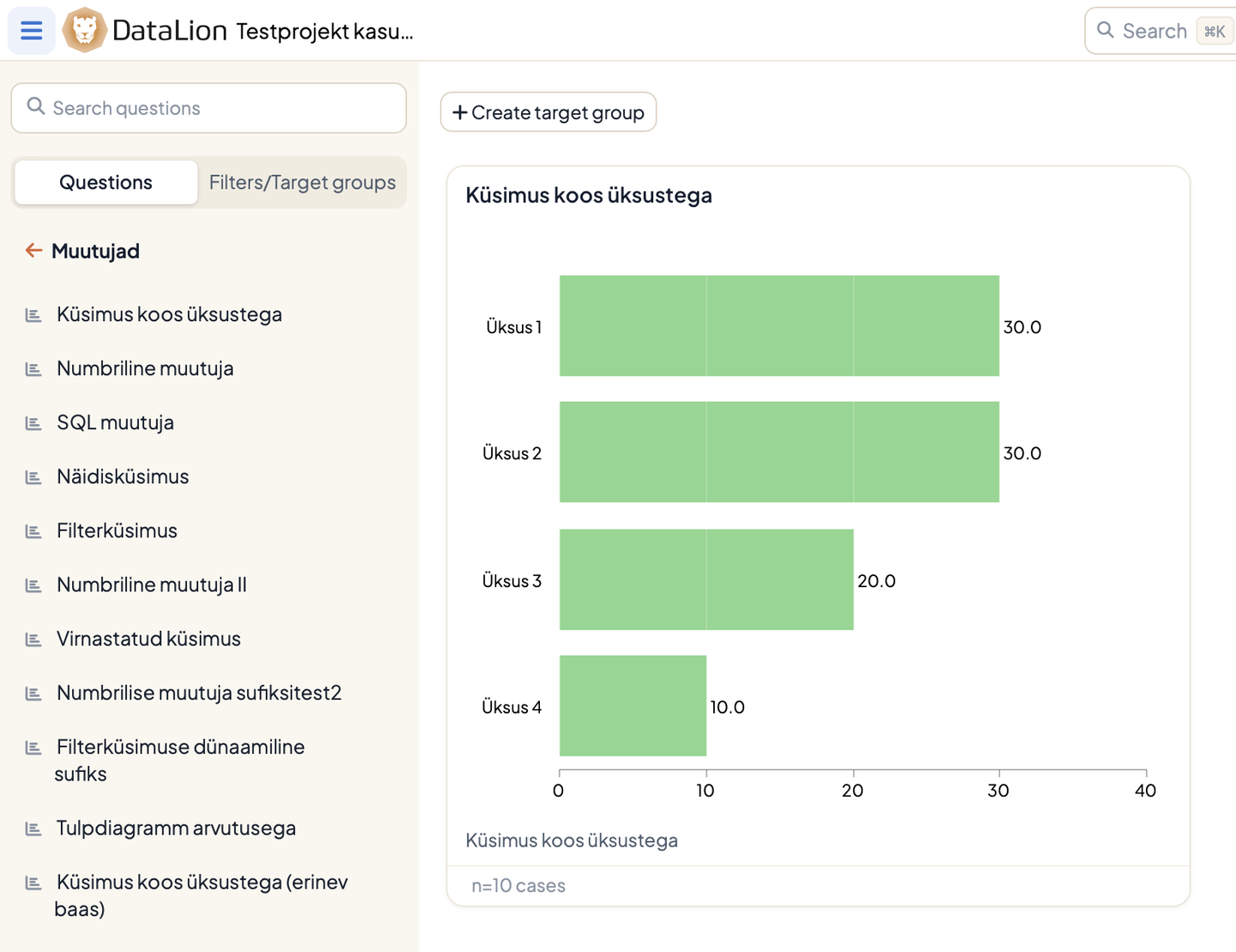
Translate a whole project with AI – in a single run: Under Admin → Projects → Codebook → AI translation, DataLion translates codebook labels, reports, chart and screen titles, text widgets, and selected open comments into more than 65 languages. Manual corrections are preserved, translations can be reviewed in the codebook grid or via an Excel round trip, and viewers pick their content language independently of the six interface languages. More on the AI translation page.
Faster dashboards: Saved filters are no longer prepared while the page renders, the My Filters list no longer embeds whole codebooks, and projects on external data sources fetch column metadata only once. Projects with many saved filters or data sources now open in seconds instead of minutes.
Correct case numbers on hover: Mouseovers on mean, sum, and calculation charts show the response base as a whole case number instead of mislabeling the computed value – “3 cases”, not “14.7 cases”. The new chart engine also matches the old one's axis scaling, tooltip styling, and label positions.
✨ What's New
🛠️ Repair broken target groups in place: When a weighted filter fails, the chart error shows a Rebuild filter button, and My Filters marks the affected filter with a rebuild icon. No more re-saving the filter or asking an admin for a project-wide weight reset.
📈 Improvements
🎛️ Chart settings: The inspector no longer blocks page scrolling, so Select charts reaches off-screen charts, and long menus scroll inside the inspector.
🔔 Notifications: The menu shows the newest unread items first, pages through older history, and stays inside the viewport.
🖋️ Settings pages: Clearer typography – option lists no longer outweigh their labels.
🧭 Admin navigation: The administration landing page is now labeled Usage statistics instead of sharing the name “Start” with the app start page.
📦 Smaller bundles: Several bundled JavaScript libraries were replaced with native browser functionality. DataLion ships less code, and pages start faster.
🔐 Security
2026.2.194 also brings a full round of dependency updates: every published security advisory for the libraries DataLion uses has been addressed.
🐛 Important Bug Fixes
- PDF export: Dashboard PDF exports fit on one page again.
- Target groups: Project viewers can create and edit their own target groups again.
- Filter dropdowns: Icelandic content no longer crashes filter dropdowns.
- Data sources: The scheduled token refresh runs at its configured frequency again.
- Chart breaks: Target groups used as chart breaks no longer fail on restricted-filter instances.
Enjoy DataLion 2026.2.194. As always, we would love to hear what you think – and which language you translate your first project into.