
For students and universities
Surveys for theses, seminars and research, with an analysis that almost writes itself
Build the questionnaire from a template or point-and-click, share it via link and QR code, anonymous and GDPR-compliant with hosting in Germany. As responses arrive, the charts for your results chapter and the seminar dashboard build themselves. Forever free for students, with a 50 % academic discount for chairs and institutes.
Forever free for students · no credit card · hosted in ISO 27001-certified data centers in Germany
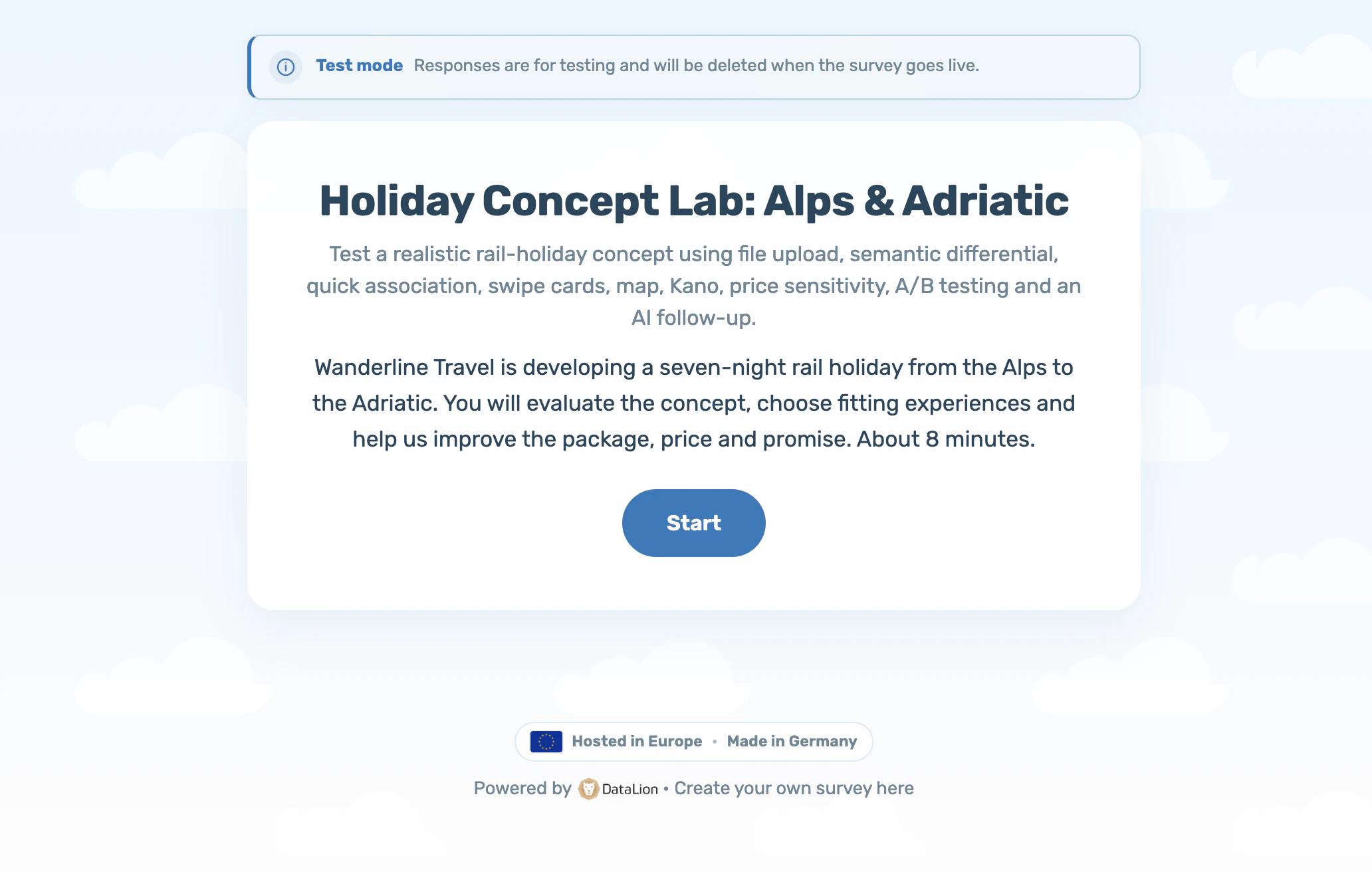
DataLion is a German platform for surveys and their analysis. Students create the survey for a bachelor or master thesis for free, share it via link or QR code and get the analysis automatically as a live dashboard with frequencies, means and charts. Chairs and universities use the same platform with multi-user access for seminars, course evaluation and research projects, with a 50 % academic discount on request and a data processing agreement.
- 🇩🇪 Made in Munich
- GDPR-compliant
- DPA included
- Hosted in Germany
- 🌐 Interface in EN, DE, FR, ES, IT & NL
Trusted by research institutes, brands & insights teams






- 50+ interactive chart types
- 20+ statistical methods
- SPSS · Excel · CSV import without data loss
- ISO 27001 certified data centers (Germany)
Your thesis survey
You need a clean questionnaire, participants, a privacy paragraph your examination office accepts, and a results chapter with charts that do not look like Excel defaults. The methods kit below takes you from research question to finished chapter in eight weeks. The tool is free for good.
The step-by-step guide with question types, finding participants and analysis lives on the students page.
- Forever free: 1 project, 100 responses, analysis and dashboard included
- Full feature set for 14 days: crosstabs, significance tests, export
- 114 templates, many with a citable scale source
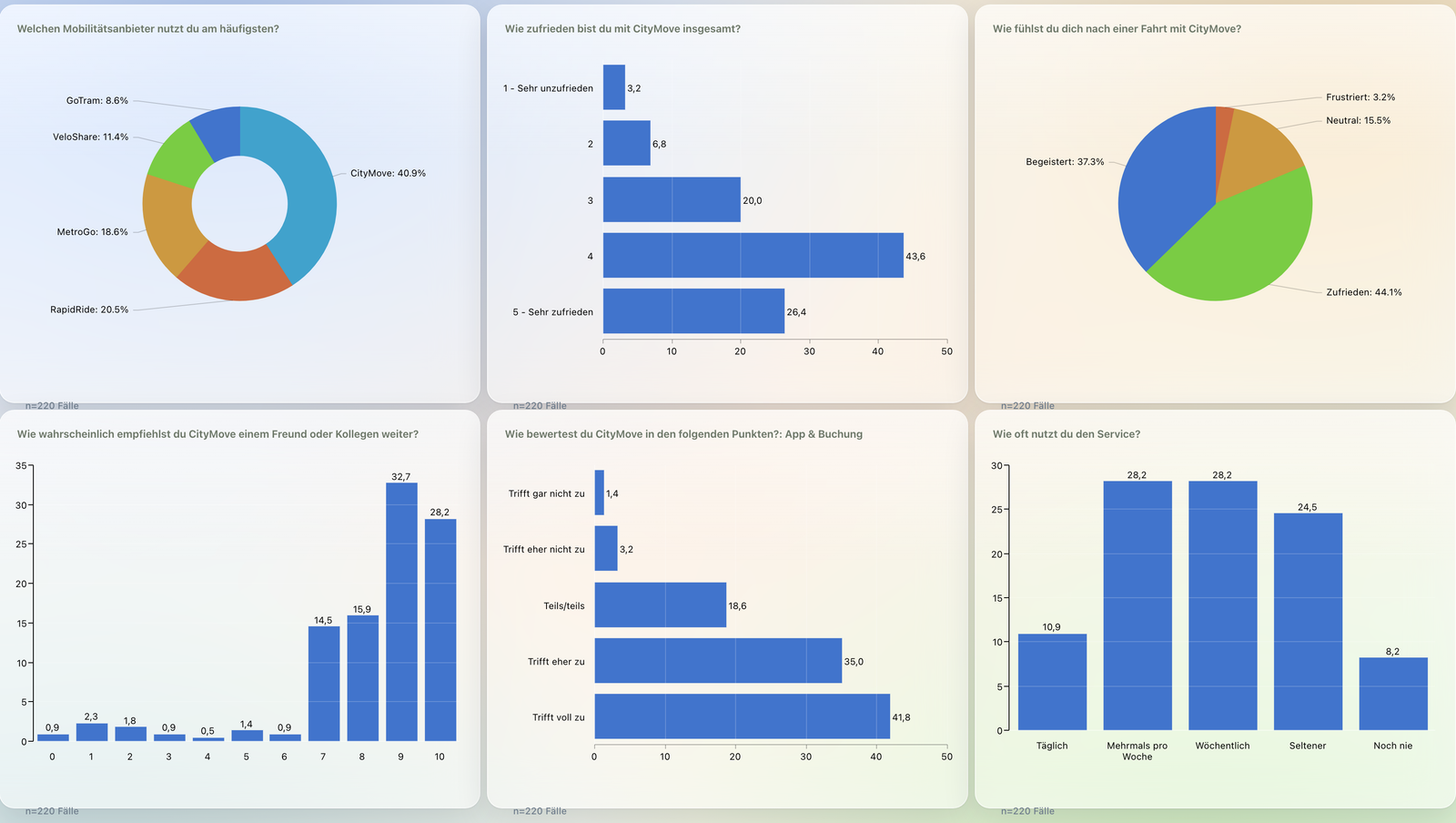
One platform for teaching, evaluation and research
A chair needs three things a student account does not offer: access for a whole seminar group, shared questionnaires and templates in its own workspace, and a contract partner with a data processing agreement. The Starter and Pro team plans bundle exactly that; Enterprise adds SSO through the university identity provider and, on request, a dedicated instance in Germany.
Course evaluation follows the same principle as every survey in DataLion: one questionnaire, one dashboard per course, comparison across semesters. The minimum-cases threshold protects small courses from results being traceable to individuals.
- Editor licences for students, projects stay in the chair’s workspace
- Own questionnaires and templates for all courses of a chair
- Course evaluation with a dashboard per course and a minimum-cases threshold
- Data processing agreement, hosting in Germany, retention period per survey
- Onboarding for lecturers: 60 minutes online, demo accounts for the exercise
Timeline: eight weeks from research question to analysis
Most thesis surveys go wrong on the calendar: fieldwork starts too late and ends when the deadline is already in sight. This plan counts back from submission and leaves two full weeks for analysis.
Put the analysis phase in the first 14 days after registration and you get crosstabs, significance tests and export in full without booking a plan. Which means: create the account once the questionnaire is ready, not before.
- Weeks 1 and 2: operationalise the research question, fix constructs and scales, build the questionnaire from a template or from scratch
- Week 3: pretest with five to ten people, send the test link to your supervisor, revise
- Weeks 4 to 6: fieldwork, reminder after seven days, track responses in the dashboard
- Week 7: check the dataset, exclude drop-outs, run the crosstabs behind your hypotheses
- Week 8: export charts, write the chapter, save dataset and codebook for the appendix
Templates and scales: adopt established instruments and cite them
Most theses can use established instruments, and reviewers ask for the source of a scale, not for its originality. The 114 templates cover satisfaction, employee surveys, brand perception, course evaluation and more. Every template can be tested live without a login and adopted with one click.
Likert scales with five or seven points, endpoint labelling and matrix questions are covered in the guide on analysing a survey and the templates themselves.
- Templates by topic: satisfaction, NPS, employee survey, brand tracking, course evaluation
- Likert, matrix, semantic differential, MaxDiff and 30+ further question types
- Skip and display logic by click, so every respondent only sees relevant questions
Pretest checklist: twelve questions before the survey goes live
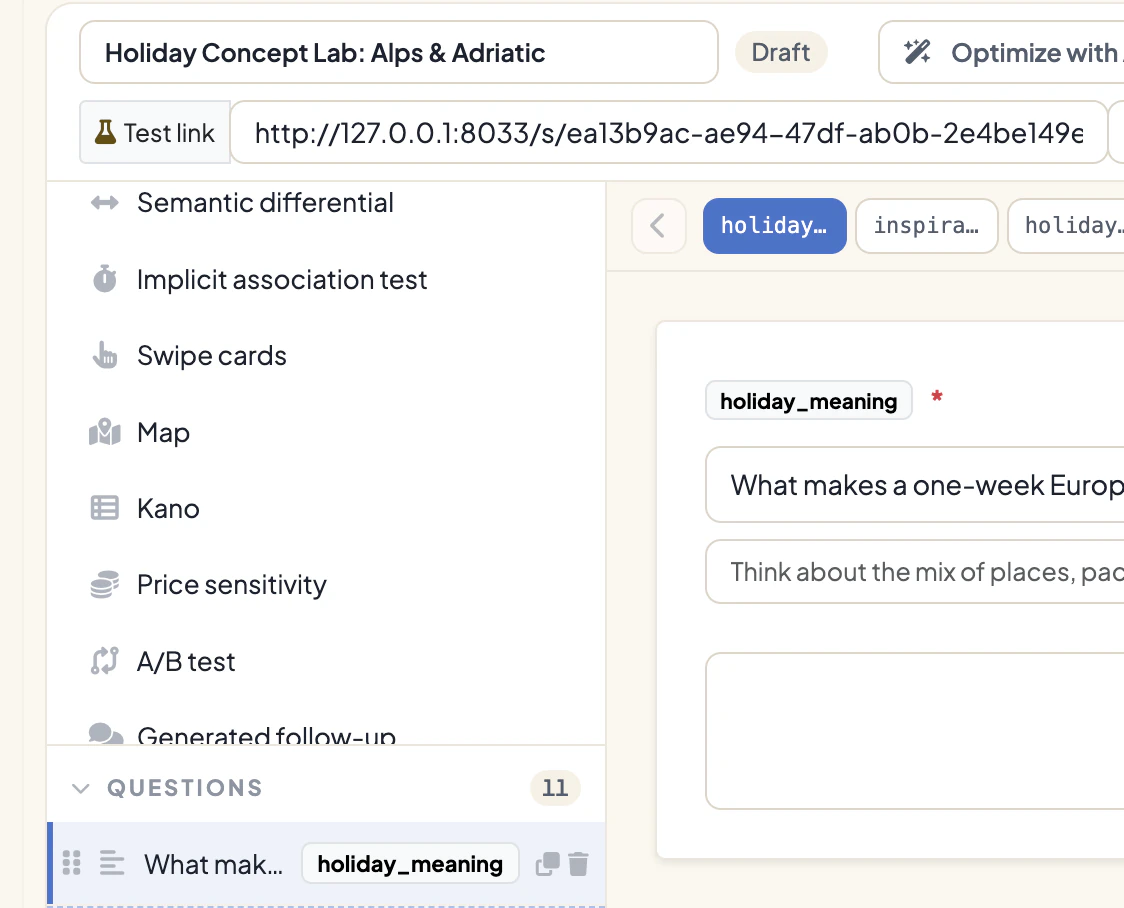
A pretest with five to ten people finds the errors that cannot be repaired in the dataset later. Send the test link of your draft to your supervisor and fellow students; test responses are deleted at publication and the real dataset stays clean.
- Is the survey goal stated in one sentence, and does every question serve it?
- Does a person outside your field understand every question on first reading?
- Are double-barrelled questions (“How satisfied are you with price and quality?”) split?
- Are questions worded neutrally, without leading in one direction?
- Do the answer options cover every case, including “don’t know” or “not applicable”?
- Are the answer options mutually exclusive?
- Is the scale type constant within a battery (always five points, always the same direction)?
- Is there at least one open question for what the questionnaire does not foresee?
- Does the order run from general to specific, with sensitive questions last?
- Does the questionnaire take under ten minutes on a phone?
- Is the privacy notice with consent on the first page?
- Has a third person clicked through the questionnaire, not just read it?
Privacy pack: consent, notice and the sentence for your methods section
Anonymous surveys in DataLion store neither IP address nor login or email of participants. You place the consent as a consent question on the first page. The following texts can be adopted and completed with topic, name and university.
Privacy notice for the first page: “This survey is part of my [bachelor’s/master’s] thesis at [university]. Participation is voluntary and anonymous: no IP addresses, names or email addresses are stored. Responses are analysed for scientific purposes only and deleted after completion of the thesis, at the latest on [date]. The survey runs on DataLion; data is hosted in ISO 27001-certified data centers in Germany. Questions: [email].”
Consent wording: “I have read the notice and agree to the anonymous processing of my responses for scientific purposes.”
Sentence for the methods section: “The online survey was created and conducted with DataLion (DataLion GmbH, Munich). Data collection was anonymous; IP addresses and personal contact data were not stored.”
Whether an ethics committee must be involved is decided by your faculty. Rule of thumb: ask first for surveys on health, sexual orientation, political or religious attitudes, and with minors.
- No IP, login or email stored in anonymous surveys
- Retention period per survey, consent as the first question
- Hosting in ISO 27001-certified data centers in Germany
Analysis: from dashboard to results chapter
As responses arrive, a live dashboard with frequencies and charts builds itself. Your chapter needs three things from it: the distribution of every variable (frequencies, mean and spread), the crosstabs behind your hypotheses (by gender, semester, user group) with a significance test, and charts that stay legible in print.
The path from raw data to a finished chapter is in the guide to analysing a survey. To practise before fieldwork, pick one of the public studies in the gallery.
- Frequencies, means, crosstabs and significance tests without syntax
- Export charts for the thesis, export data to SPSS, Excel and PowerPoint
- Citation: “The survey was conducted with DataLion (DataLion GmbH, Munich).”
When your university’s current survey tool is discontinued
Some universities are ending access to their current survey tool, each on its own date. Running projects and archived datasets must be secured before then. Here is how they come along: export from the current tool as an SPSS file so that variable and value labels survive, or as CSV. For long open answers choose CSV, because some exports truncate free text in SPSS at 255 characters. Load the file into a DataLion project; labels are kept, and dashboard, crosstabs and export are available immediately.
Questionnaire definitions cannot be transferred one to one. The template library shortens the rebuild, and when a chair migrates we help with the first three questionnaires. The detailed comparison for migrating from Unipark/EFS has its own page.
- Export as SPSS with labels or as CSV, prefer CSV for free text
- Import into DataLion including variable and value labels
- Wave comparison across old and new surveys in the same project
Free for students, 50 % academic discount for institutions
For students the Free plan is the right offer: it never expires and covers the typical thesis. Chairs and institutes get a 50 % academic discount on the team plans, limited to non-commercial research and teaching. The discount is set up on request; proof is a university email address or an order placed by the institution.
All prices per month, billed annually, plus VAT. The full plan overview is on the pricing page.
- Free for students: €0, 1 project, 100 responses, dashboard, full features in the first 14 days
- Chair (Starter): €175 instead of €350 per month, 1 administrator, 5 viewers, unlimited projects; editor licences for students at half price
- Institute (Pro): €262.50 instead of €525 per month, team bundle with more administrators and viewers
- Campus (Enterprise): from €700 instead of €1,400 per month, unlimited viewers via flat rate, SSO, dedicated instance in Germany, SLA
See DataLion with your own data
Start free with your own raw data. Or book a personal demo of the path to a finished dashboard.
What users say about DataLion
- via G2
The embedding function allows us to generate insights of our data for our audience and customers by far less than half of the usual time needed before.
Verified user · Leisure, Travel & Tourism - via G2
User-friendliness, especially for market research topics. Structured backend with many customization options.
Verified user · Market Research - via G2
The contacts at DataLion are very committed. If you have problems, you can count on help. DataLion reacts quickly to requests for new functions.
Robert Q. · Managing Director - via G2
Very professional company, attentive to the customer needs, provider of a great software and service.
Generoso M. · CRM Analyst, Automotive

We now work much more efficiently, giving us more time to take care of the derivations and insights from the data for the customers.
Continue to
Frequently asked by students and universities
Can I really run my bachelor thesis survey for free?
Does DataLion store participants’ IP addresses?
How do I cite the tool in my thesis?
Does DataLion find participants for me?
How does a chair get the academic discount?
Can a chair bring existing SPSS datasets?
Is there a data processing agreement?
What happens to students’ projects after the semester?
Your first survey in ten minutes
Students start for free and have the first questionnaire online in ten minutes. Chairs and universities request the academic discount and get demo accounts for the next methods class.