
Reports & sharing
Share and embed dashboards and reports
Share a report via a clean link — after login a smart redirect takes viewers straight to the shared report. In presentation mode, external stakeholders see only the report, with no navigation. Or embed the dashboard via iframe.
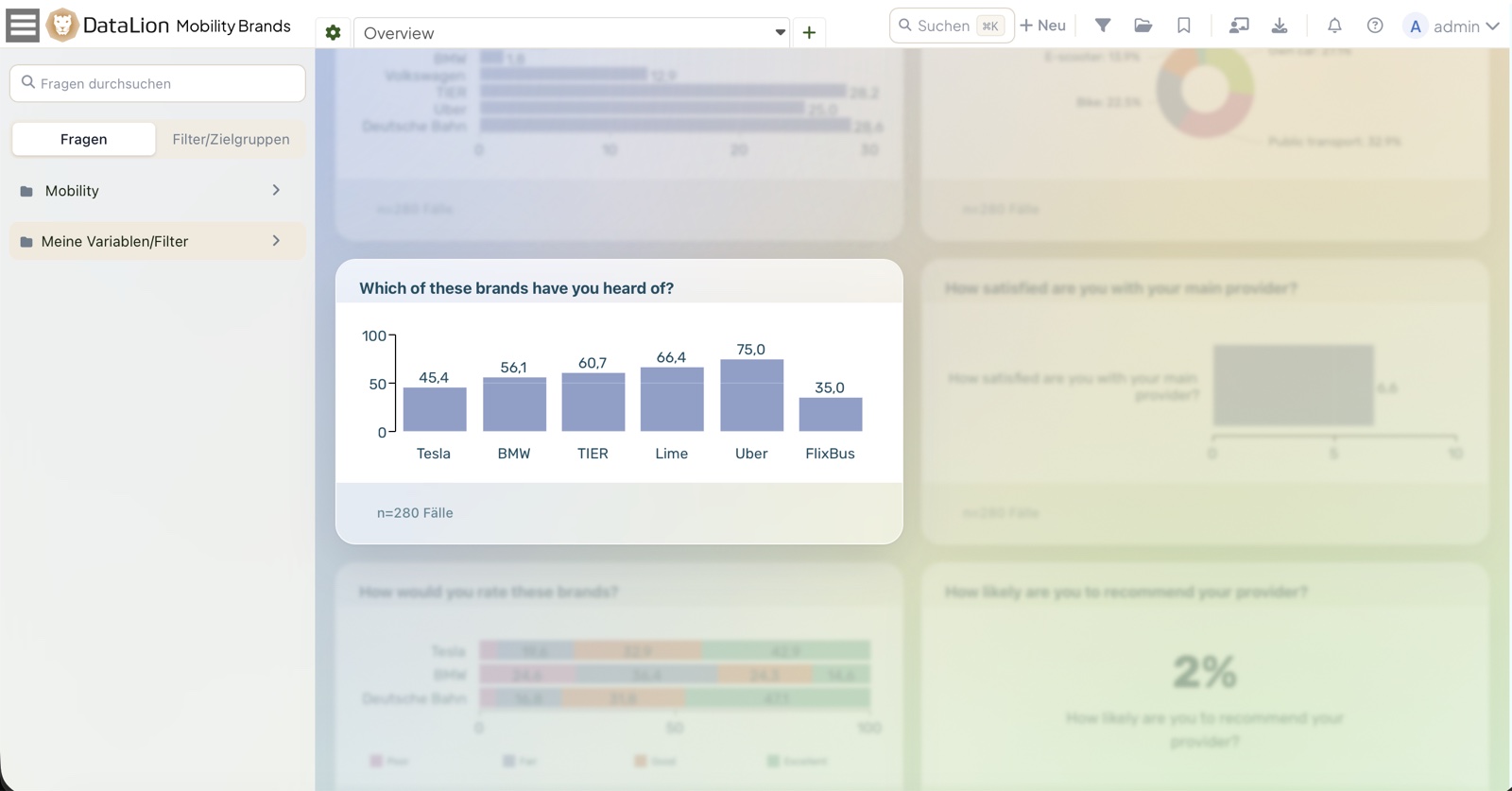
DataLion shares reports via clean links — after login a smart redirect takes viewers straight to the shared report. Presentation mode hides the navigation so external stakeholders see only the report. Dashboards can also be embedded into intranets and websites via iframe. Access stays governed by roles and access profiles.
- 🇩🇪 Made in Munich
- GDPR-compliant
- DPA included
- Hosted in Germany
- 🌐 Interface in EN, DE, FR, ES, IT & NL
Trusted by research institutes, brands & insights teams






- 50+ interactive chart types
- 20+ statistical methods
- SPSS · Excel · CSV import without data loss
- ISO 27001 certified data centers (Germany)
Short links that lead straight to the report
Share your reports via clean, short links instead of cryptic URLs. Anyone who opens the link and signs in lands straight in the shared report via a smart redirect — not on a landing page they have to search from.
That makes sharing with clients and colleagues frictionless: one link, one login, the right report.
- Clean, short share URLs
- Smart redirect straight to the shared report after login
- Frictionless sharing with team and clients
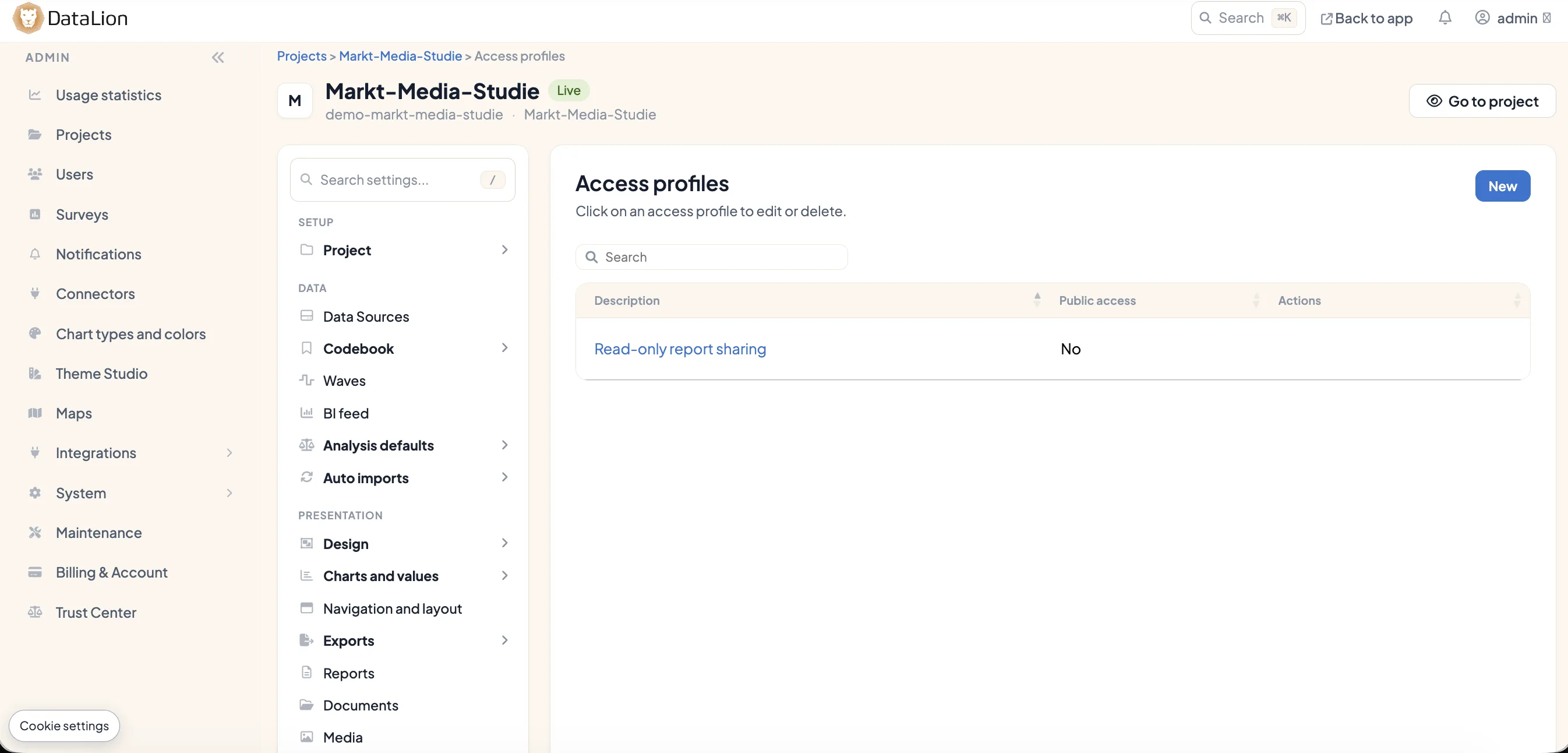
Presentation mode hides the navigation
In presentation mode, the navigation is hidden in shared reports. External stakeholders see only the report — no menus, no distraction, focused on the results.
Ideal for handing over a study or a management update: the report takes center stage, not the interface around it.
- Hide the navigation in shared reports
- External viewers see the report only
- Focused handovers and management updates
Embed into intranets and sites via iframe
Bring dashboards to where your stakeholders already are: via an iframe you embed a report directly into intranets or websites — live and interactive, not as a static screenshot.
Access stays governed by roles and access profiles, so everyone sees only what they are allowed to. Learn more on the Roles & permissions page.
- Live embedding via iframe
- Reports straight into intranets and websites
- Access still governed by roles and access profiles
See DataLion with your own data
Start free with your own raw data. Or book a personal demo of the path to a finished dashboard.
What users say about DataLion
- via G2
The embedding function allows us to generate insights of our data for our audience and customers by far less than half of the usual time needed before.
Verified user · Leisure, Travel & Tourism - via G2
User-friendliness, especially for market research topics. Structured backend with many customization options.
Verified user · Market Research - via G2
The contacts at DataLion are very committed. If you have problems, you can count on help. DataLion reacts quickly to requests for new functions.
Robert Q. · Managing Director - via G2
Very professional company, attentive to the customer needs, provider of a great software and service.
Generoso M. · CRM Analyst, Automotive

We now work much more efficiently, giving us more time to take care of the derivations and insights from the data for the customers.
More on reports & sharing
Guides in the help center
Common questions about sharing & embedding
How do I share a report in DataLion?
What does presentation mode do?
Can I embed a dashboard into our intranet?
Who can access a shared report?
Where is the shared data stored?
Share your first report
Try DataLion free — or get a demo of how you share reports via clean links, show them in presentation mode and embed them.